
Calorie Counter
Track daily calorie intake against a budget with meal and exercise logging.
About Calorie Counter
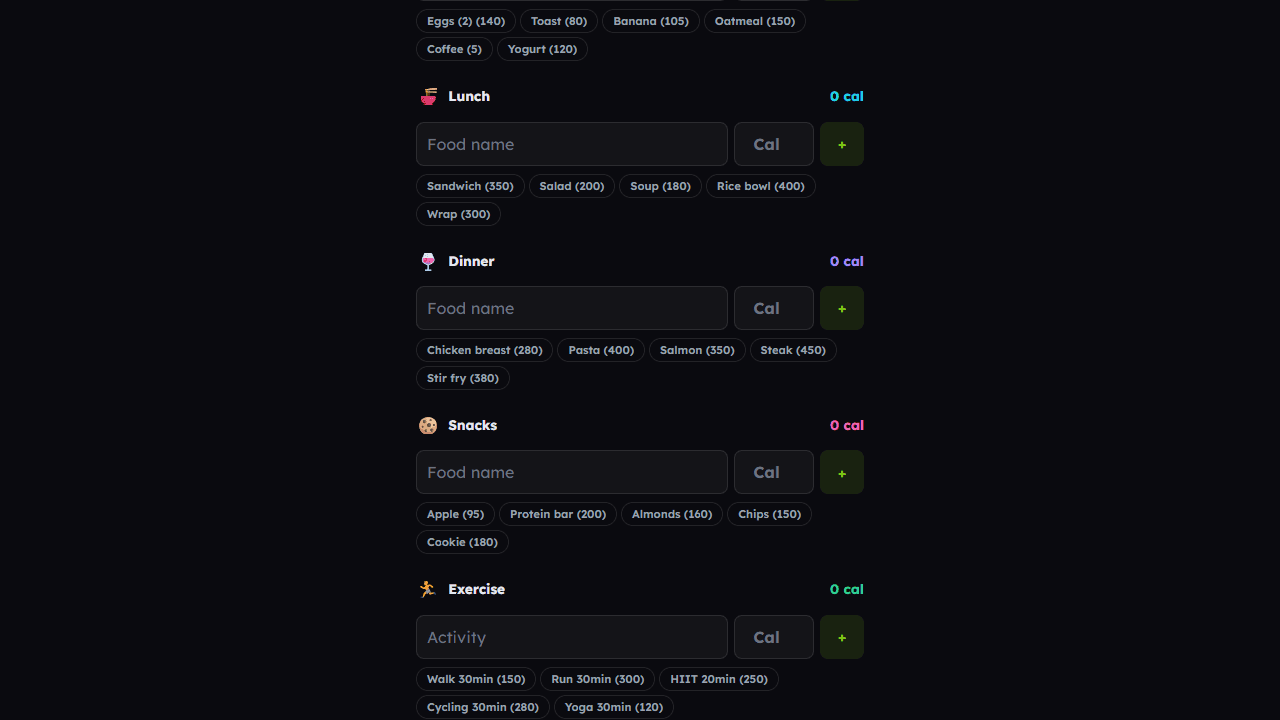
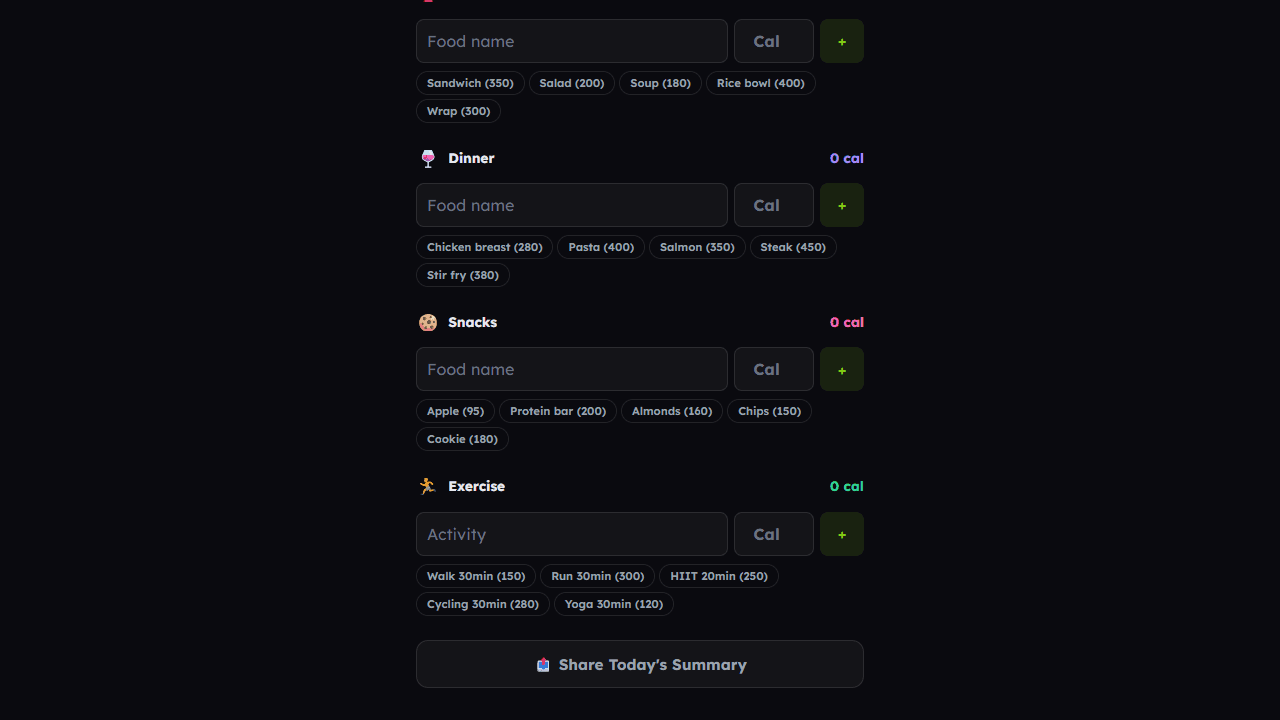
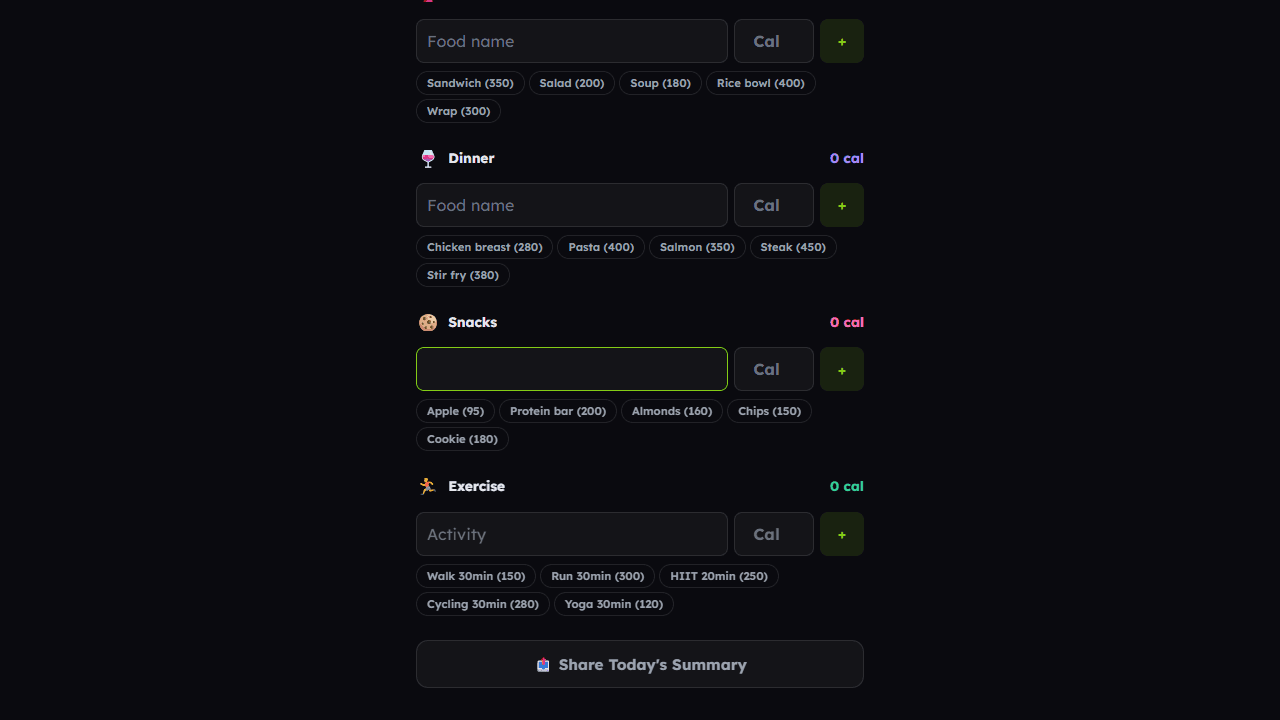
Set a daily calorie budget, then log what you eat and how much you move — the app does the math in real time so you can see exactly where you stand before the day is done. Each meal gets its own entry, and exercise offsets your total, giving you a clearer picture than a rough mental tally ever could.
It's a straightforward tool that suits anyone tracking calories for the first time or returning to a more disciplined routine. If you're not sure what budget to set, pair it with the TDEE Calculator to find your maintenance and deficit targets before you start logging. Both apps together take less than five minutes to set up.
Best used on desktop or a larger phone screen where the input fields are easy to hit quickly — handy to keep open in a browser tab during meal prep or right after a workout while the details are still fresh.
Look inside
How to use
Track your daily calorie intake against your budget to manage your diet effectively. 1. Enter your daily calorie budget in the "Budget" field at the top 2. Select a meal category (Breakfast, Lunch, Dinner, Snacks) or Exercise from the dropdown menu 3. Click "Add Entry" to create input fields for that category 4. Fill in the food/exercise name (optional) and calorie amount for each entry 5. Repeat steps 2-4 to add multiple items across different categories 6. Click "Calculate Remaining Calories" to see your results 7. The app will show: - Total calories consumed - Calories burned from exercise - Whether you're over or under your budget - Remaining calories for the day 8. Use "Clear" button to reset all fields and start over Note: Exercise calories are subtracted from your intake. Only enter numeric values for calories to avoid calculation errors.
Reviews
More from Health & Fitness

Customizable high-intensity interval training timer with presets for Tabata, classic HIIT, and endurance workouts. Audio cues and round tracking.
by Launch Arcade


