
Screen Ruler
On-screen measurement tool with rulers in centimeters, millimeters, inches, and feet. Calibrate to your display.
About Screen Ruler
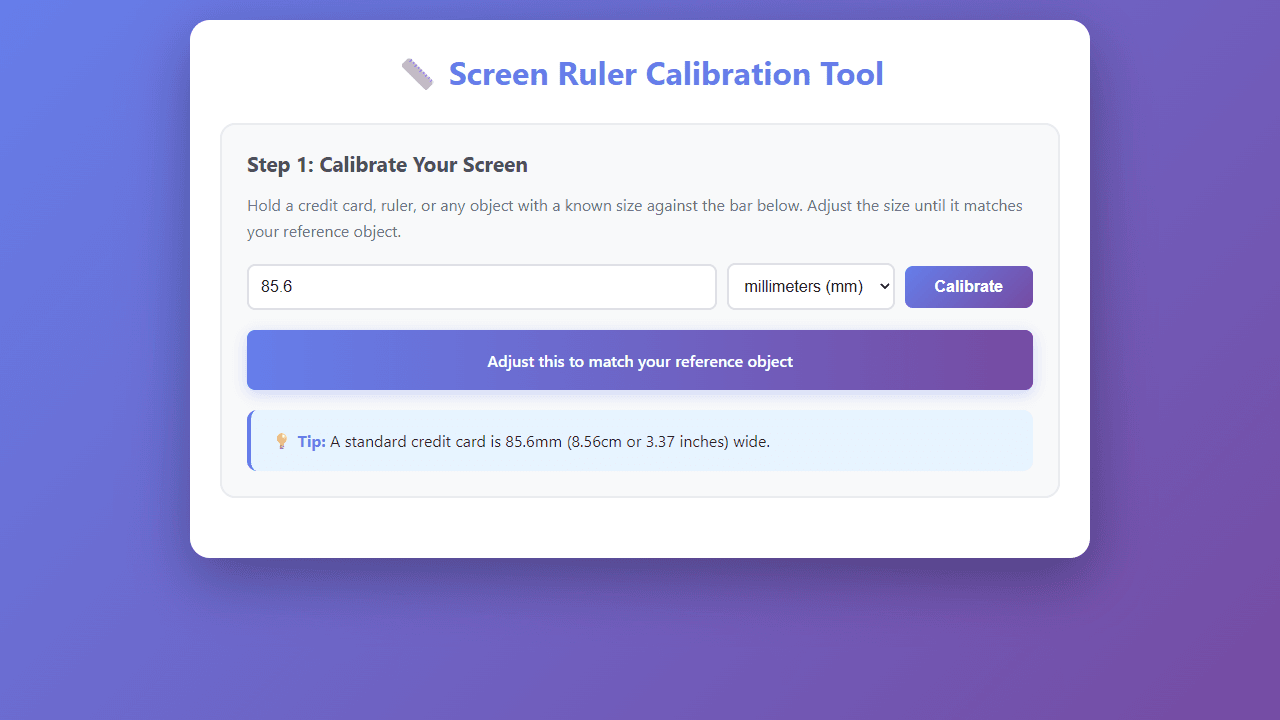
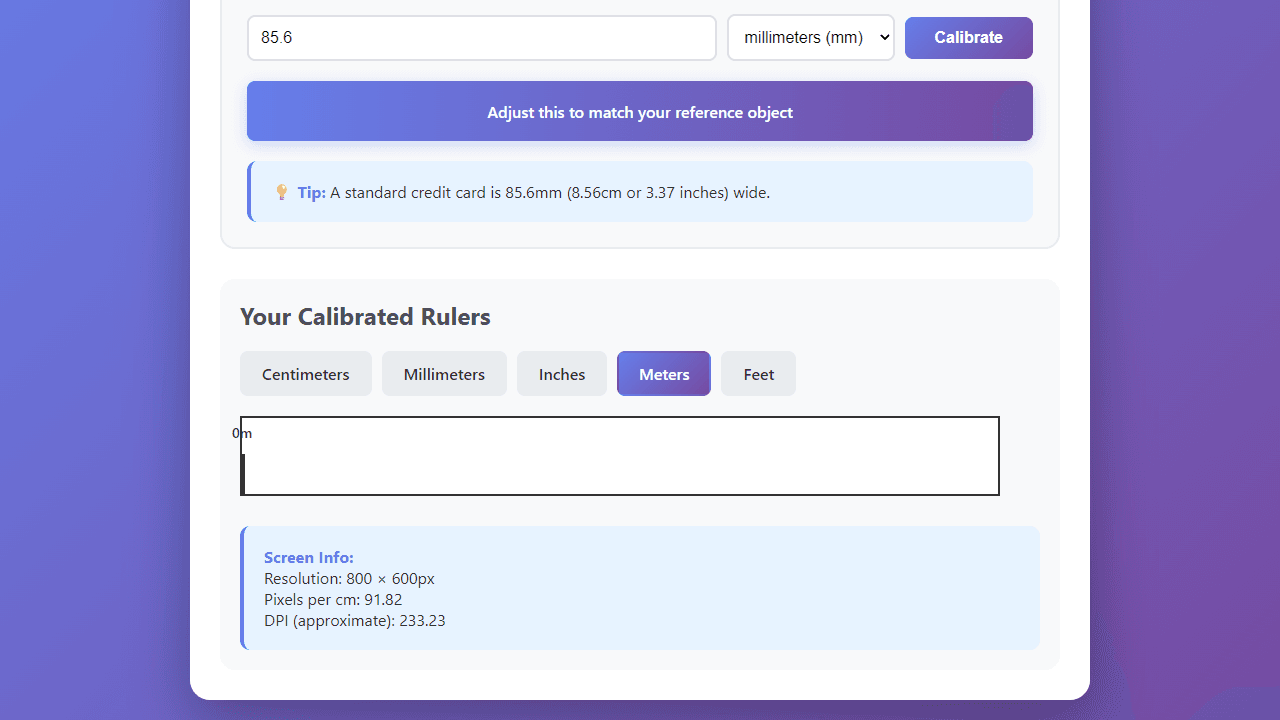
Point your browser at Screen Ruler and you get an on-screen ruler that stretches across your display — drag it, resize it, and read off measurements in centimeters, millimeters, inches, or feet. The key step is calibration: hold a physical object of known size against your monitor, adjust the ruler to match, and from that point forward every reading is tied to your actual screen rather than some assumed pixel density.
It's a handy addition to any productivity tools collection, especially if you do layout work, photo editing, or quick prototyping and need a sanity check without reaching for a tape measure. Color Picker sits in a similar niche — a focused utility that saves you switching to a separate application for a small but frequent task.
The whole thing runs in the browser with no install and no account. Works best on a desktop or laptop where you can physically compare the on-screen ruler against a real-world reference during that first calibration.
Look inside
How to use
• Find an object with known dimensions (credit card is 85.6mm wide, recommended) • Hold the object against the colored calibration bar on your screen • Enter the exact size of your reference object in the input field • Select the correct unit (millimeters, centimeters, or inches) • Click "Calibrate" button to set up your screen's measurement ratio Once calibrated: • Click unit tabs (Centimeters, Millimeters, Inches, Meters, Feet) to switch between different rulers • Use the displayed ruler to measure anything on your screen accurately • Check screen information section for your display's resolution and DPI Important notes: • Keep your browser zoom at 100% for accurate measurements • Use a flat, rigid object for calibration reference • The tool calculates your screen's pixel density to provide precise measurements • Longer reference objects provide better accuracy This tool helps designers, developers, and anyone measure on-screen elements without a physical ruler.
Reviews
No written reviews yet. Be the first!
More from Tools

A witchy weather app where Morgana the Witch peers into the meteorological beyond. Get current conditions, hourly forecasts, and a 7-day outlook for any city in the world — then check back tomorrow to see if the Witch's prophecy held, or if she "cast a spell" to change the weather.
by mercury


