
Color Picker
A polished color picker with web colors, theme palettes, and custom color selection. Pick from a familiar Office-style interface or enter hex and RGB values directly.
About Color Picker
Pick a color from a spectrum wheel, type in a hex code, or pull from a ready-made palette — Color Picker gives you all three paths in one compact interface. The layout will feel immediately familiar if you've ever used the color chooser in Microsoft Office, so there's no learning curve to push through. Web-safe colors and theme palettes are built in, and you can dial in exact values with RGB or hex input fields side by side.
It's a practical tool for designers sketching out a color scheme, developers who need to cross-check contrast ratios, or anyone who just wants to grab a specific shade quickly. Browse more utilities like this in the Tools catalog. If you're working on typography at the same time, Font Pairing Studio covers similar ground for typeface decisions and lets you preview colors in context.
Works entirely in the browser with no sign-in required — keyboard entry is the fastest path if you already have a hex value in mind.
Look inside
How to use
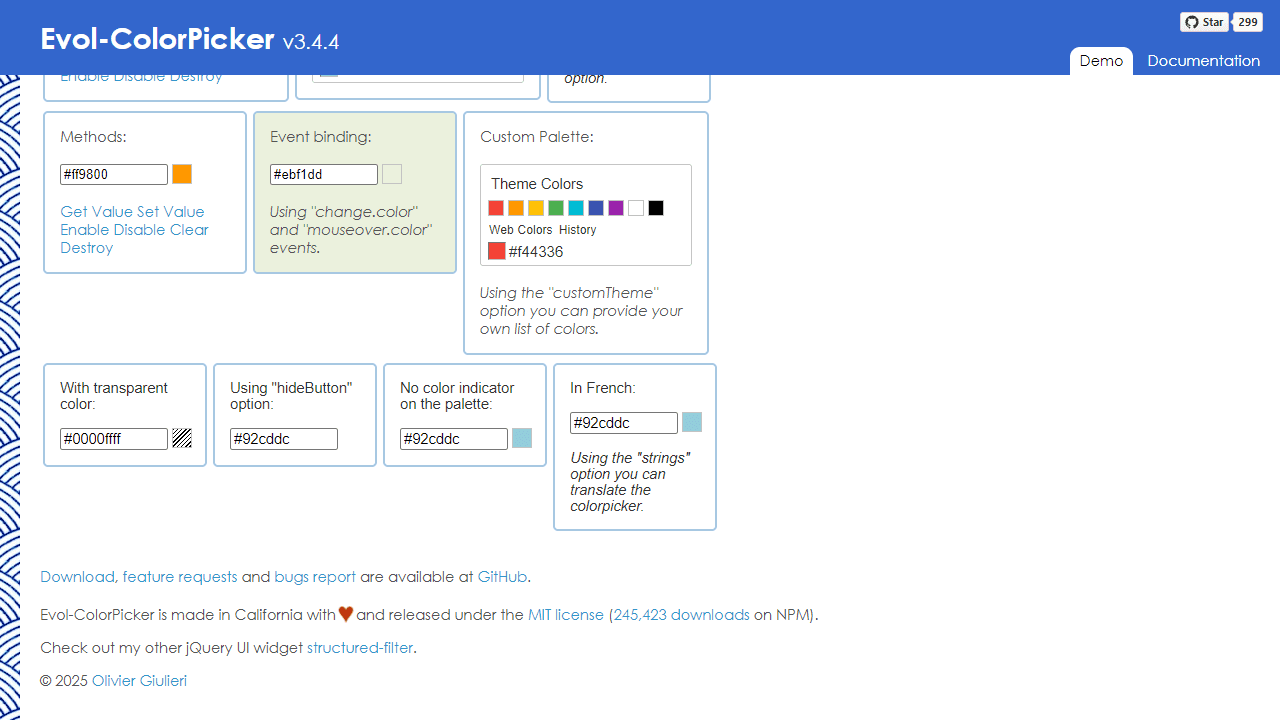
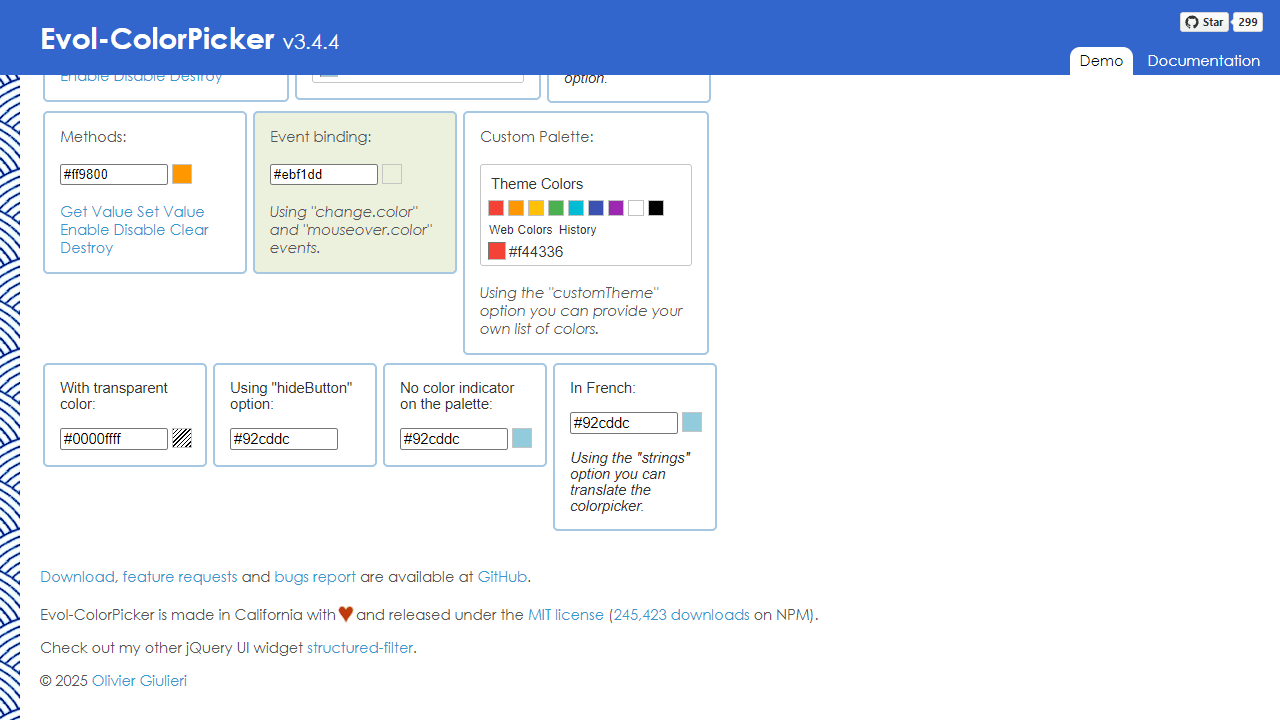
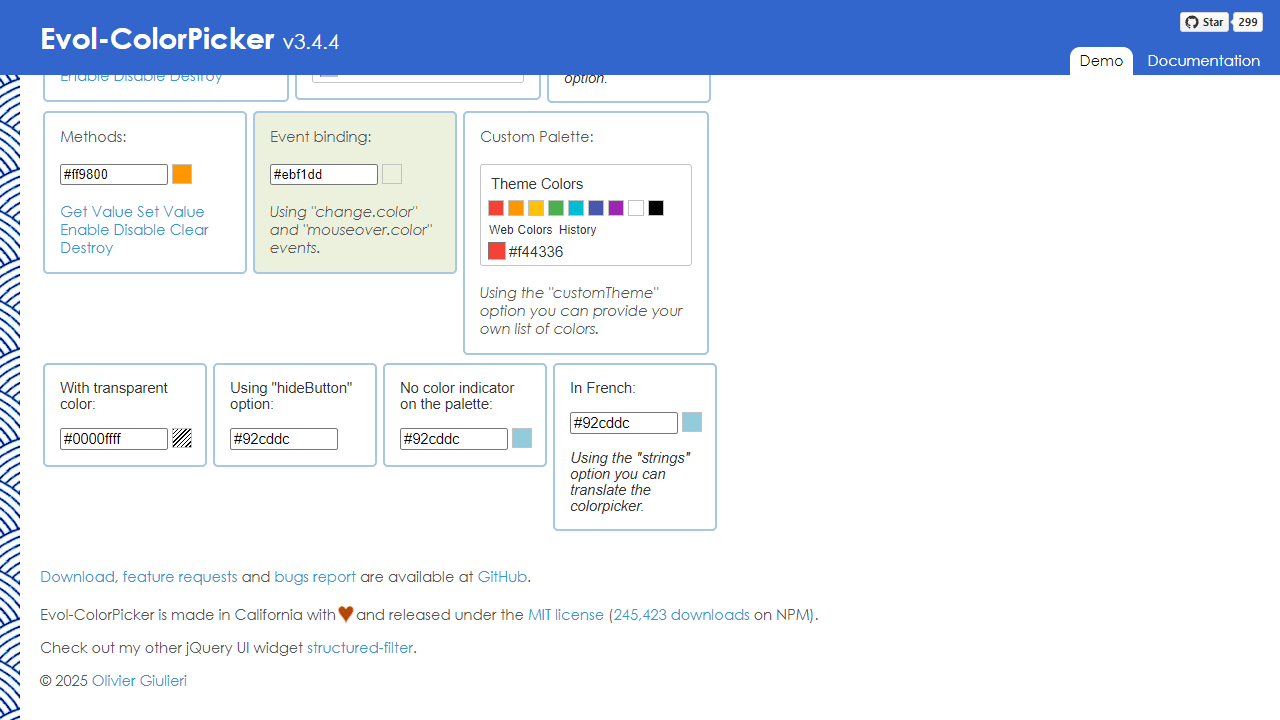
This tool helps you select colors with an intuitive interface similar to Microsoft Office color pickers. • Click on any color square in the palette to select it • Use the dropdown arrows to switch between different color palettes (theme colors, web colors, etc.) • Your recently selected colors appear in the History section for quick reuse • When used with input fields, click the colored button next to the text box to open the color picker • The selected color value appears as a hex code (like #FF0000 for red) • Hover over colors to preview them before selecting • Use the "More Colors" option to access additional color choices • The transparent color option (when available) lets you select no color • Your color selection automatically updates the connected input field or element • Press Escape or click outside the palette to close it without selecting • The tool remembers your color history across sessions for convenience
Reviews
No written reviews yet. Be the first!
More from Tools

A witchy weather app where Morgana the Witch peers into the meteorological beyond. Get current conditions, hourly forecasts, and a 7-day outlook for any city in the world — then check back tomorrow to see if the Witch's prophecy held, or if she "cast a spell" to change the weather.
by mercury


