
Password Generator
Generate strong, random passwords with customizable length and complexity.
About Password Generator
Pick your character set, drag the length slider, and hit generate — a fresh, randomized password appears instantly. You control exactly what goes into it: uppercase letters, lowercase, numbers, symbols, or any combination. Need something short for a PIN-style code? Easy. Want a 32-character nightmare string for a database credential? Done in one click.
Strong passwords are one of the simplest practical wins in personal security, and this tool makes building them frictionless. It lives alongside other handy browser utilities in the tools category, no download or account required.
Works best on desktop where you can copy the result straight into a password manager — the one-click copy button makes that transfer clean and quick.
Look inside
How to use
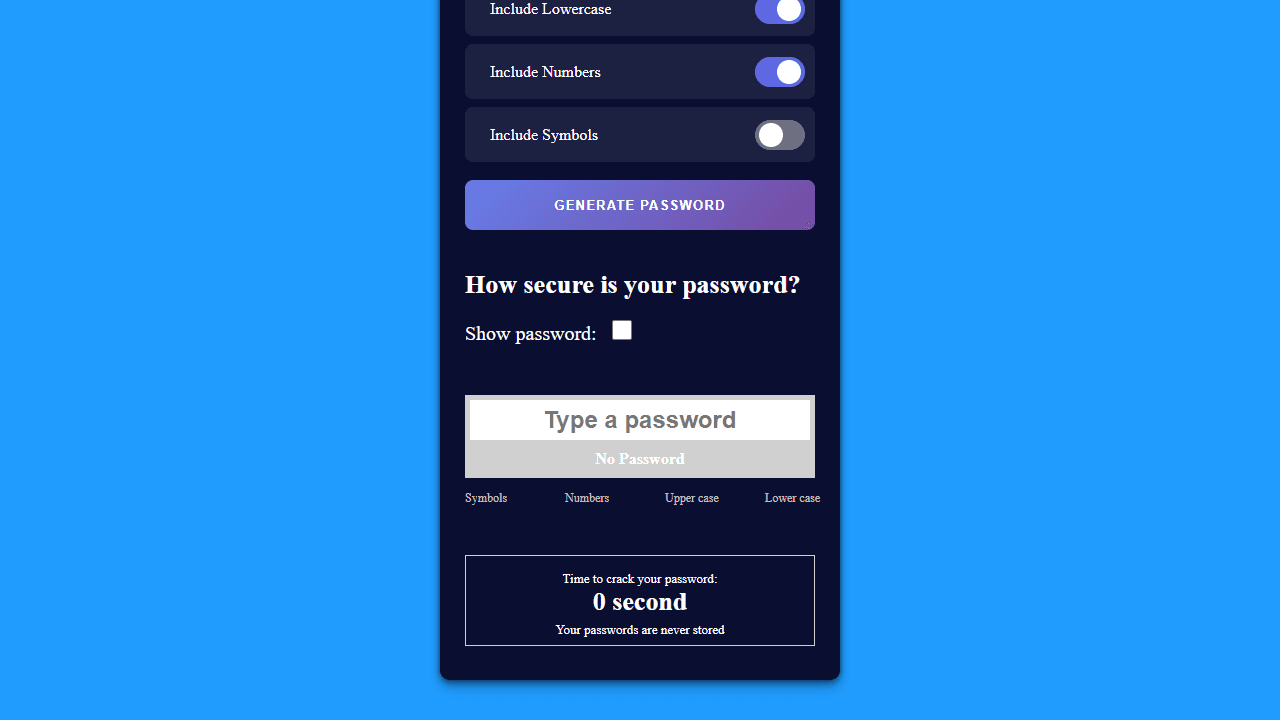
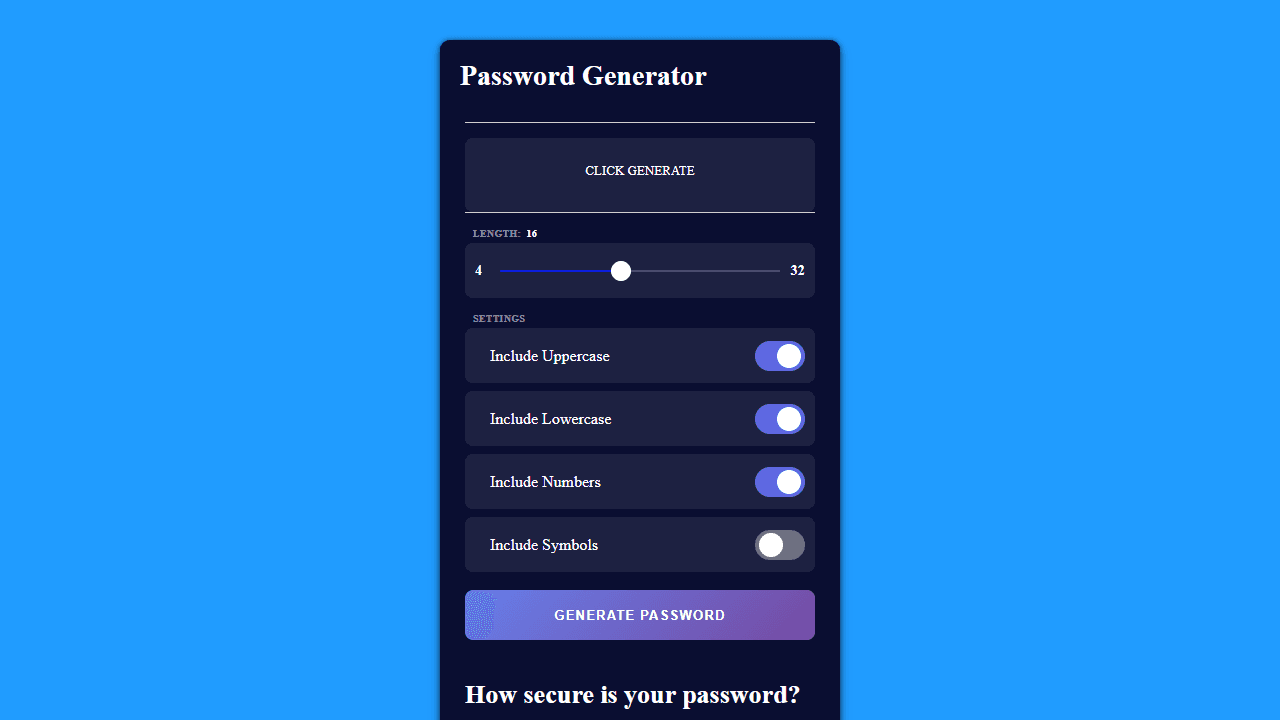
This tool creates secure passwords and analyzes password strength. **Password Generation:** • Use the length slider to set password length (4-32 characters) • Check/uncheck boxes to include uppercase letters, lowercase letters, numbers, or symbols • Click "Generate Password" to create a new password • Click the generated password to copy it to your clipboard **Password Checker:** • Type any password in the input field below the generator • Check "Show password" to view what you're typing • The tool displays password strength and estimated time to crack • Character type indicators show which types of characters your password contains **Controls:** • Mouse: Click buttons, checkboxes, and sliders • Keyboard: Type in the password checker field • All generated passwords can be copied with a single click The tool works entirely in your browser - no passwords are stored or transmitted.
Reviews
No written reviews yet. Be the first!
More from Tools

A witchy weather app where Morgana the Witch peers into the meteorological beyond. Get current conditions, hourly forecasts, and a 7-day outlook for any city in the world — then check back tomorrow to see if the Witch's prophecy held, or if she "cast a spell" to change the weather.
by mercury


