
Morse Code Translator
Convert text to Morse code and back. Listen to the encoded message with audio playback.
About Morse Code Translator
Type any phrase into the text field and watch it transform into dots and dashes instantly — then hit play to hear the actual audio tones of your encoded message. Morse Code Translator works in both directions, so you can paste a string of Morse and convert it straight back to plain text in seconds.
It's a practical pick for anyone learning the code, verifying a transmission, or just satisfying curiosity about how a century-old signaling system actually sounds. The audio playback is the real draw: reading · · · — — — · · · is one thing, but hearing the rhythm makes the pattern click in a way that silent conversion never does. Browse more handy utilities in Tools.
The interface is minimal — no account needed, no settings to configure before you start. Works best on desktop where you can type naturally and hear the output through speakers or headphones.
Look inside
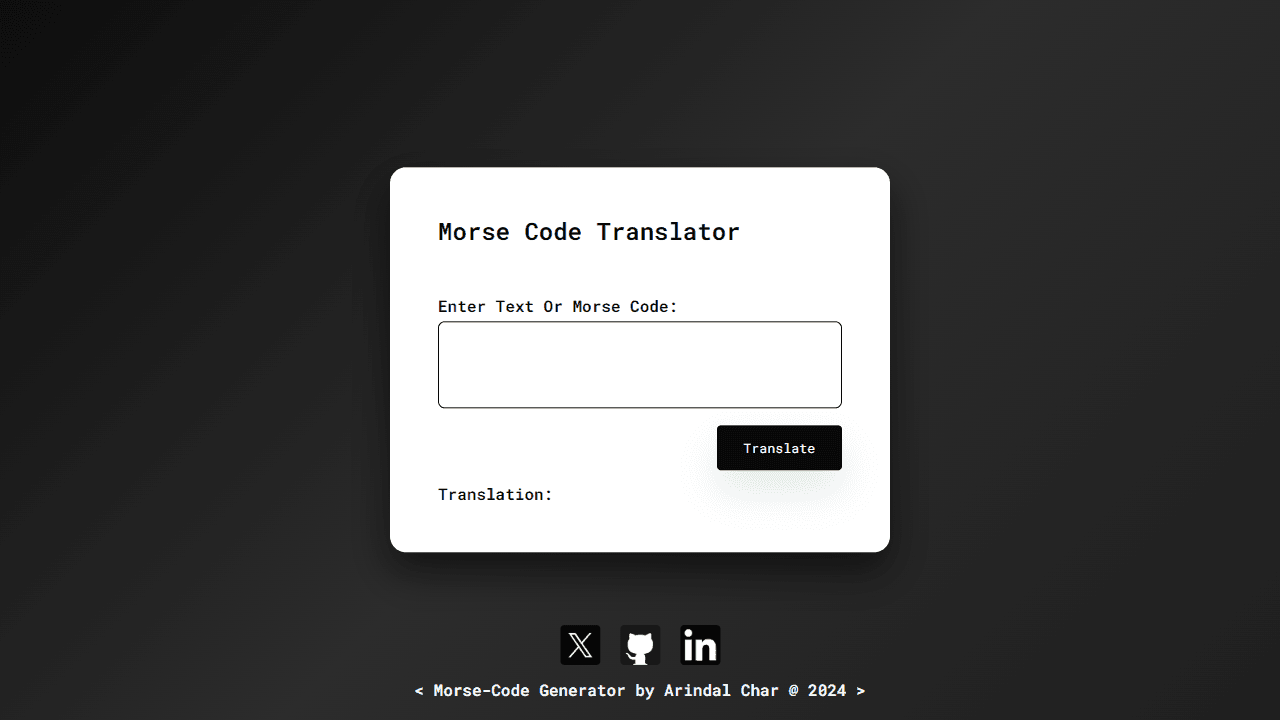
How to use
This tool converts text to Morse code and Morse code back to text, with audio playback functionality. 1. Type your text or Morse code into the input field - For regular text: Type normally (letters, numbers, spaces) - For Morse code: Use dots (.) and dashes (-) separated by spaces - Use forward slash (/) to separate words in Morse code 2. Click the "Translate" button to convert your input 3. View the translation in the "Translation:" section below 4. When translating text to Morse code, the app automatically plays the Morse code as audio beeps The tool automatically detects whether you entered regular text or Morse code and translates accordingly. Audio playback helps you learn proper Morse code timing and rhythm.
Reviews
No written reviews yet. Be the first!
More from Tools

A witchy weather app where Morgana the Witch peers into the meteorological beyond. Get current conditions, hourly forecasts, and a 7-day outlook for any city in the world — then check back tomorrow to see if the Witch's prophecy held, or if she "cast a spell" to change the weather.
by mercury


