
About Calculator
Punch in a number, tap an operator, and get your answer — that's it. This is a clean, no-frills calculator built for the everyday math you actually need: splitting a bill, checking a discount, figuring out how many tiles fit a room. No account, no ads, no features competing for your attention.
If your needs run deeper, Statistics Calculator handles mean, median, standard deviation, and more. But for quick arithmetic, extra horsepower just gets in the way. This one loads fast and stays out of your way — exactly what a good tools app should do.
It works equally well on a phone or a desktop browser, so it's handy whether you're at a desk or standing in a store aisle doing quick mental checks.
Look inside
How to use
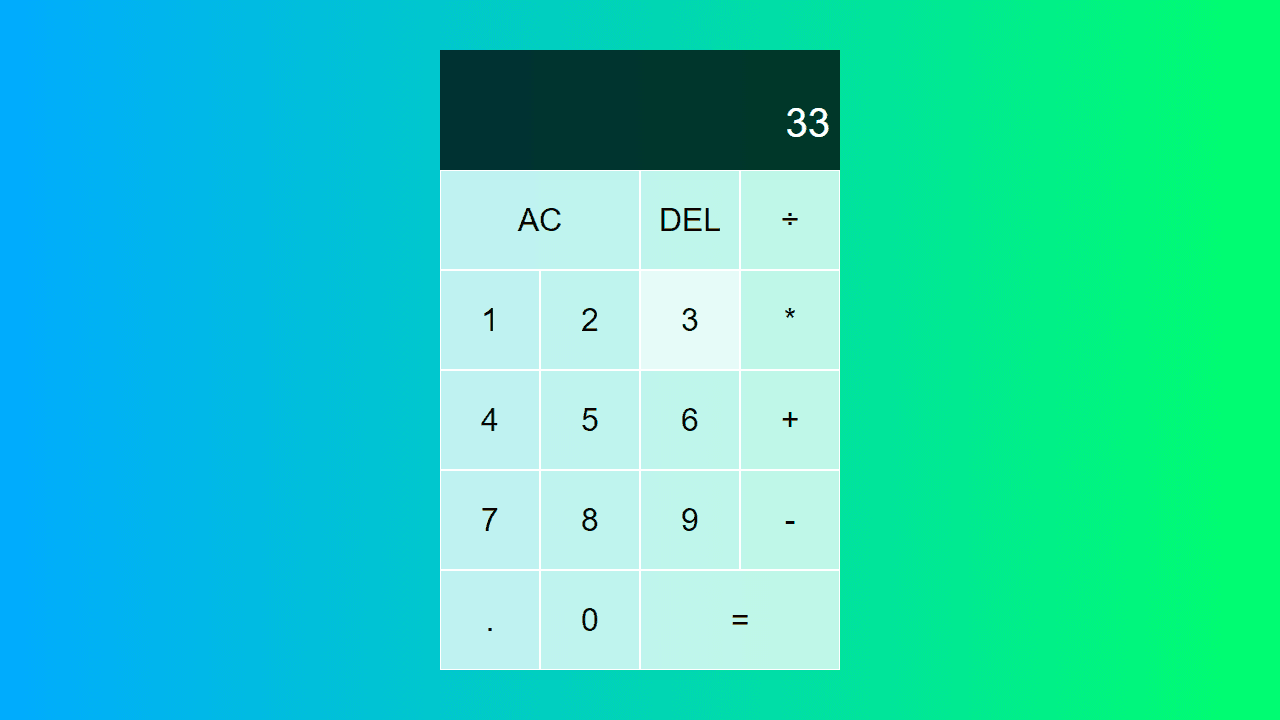
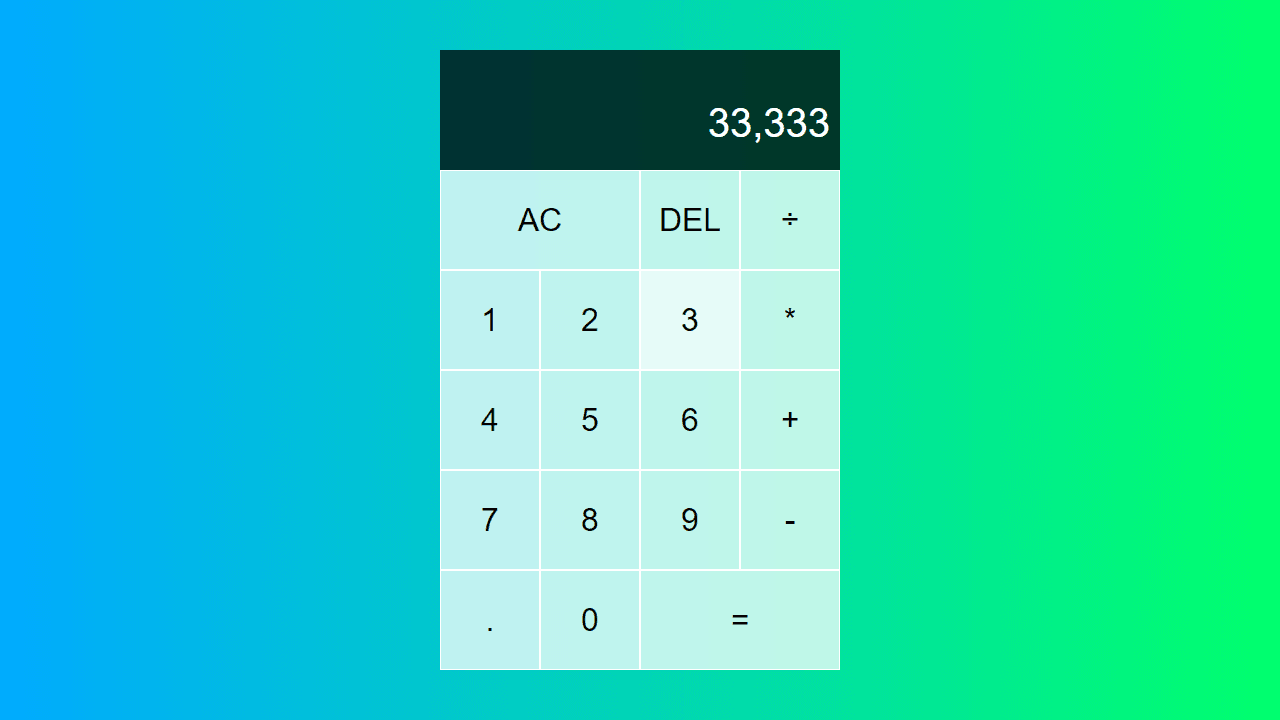
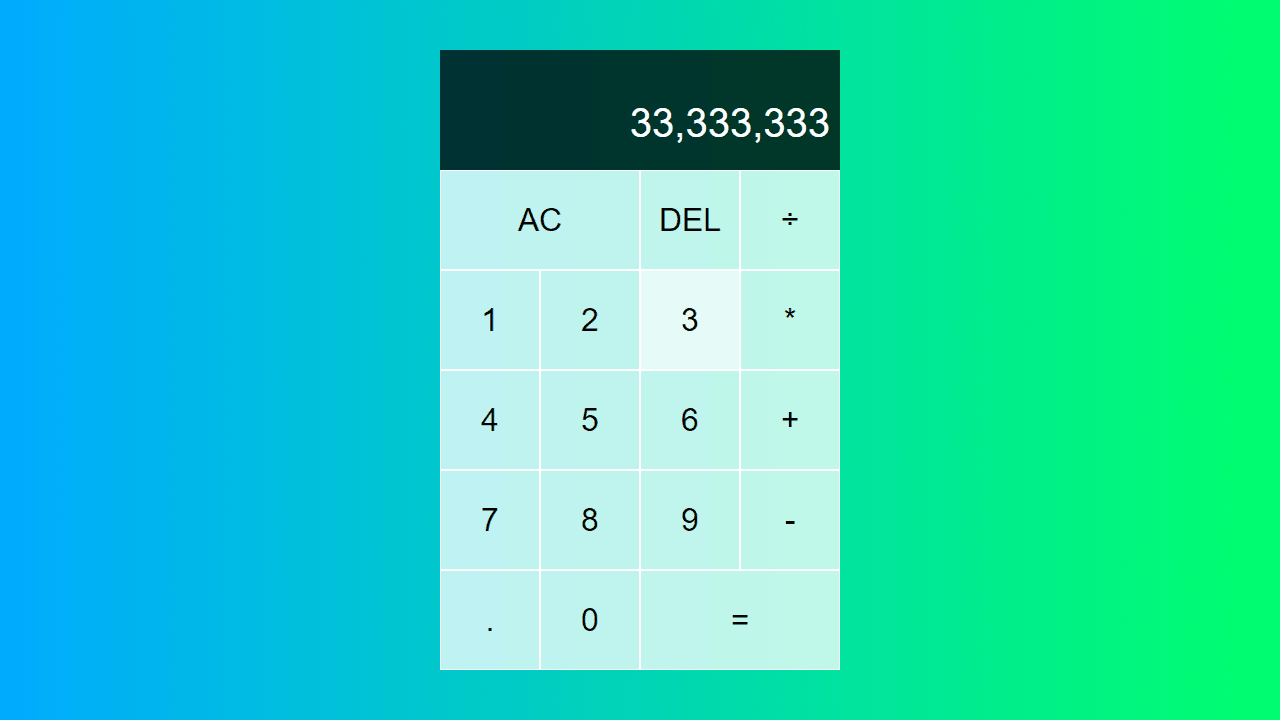
This is a basic calculator for performing mathematical operations. • Click number buttons (0-9) to enter numbers • Click the decimal point (.) to add decimals to your numbers • Click operation buttons (+, -, *, ÷) to select mathematical operations • Click equals (=) to calculate and display the result • Click DEL to delete the last entered digit • Click AC to clear all and start over The display shows two lines: • Top line shows your previous number and operation • Bottom line shows the current number you're entering You can chain multiple operations together - the calculator will show running totals as you work. Enter your first number, choose an operation, enter the second number, then press equals to see the final result.
Reviews
No written reviews yet. Be the first!
More from Tools

A witchy weather app where Morgana the Witch peers into the meteorological beyond. Get current conditions, hourly forecasts, and a 7-day outlook for any city in the world — then check back tomorrow to see if the Witch's prophecy held, or if she "cast a spell" to change the weather.
by mercury


