
Binary Converter
Convert between binary, decimal, octal, and hexadecimal number systems.
About Binary Converter
Type a number in any base and watch the other three update instantly. Binary Converter handles decimal, binary, octal, and hexadecimal simultaneously, so if you punch in 255 you immediately see 0xFF, 0o377, and 11111111 side by side. There's no submit button — the conversions happen as you type.
It's built for developers debugging bit flags, students working through a computer-science assignment, or anyone who keeps a tab open for quick base conversions during a coding session. Browse more developer and productivity tools in the same category. If you also work with raw data sets, Statistics Calculator covers similar ground in terms of quick numeric work without needing a spreadsheet.
The app works best on a keyboard — tabbing between fields is faster than tapping — so it shines on desktop or a laptop where you can keep it in a narrow side window while you code.
Look inside
How to use
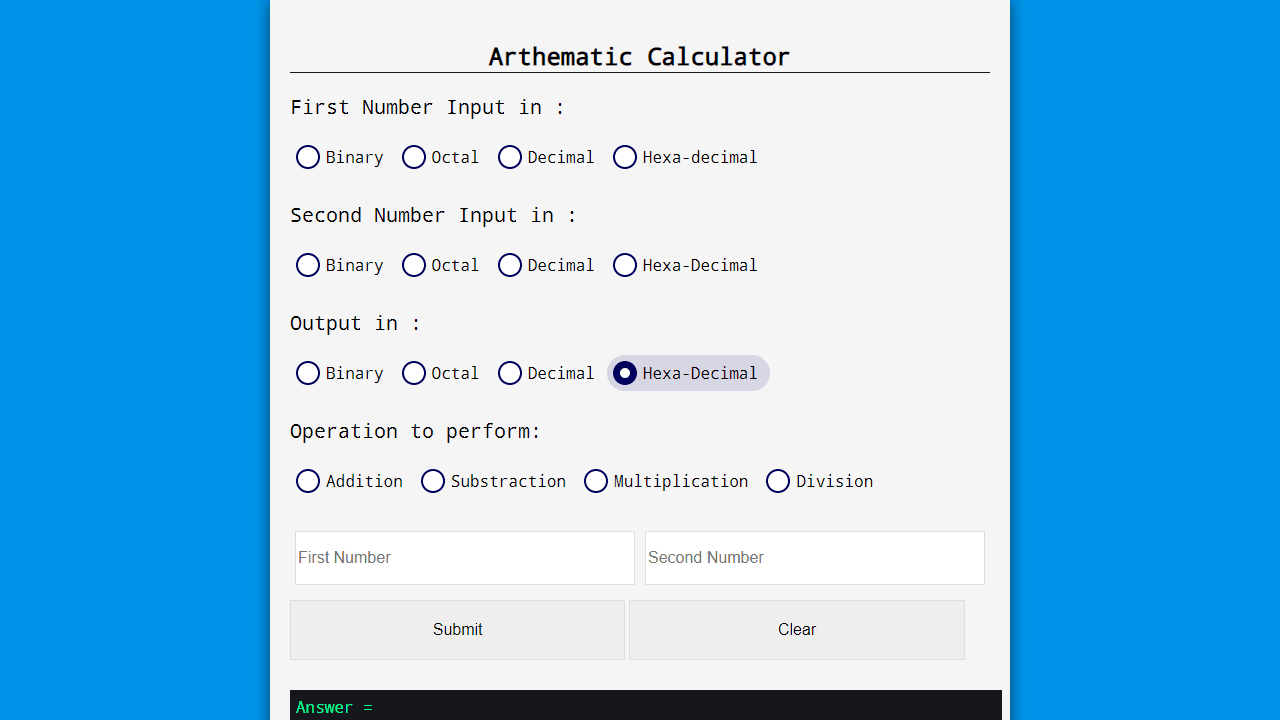
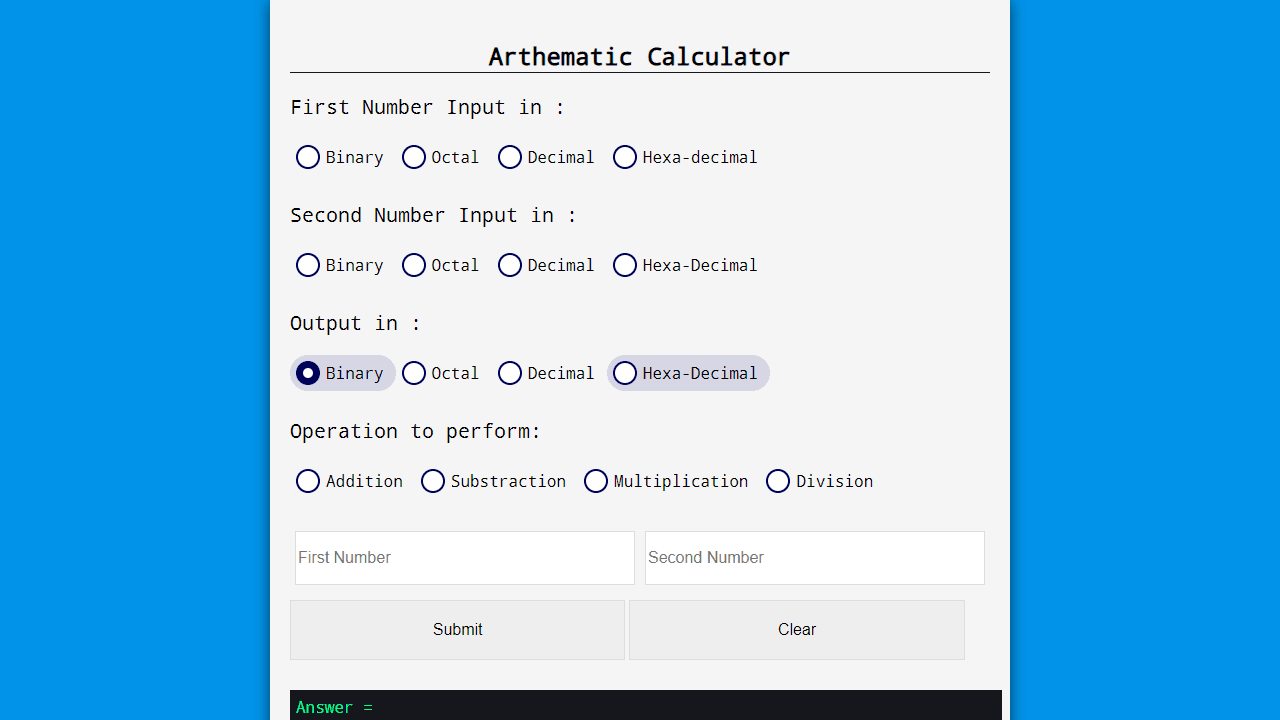
This tool converts numbers between different number systems and performs arithmetic operations. **Number System Converter:** • Enter a number in the Binary, Decimal, or Hexadecimal input field • Click the conversion buttons (To Binary, To Decimal, To Hex) to convert between formats • Results appear below the buttons and can be selected/copied **Arithmetic Calculator:** • Select the number system for your first number (Binary, Octal, Decimal, or Hexadecimal) • Select the number system for your second number • Choose your desired output format • Select an operation (Addition, Subtraction, Multiplication, or Division) • Type your numbers in the two input boxes • Click Submit to calculate • Click Clear to reset **Text to Binary Converter:** • Type text in the "Text Input" section • The tool automatically converts your text to binary code in the "Binary Output" section • Both sections are editable - you can type directly in either one All conversions happen instantly as you type or when you click the respective buttons.
Reviews
No written reviews yet. Be the first!
More from Tools

A witchy weather app where Morgana the Witch peers into the meteorological beyond. Get current conditions, hourly forecasts, and a 7-day outlook for any city in the world — then check back tomorrow to see if the Witch's prophecy held, or if she "cast a spell" to change the weather.
by mercury


