
Audio Visualizer
Real-time audio spectrum analyzer and oscilloscope using your microphone.
About Audio Visualizer
Point your microphone at almost anything — a humming fridge, a guitar chord, your own voice — and Audio Visualizer turns the sound into a live spectrum analyzer and oscilloscope on screen. Frequency bars climb and fall in real time, while the waveform traces every peak and trough as it happens. It's oddly satisfying to watch a clap hit, or to see how differently a whistle and a bass note carve up the spectrum.
It works entirely in-browser with no setup beyond granting microphone access. You can use it to get a rough sense of which frequencies dominate an instrument, check how evenly a room carries sound, or just spend five minutes making noise and watching the shapes change. Browse more utilities like this in Tools.
Works best on desktop or laptop where the browser has reliable microphone access — mobile results vary depending on your device's mic permissions and background noise handling.
Look inside
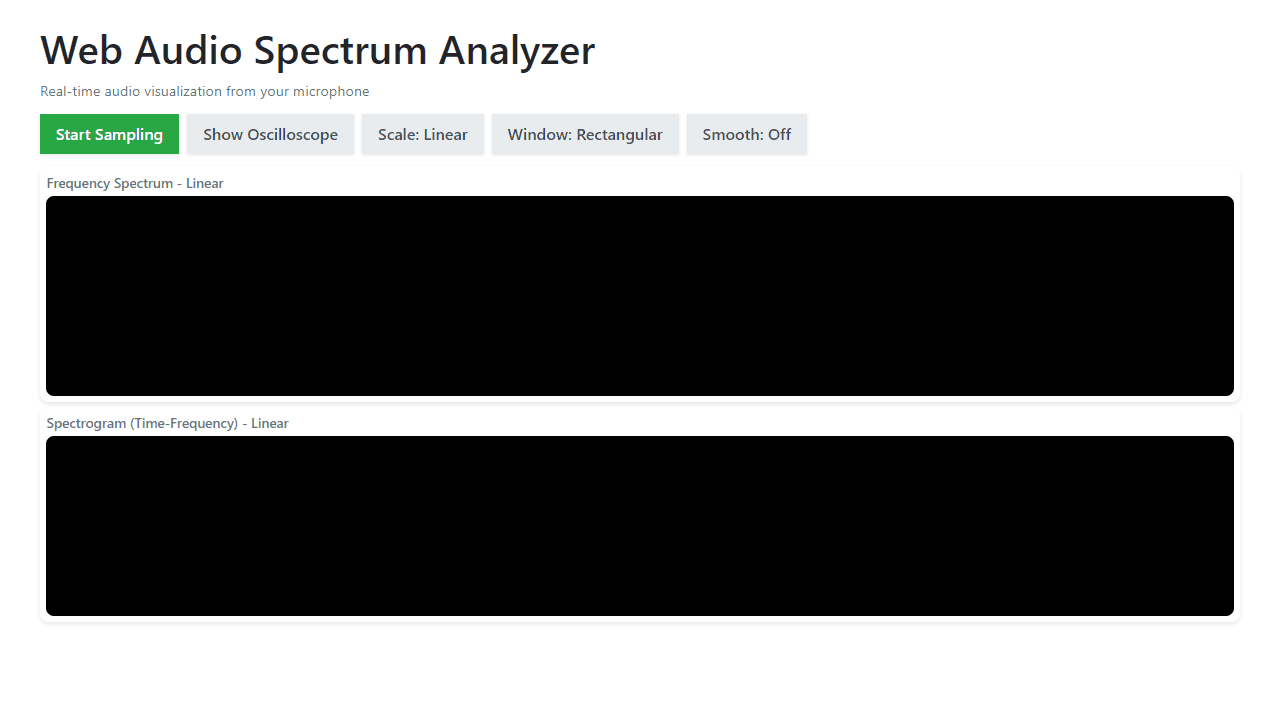
How to use
This tool visualizes real-time audio from your microphone using three different display types. • Click "Start Sampling" to begin capturing audio from your microphone (you'll need to grant permission) • The tool displays three visualizations: - Frequency Spectrum: Shows current audio frequencies as bars - Spectrogram: Shows frequency changes over time as a scrolling heatmap - Oscilloscope: Shows raw audio waveform (optional) • Use toggle buttons to customize the display: - "Show Oscilloscope": Adds/removes waveform view - "Scale": Switch between Linear and Logarithmic frequency scaling - "Window": Changes audio processing method (Rectangular, Hanning, Hamming, Blackman) - "Smooth": Enables frequency smoothing for cleaner visuals • The displays update in real-time as you speak, play music, or make sounds near your microphone • Click "Stop Sampling" to pause audio capture • Different scales and windows help analyze different types of audio - experiment to see what works best for your needs
Reviews
No written reviews yet. Be the first!
More from Tools

A witchy weather app where Morgana the Witch peers into the meteorological beyond. Get current conditions, hourly forecasts, and a 7-day outlook for any city in the world — then check back tomorrow to see if the Witch's prophecy held, or if she "cast a spell" to change the weather.
by mercury


