
xDialog
A beautiful, lightweight dialog and modal library demo. See alerts, confirms, prompts, and custom dialogs with smooth animations.
About xDialog
xDialog puts every standard browser dialog pattern in front of you at once — alerts, confirms, prompts, and fully custom modals — so you can click through each one and see exactly how they behave. Smooth CSS animations play on open and close, and the markup stays clean enough that you can inspect the source and understand the approach within a few minutes.
It's aimed at front-end developers who are evaluating lightweight alternatives to native window.alert() calls or heavyweight UI libraries. The developer tools category holds a lot of similarly focused demos if this sparks further exploration. If you want something that goes in a different direction — visual rather than interactive — Gradient Designer is worth a look for CSS output you can drop straight into a project.
No setup required: everything runs in the browser, and opening DevTools to read the xdialog.js source alongside the live demos is the most useful way to work through it.
Look inside
How to use
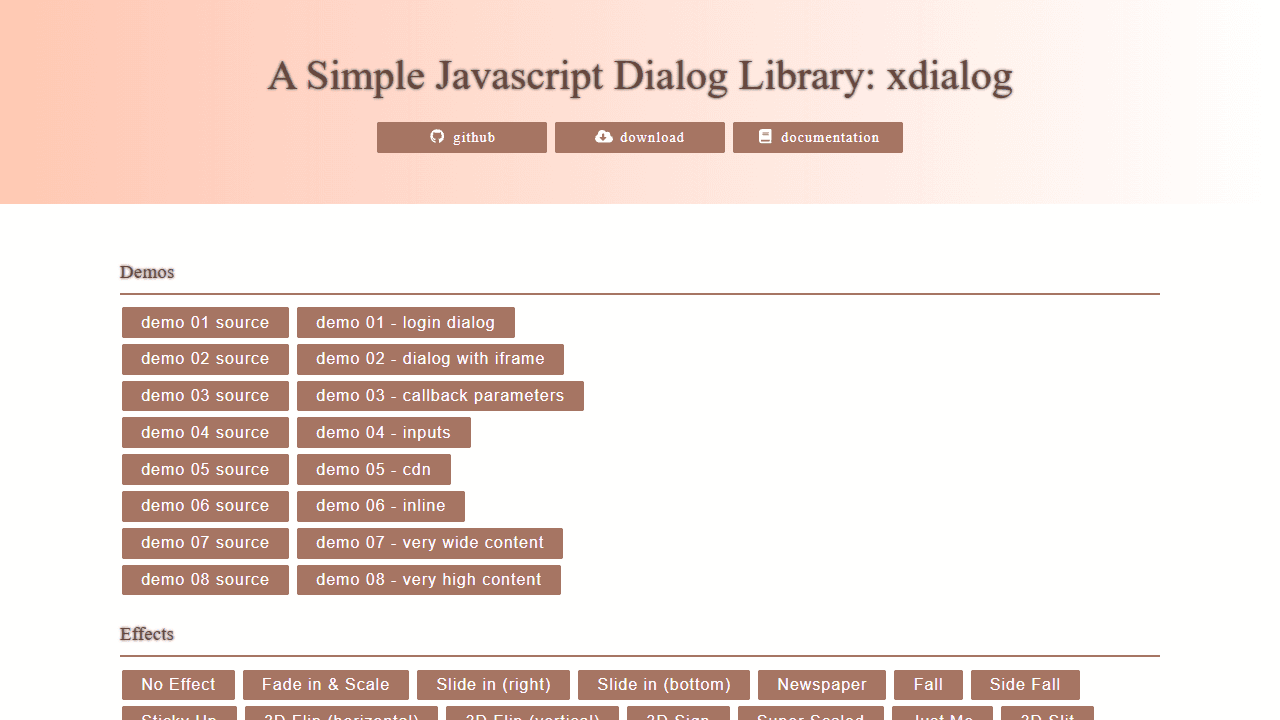
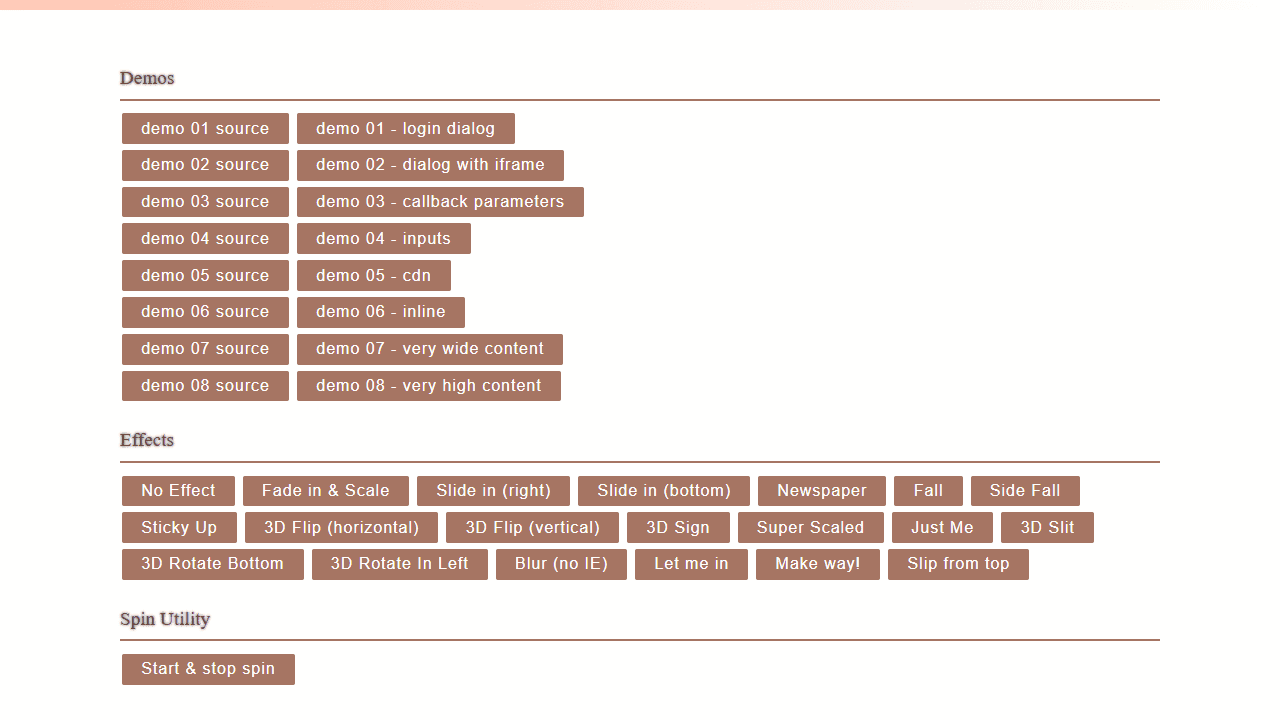
This is a JavaScript dialog library demo tool for developers to test and learn dialog creation. • Click any demo button to see different dialog examples (login forms, iframes, inputs, etc.) • Click effect buttons to preview various dialog animations and transitions • Use "demo source" buttons to view the underlying JavaScript code • Test the spin utility with the "Start & stop spin" button Controls: • Mouse: Click buttons to trigger dialogs, click overlay or X to close • Enter key: Confirms/accepts dialog • ESC key: Cancels/closes dialog • Drag: Move dialogs by clicking and dragging The tool demonstrates: • Different dialog types (alerts, confirmations, custom content) • Visual effects (3D flips, slides, fades, scaling) • Various content sources (HTML, inline elements, iframes) • Button configurations and styling options • Callback functions and event handling Use this to understand xdialog capabilities before implementing it in your own projects.
Reviews
No written reviews yet. Be the first!
More from Developer

Convert Scratch projects into standalone HTML files. Upload a Scratch project and download a self-contained web page you can share.
by SheepTester


