Solar System
WebGL solar system simulator with accurate orbital mechanics and planet positions by date.
About Solar System
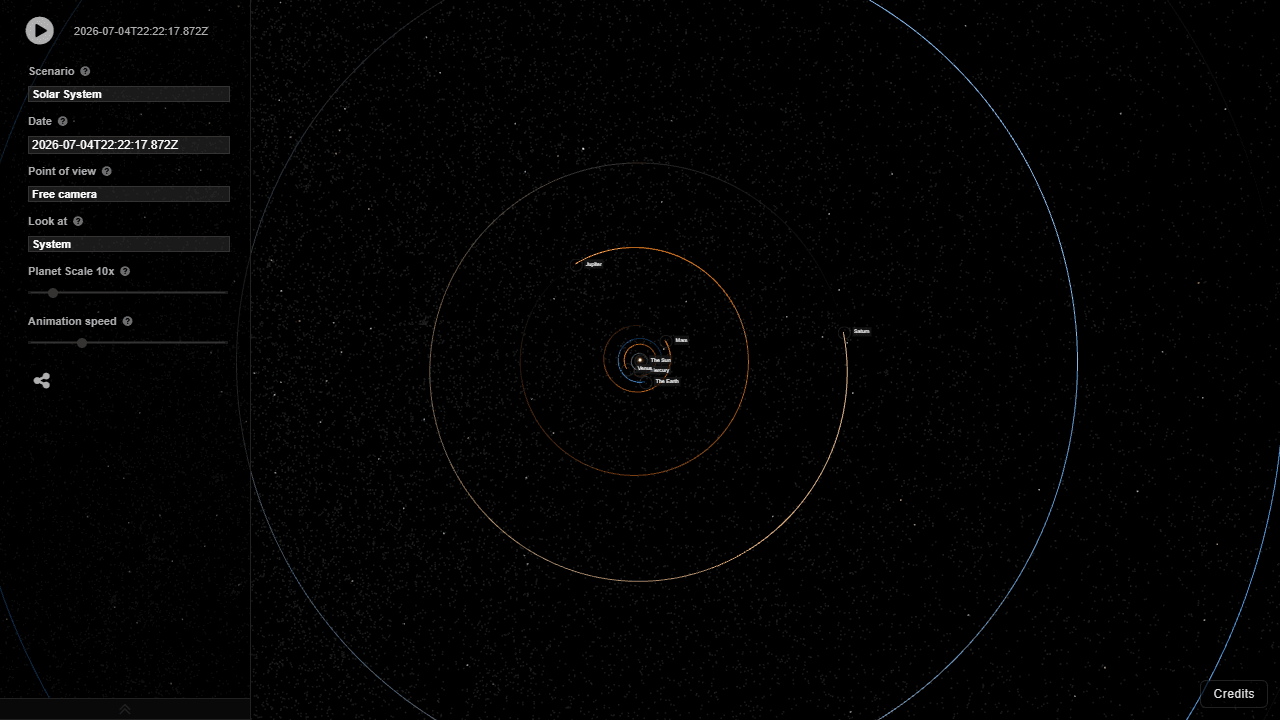
Pick a date — any date — and watch the planets wheel into their exact positions for that moment in time. Solar System is a WebGL simulator built on real orbital mechanics, so the configuration you see for July 20, 1969 is the one that actually existed when Apollo 11 landed. You can scrub forward and backward through time, zoom in on individual orbits, and get a genuine sense of how differently the planets are spaced compared to every diagram you've seen in a textbook.
It's a natural fit for education apps, but it holds up just as well for casual curiosity. If you've ever wondered where Saturn sits right now relative to Jupiter, this answers it in seconds. Solar System Explorer covers similar ground with a more guided, clickable approach if you'd prefer narrated context over open-ended simulation.
A larger screen genuinely helps here — the full orrery grid and orbit rings need room to stay readable without overlapping. Mouse control gives you the smoothest navigation, though touch works fine for basic rotation and zoom.
Look inside
How to use
• This is an accurate 3D solar system simulator showing real planetary positions for any date • Use mouse to drag and rotate the camera view around the solar system • Scroll mouse wheel to zoom in and out • Select different scenarios from the dropdown menu to view various celestial configurations • Change the date to see how planets were positioned on specific historical dates • Choose your viewpoint from the "Point of view" dropdown - select Earth, Mars, or other planets to see the view from their surface • Use "Look at" dropdown to center the camera on a specific planet • Adjust planet scale slider to make planets larger and more visible (they're tiny at real scale) • Control animation speed with the speed slider to watch planetary motion over time • Set latitude/longitude when viewing from Earth to see the sky from your location • Watch for real astronomical events like eclipses by setting appropriate dates • Planet trails show orbital paths - useful for observing phenomena like retrograde motion when viewing from Earth
Reviews
More from Education
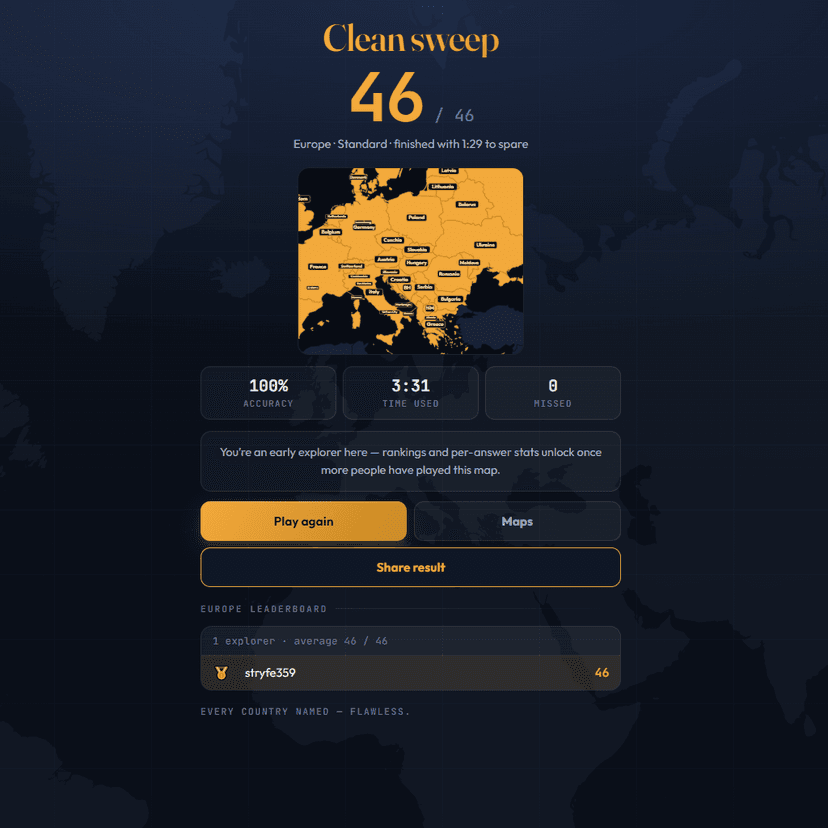
A geography speed-quiz. Type country names against the clock — every one you nail lights up the map. Eight maps (world + every continent), three paces, leaderboards, percentile standings, and a per-answer rarity stat that shows how many other players named each country.
by geodude