
Mini Music Player
A simple web-based music player with playlist management, playback controls, and track progress visualization. Perfect for learning web development basics.
About Mini Music Player
Drop in an audio file, build a playlist, and control playback through a clean browser interface — that's the core loop here. Mini Music Player is a straightforward web app that handles the fundamentals: queue tracks, skip forward or back, and watch a progress bar track exactly where you are in a song. Nothing flashy, nothing buried in menus.
It's a solid pick if you're exploring music apps built entirely in the browser, or if you're a developer curious how a working audio player comes together with vanilla web tech. The MIT-licensed source is open and readable, so pulling it apart is half the point. If you want something with more sonic depth, Web Music Player offers a more polished take on the same idea.
Works best on desktop with a folder of local audio files ready to load — there's no streaming or built-in library, so bring your own tracks.
Look inside
How to use
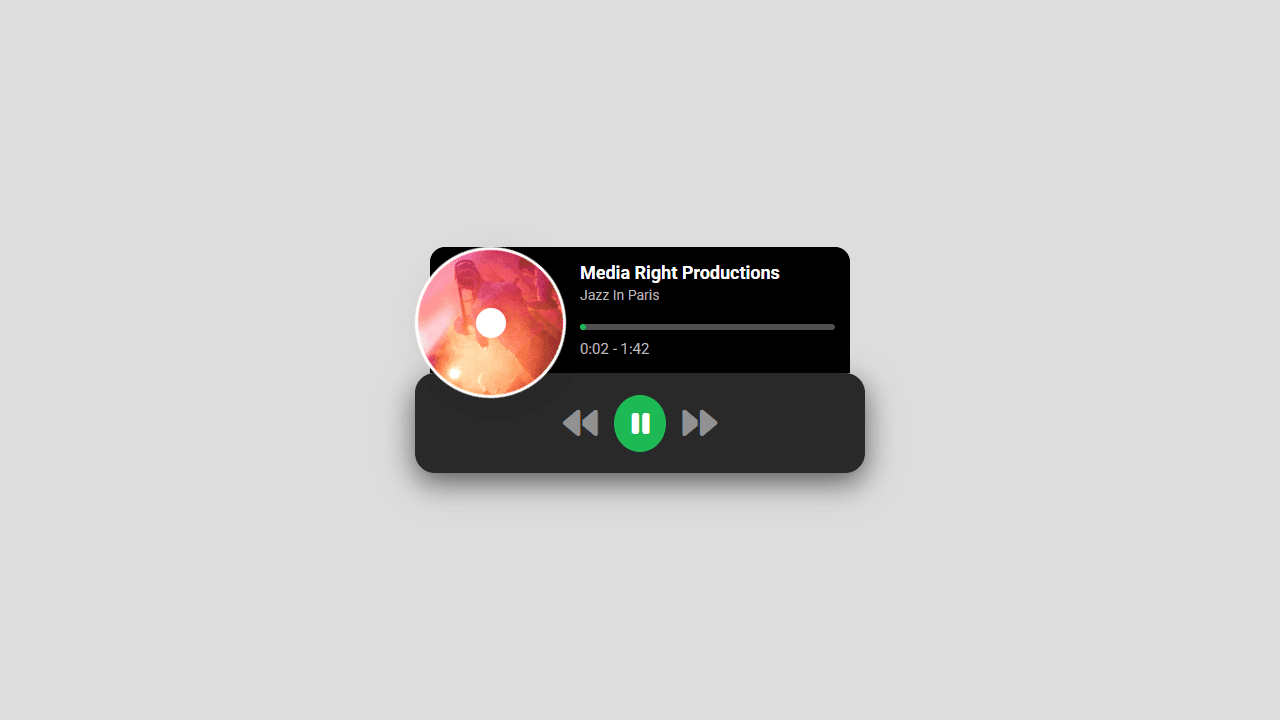
This is a music player with a rotating disk display and basic playback controls. • Click the play button (triangle icon) to start music playback • Click pause button (two bars) to stop the current track • Use previous button (left arrow) to go back to the last song • Use next button (right arrow) to skip to the next track • Click anywhere on the progress bar to jump to that point in the song • The disk cover rotates while music is playing to show active playback • Current time and total track duration display below the progress bar • Artist name and song title appear at the top of the player The player cycles through a preset playlist of songs. The visual disk interface mimics a vinyl record player, with the cover art spinning during playback. Progress bar fills automatically as the song plays, showing your current position in the track.
Reviews
No written reviews yet. Be the first!
More from Music

A browser theremin. Move your mouse to control pitch and volume, generating eerie continuous tones via the Web Audio API.
by mdn


