
Lofi Player
A cozy lofi music player with ambient visuals. Hit play, relax, and let the chill beats flow — perfect for studying or unwinding.
About Lofi Player
Hit play and a softly animated scene fills the screen while lofi hip-hop beats roll in the background — that's the whole experience, and sometimes that's exactly what you need. There are no menus to dig through, no settings to fuss over. Just a visual, a track, and the kind of low-key rhythm that makes a study session feel less like a grind.
It sits comfortably alongside the rest of the music apps on Launch Arcade, though it asks almost nothing of you compared to its neighbors. If you've used Web Music Player and want something with zero friction and a built-in mood, this fills that gap well.
Works best on a second monitor or a browser tab you leave open in the background — the ambient visuals are genuinely calming at a glance, and the audio holds up through headphones.
Look inside
How to use
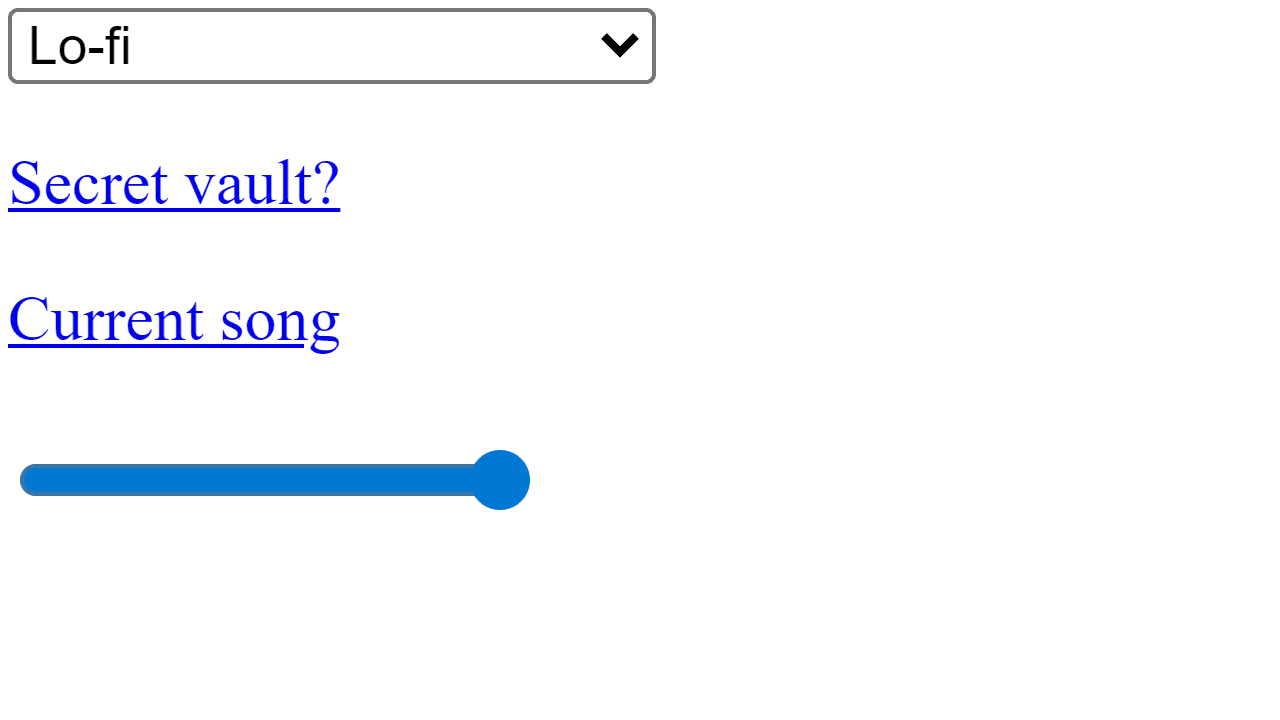
• Select a music playlist from the dropdown menu at the top (Lo-fi, Cyberpunk, Future Funk, etc.) • Use the control buttons at the bottom: - Center button: Play/pause music - Left buttons: Previous track or rewind - Right buttons: Next track or fast forward • Adjust volume using the slider bar below the control buttons • Click "Current song" link to open the playing track on YouTube • The app streams music from YouTube playlists and displays animated pixel art backgrounds • Music plays continuously - the app automatically moves to the next track when one ends • No keyboard shortcuts - all controls are mouse/touch based • The timer shows current playback time and updates automatically
Reviews
No written reviews yet. Be the first!
More from Music

A browser theremin. Move your mouse to control pitch and volume, generating eerie continuous tones via the Web Audio API.
by mdn


