Quiz Engine
Configurable multiple-choice quiz engine with scoring and feedback.
About Quiz Engine
Pick an answer, see instant feedback, and watch your score climb — that's the core loop of Quiz Engine, a configurable multiple-choice tool built for learners who want to test what they actually know rather than guess. Questions, options, and correct answers are all editable, so a teacher can load a history set in the morning and a developer can stress-test an onboarding flow in the afternoon.
It fits neatly into the broader education category: low friction, no account required, and focused entirely on the testing side of studying. If you prefer the card-flip approach to review material before jumping into questions, Flash Cards pairs well as a warm-up.
Quiz Engine runs entirely in the browser with keyboard-friendly navigation, making it equally comfortable on a school Chromebook or a laptop during a commute.
Look inside
How to use
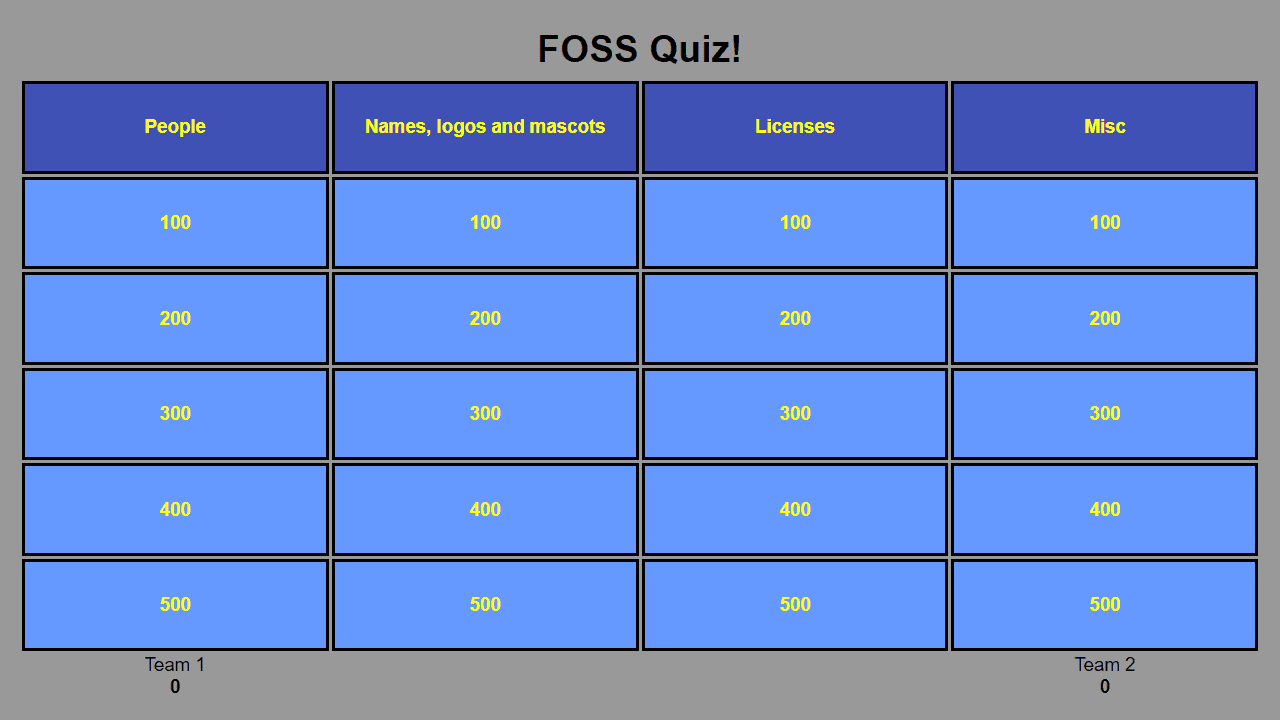
• Click on any numbered box (100-500) in the category grid to reveal a question • Read the question aloud to teams, then click "Tie" to show the answer • Award points by clicking "Team 1" or "Team 2" buttons at the bottom of the question screen • Click "Close" to disable a question without awarding points (useful for ties or skipped questions) • Click the "x" in the top-right corner to close a question by mistake • Click on team scores at the bottom to manually edit points if needed • Print the page before starting to get a reference sheet with all questions and answers • Used boxes become greyed out and cannot be reopened • Game supports two teams taking turns or using buzzers to determine who answers first • Questions increase in point value from 100 to 500 per category
Reviews
No written reviews yet. Be the first!
More from Education
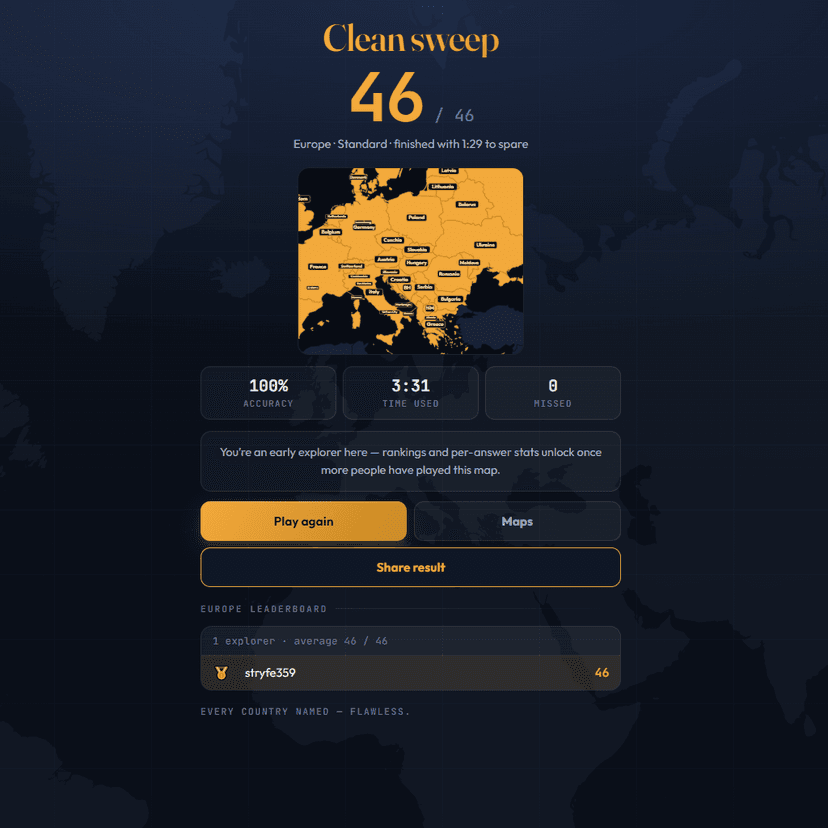
A geography speed-quiz. Type country names against the clock — every one you nail lights up the map. Eight maps (world + every continent), three paces, leaderboards, percentile standings, and a per-answer rarity stat that shows how many other players named each country.
by geodude