
Harmonograph
Simulate a drawing machine that creates intricate patterns from overlapping pendulum motions. Export as PNG or SVG.
About Harmonograph
Adjust a handful of sliders and watch two virtual pendulums trace overlapping arcs across the canvas, weaving tight geometric rosettes or sprawling Lissajous-style curves depending on how you tune the frequencies and damping. Every parameter shift — amplitude, phase, decay rate — changes the outcome in ways that are genuinely hard to predict, so each session tends to produce something you haven't seen before.
It fits naturally alongside other interactive simulations, and if pendulum physics already interests you, Double Pendulum explores the chaotic side of the same underlying mechanics. Harmonograph stays on the calmer, more meditative end of that spectrum.
When you land on a pattern worth keeping, export it as a crisp SVG for use in design tools or a flat PNG for sharing. Controls are mouse-only on desktop; a trackpad works fine, but a proper mouse gives you more precise slider control.
Look inside
How to use
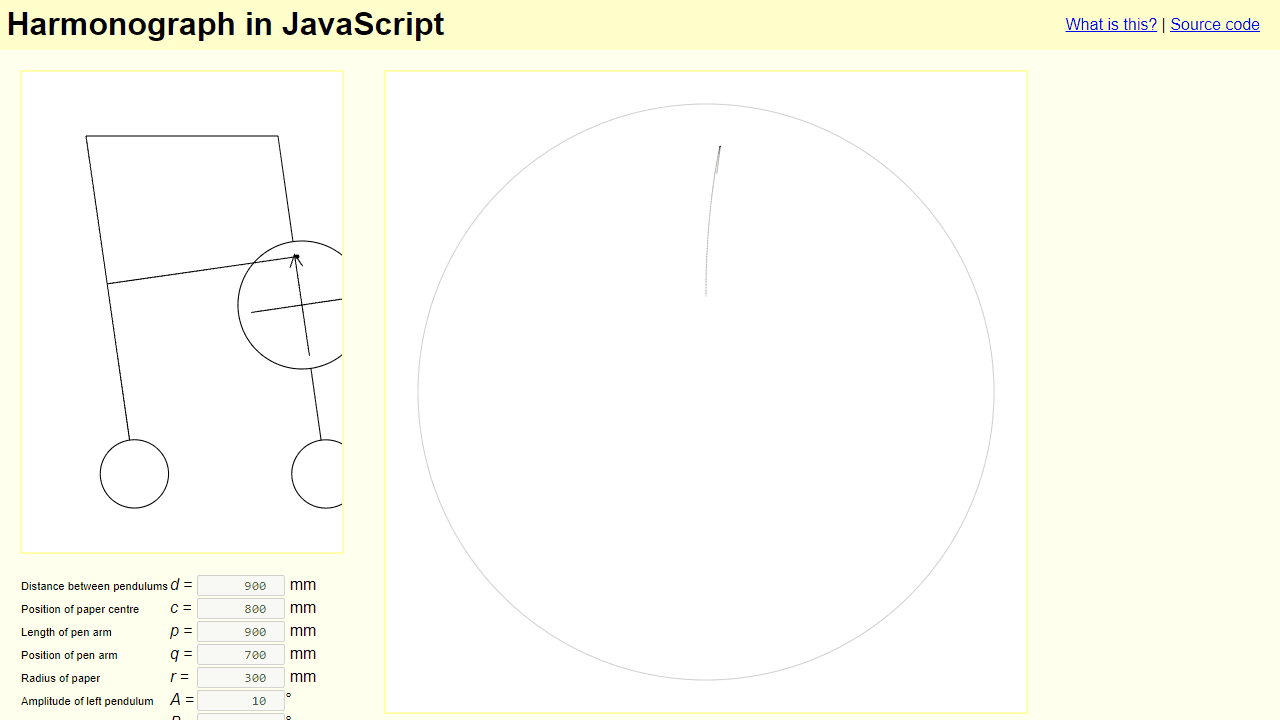
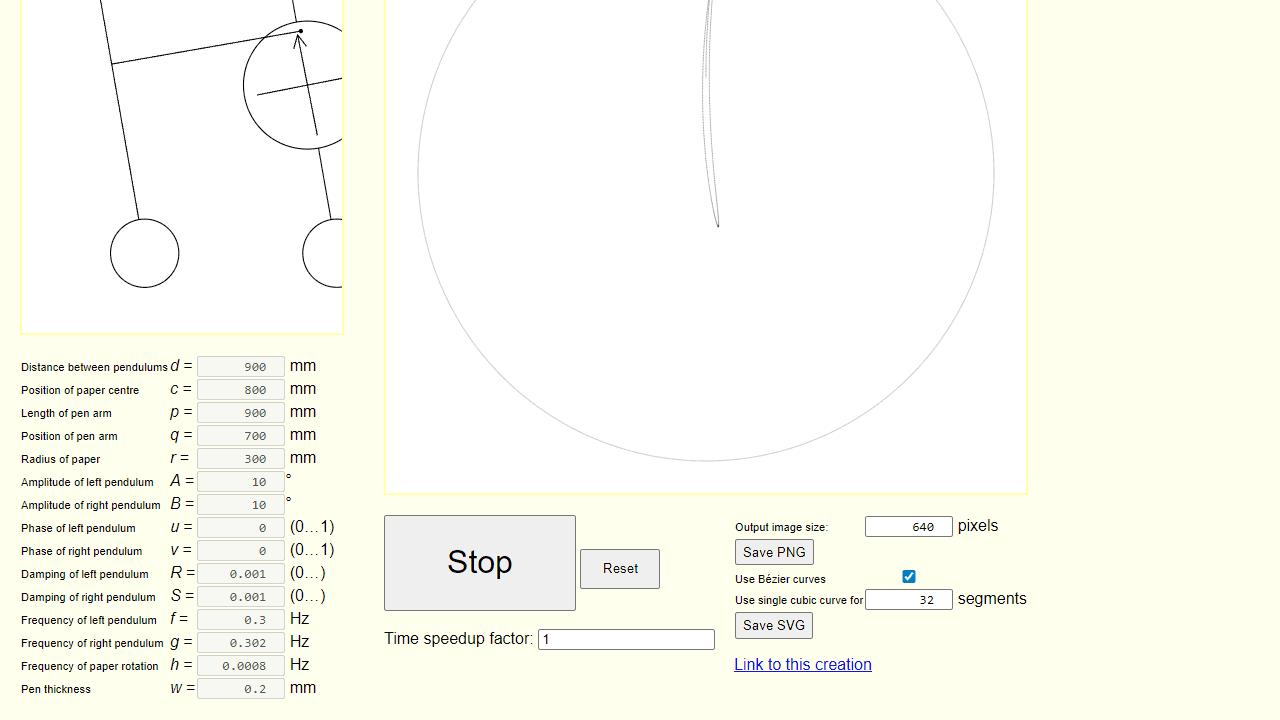
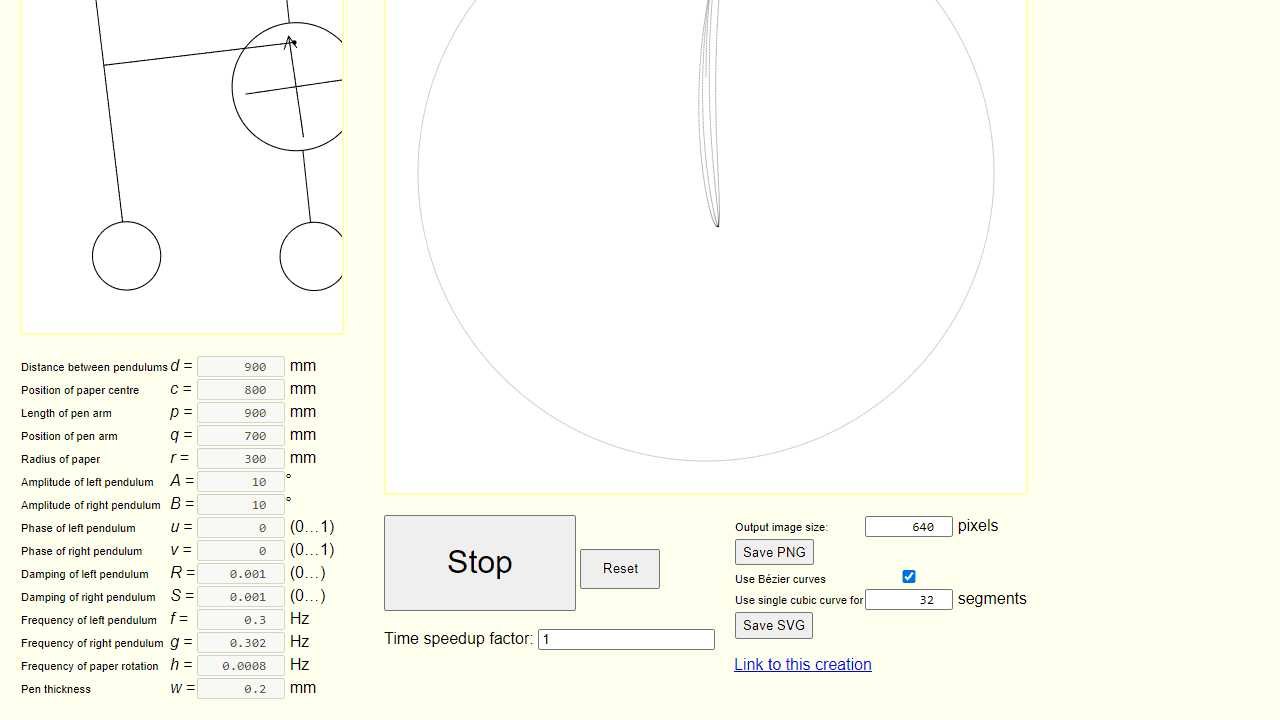
This is a digital version of a harmonograph, a mechanical drawing device that uses pendulums to create intricate geometric patterns. **Basic Controls:** • Click "Start" to begin drawing the pattern • Click "Reset" to clear the canvas and start over • Adjust the "Time speedup factor" to make drawing faster or slower **Creating Patterns:** • Modify the numerical parameters in the left panel to change the pattern • Key parameters include: - Amplitude (A, B): Controls how far pendulums swing - Frequency (f, g): Controls oscillation speed - small differences create complex patterns - Phase (u, v): Shifts the starting position of each pendulum - Damping (R, S): Makes pendulums gradually slow down over time **Saving Your Work:** • Use "Save PNG" for a bitmap image • Use "Save SVG" for a scalable vector graphic • Click "Link to this creation" to bookmark your current settings **Tips:** • Start with default values and make small adjustments • Slightly different frequencies between pendulums create the most interesting patterns • Higher damping values create patterns that fade out over time
Reviews
No written reviews yet. Be the first!
More from Interactive

An interactive particle sandbox. Drop sand, water, fire, and more and watch elements interact in a mesmerizing physics simulation.
by mohanad-80


