
Particle Network
An interactive particle network animation with real-time controls. Adjust particle count, speed, connections, and colors while watching nodes link together dynamically.
About Particle Network
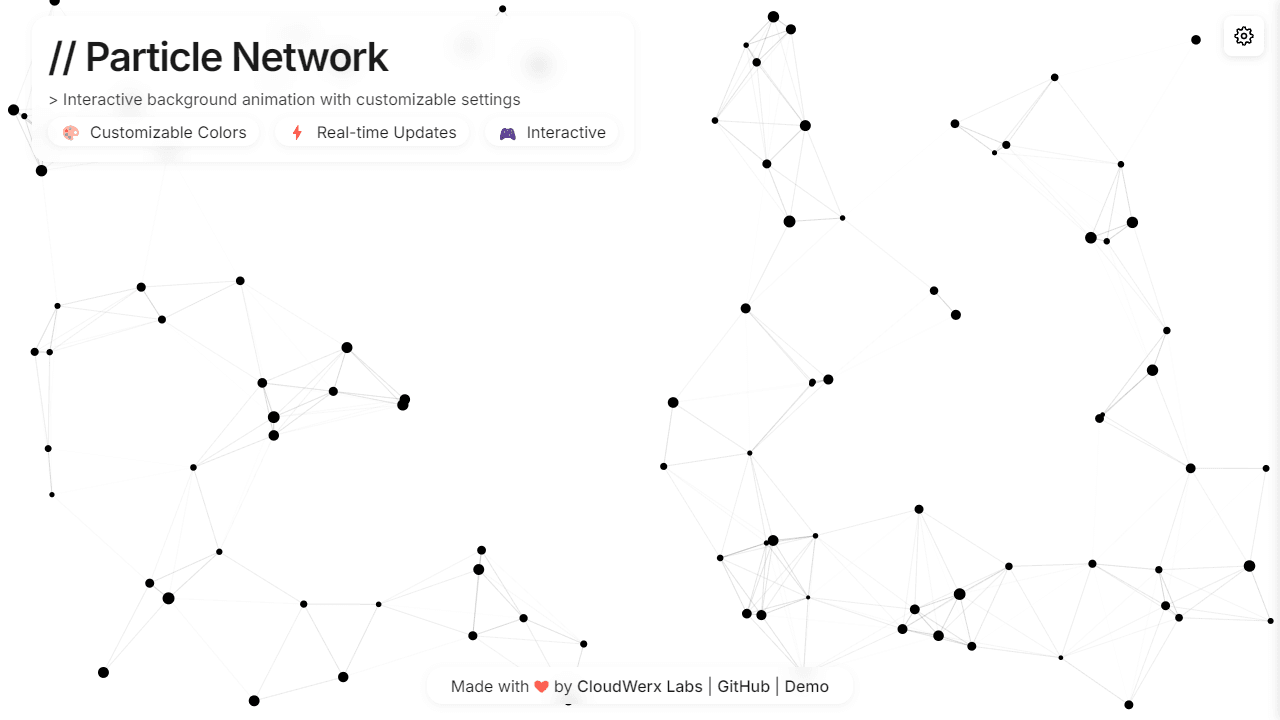
Drag your mouse across the canvas and watch dozens of nodes drift apart and reconnect, drawing faint lines wherever two particles drift close enough to link. Particle Network is a real-time animation sandbox built entirely on HTML5 canvas — but the interesting part is the control panel. Slide the particle count up to flood the screen with activity, dial back the connection distance to isolate lonely drifting dots, or push the speed until the whole thing blurs into motion.
The sliders respond instantly, so there's no restart needed between experiments. Swapping colors mid-session shows you how the same network reads completely differently in cool blues versus warm reds. It belongs in the same space as the rest of interactive visual apps on Launch Arcade. If you'd rather push particles around with direct input instead of watching them self-organize, Fluid Simulation goes in a different direction with mouse-driven fluid dynamics.
A larger screen earns its keep here because the connection lines between distant nodes only become readable when the canvas has enough room to spread particles far apart.
Look inside
How to use
This is an interactive particle animation tool that creates dynamic networks of moving dots and connecting lines. Mouse Controls: • Move your mouse over the canvas to attract nearby particles • Particles within the mouse radius will move toward your cursor • Mouse interaction can be toggled on/off in settings Settings Panel: • Click the gear icon in the top-right to open customization options • Adjust particle count, size, speed, and colors in real-time • Modify connection distance and line appearance • Change background colors and opacity levels Key Settings: • Particle Count: Controls density (10-300 particles) • Speed: How fast particles move naturally • Connection Distance: Maximum range for lines between particles • Mouse Radius: Area of influence around your cursor • Pulse Animation: Makes particles gently grow/shrink over time Quick Actions: • Reset button: Returns all settings to defaults • Randomize button: Generates a random color scheme and settings • All changes apply instantly to the animation The tool works best as a customizable background - experiment with different particle counts and colors to create your preferred visual effect. Lower particle counts perform better on mobile devices.
Reviews
No written reviews yet. Be the first!
More from Interactive

An interactive particle sandbox. Drop sand, water, fire, and more and watch elements interact in a mesmerizing physics simulation.
by mohanad-80


