
Study Session Noise Generator
Create the perfect ambient soundscape for studying with mixable sound layers, task-based presets, and a built-in Pomodoro timer.
About Study Session Noise Generator
Mix rain on a tin roof with distant café chatter, dial in a little brown noise underneath, and suddenly a two-hour study block feels a lot more manageable. Study Session Noise Generator lets you layer independent ambient tracks — each with its own volume control — so you can build a soundscape that actually matches how you work, whether that's deep-focus silence-plus-texture or something warmer and livelier.
Task-based presets take the guesswork out of setup. Choose a reading preset, a writing preset, or a problem-solving configuration and the app balances the layers for you. The built-in Pomodoro timer sits right alongside the mixer, so your 25-minute work sprints and short breaks are tied directly to the sound — no juggling a separate tab. It fits naturally into any lifestyle routine built around intentional focus time.
The app runs entirely in the browser with no account needed, and because it's open-source under the MIT license you can host your own copy if you want to customize it further. Headphones make a noticeable difference here.
Look inside
How to use
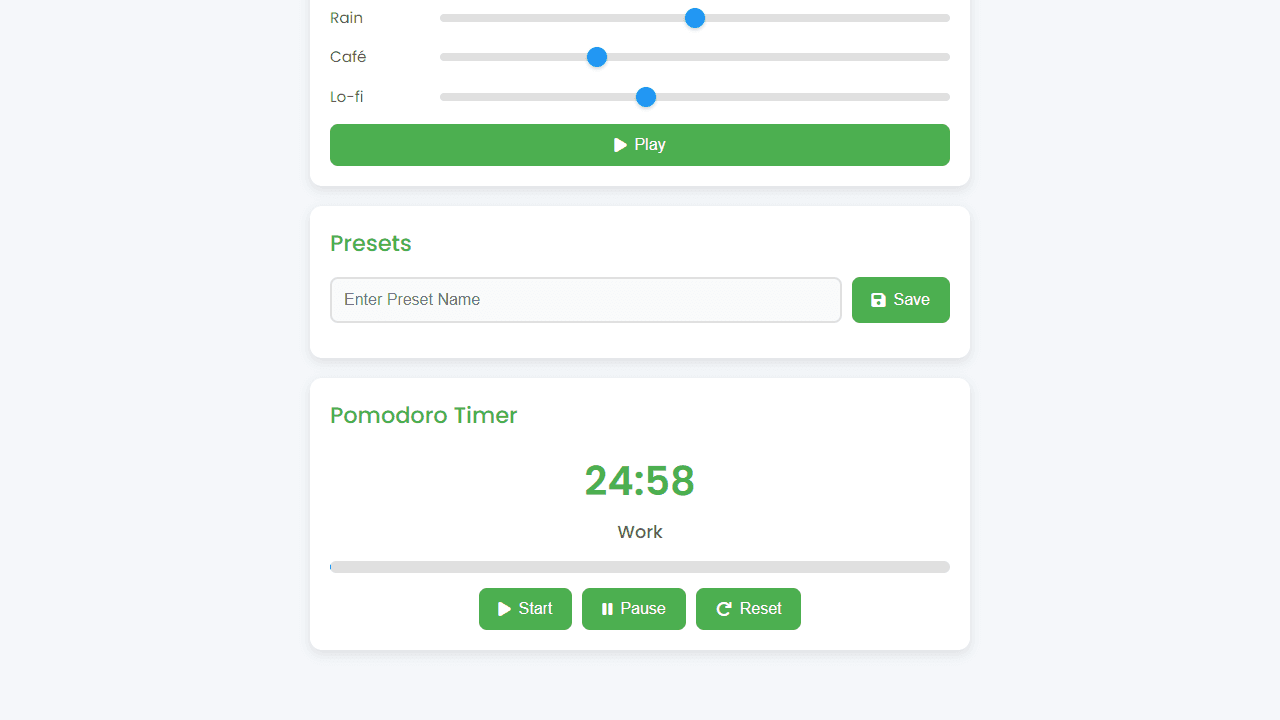
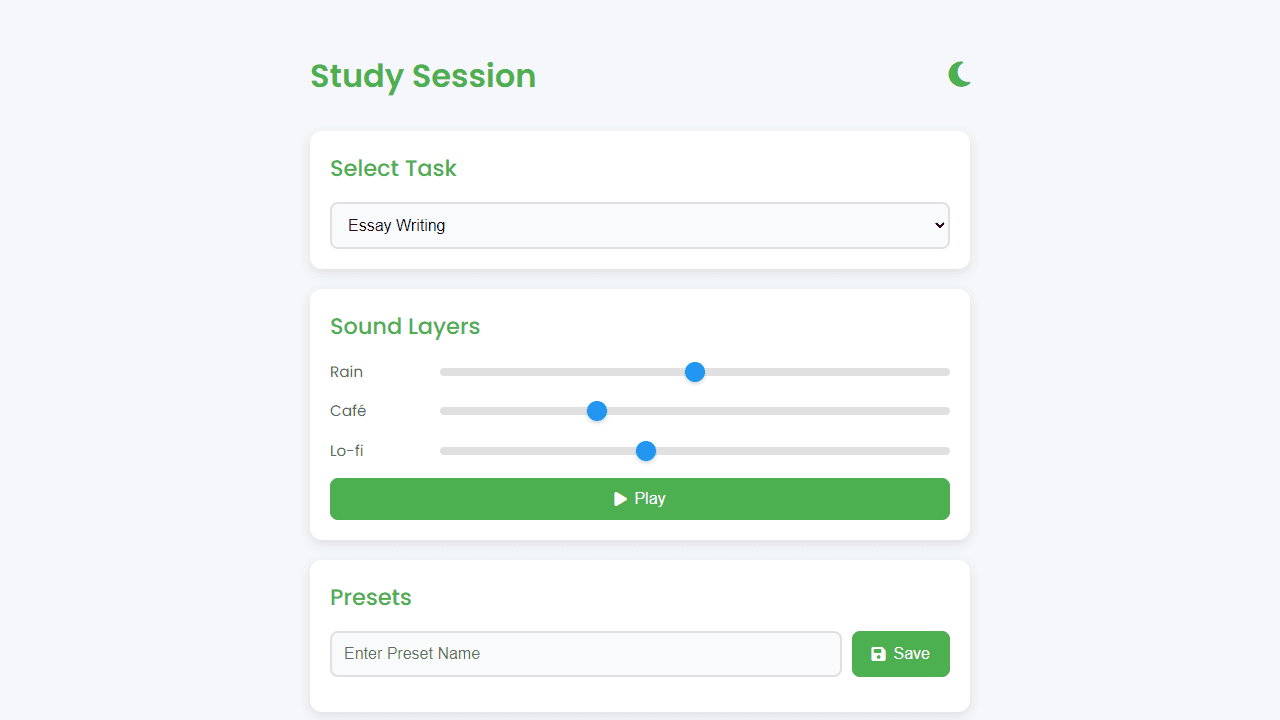
This app creates ambient soundscapes to help you focus while studying. Choose from task-specific sound profiles and customize your perfect study environment. 1. Select a study task from the dropdown (Essay Writing, Math, Coding, or Creative Design) to load preset sound combinations 2. Adjust individual sound volume sliders to customize your mix (rain, café chatter, lo-fi beats, etc.) 3. Click Play button to start your soundscape, pause anytime to stop 4. Save your favorite mixes by typing a preset name and clicking Save 5. Load saved presets by clicking them in the preset list, delete unwanted ones with the trash icon 6. Use the Pomodoro timer for focused 25-minute work sessions followed by 5-minute breaks 7. Timer controls: Start begins countdown, Pause stops it, Reset returns to 25:00 8. Toggle between light and dark themes using the moon/sun icon in the header The app works best on desktop or modern mobile devices. Multiple sound layers may cause brief pauses on older devices - try using fewer sounds if this occurs.
Reviews
No written reviews yet. Be the first!
More from Lifestyle

Your morning news digest. Top stories across 8 categories, updated every 30 minutes.
by Launch Arcade


