
Electric Piano
Play an electric piano in your browser with sustain, vibrato, and tremolo effects powered by the Web Audio API.
About Electric Piano
Press a key and a warm electric piano tone fills your browser — no downloads, no plugins, no setup. Electric Piano runs entirely on the Web Audio API, so the sound is synthesized live rather than pulled from pre-recorded samples. You can dial in sustain to let notes ring out, add vibrato for an expressive wobble, or layer on tremolo for that classic shimmering pulse.
It's a focused tool that rewards experimentation. Nudge the vibrato depth while holding a chord and you'll immediately hear why that one setting changes the whole feel of a phrase. If you enjoy tools like this, Pocket Operator offers a complementary rhythm-machine angle for building fuller arrangements.
Part of the broader creative apps collection, Electric Piano works best with a keyboard — mouse-clicking keys gets you started, but mapping your computer keyboard or pairing a MIDI controller via Web MIDI gives you something closer to an actual playing experience.
Look inside
How to use
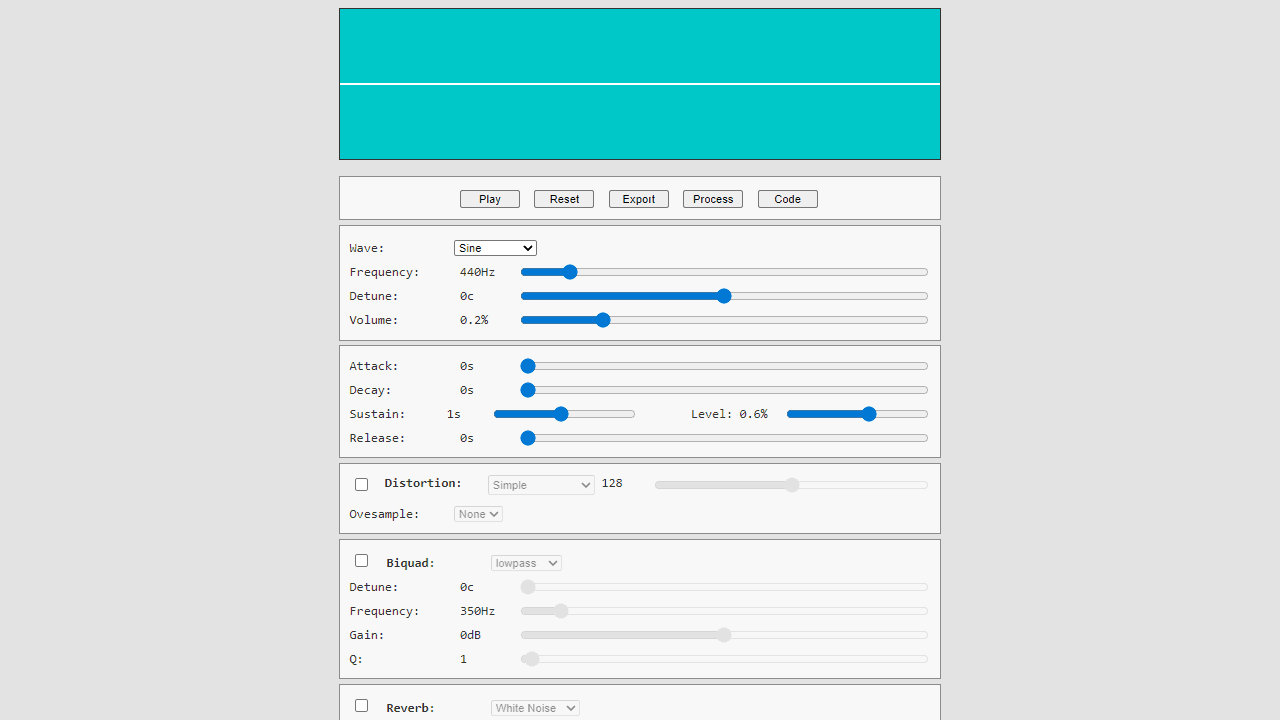
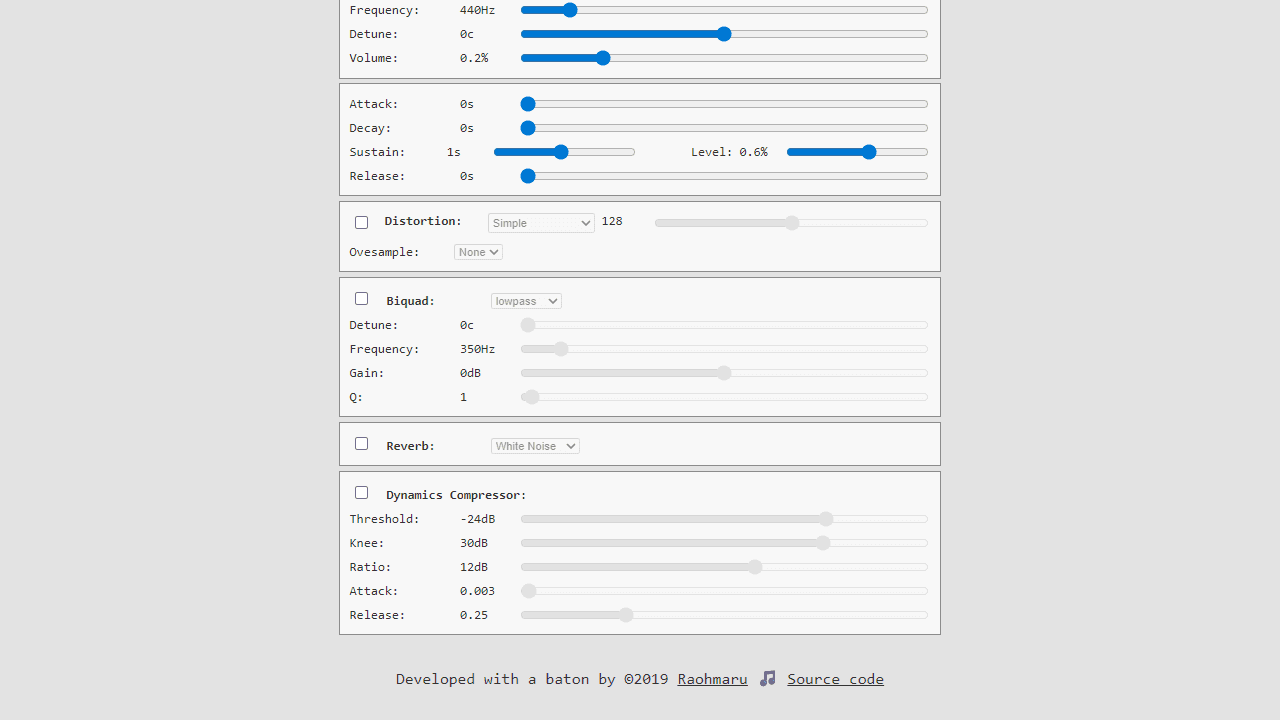
Create and customize electronic sounds using a web-based synthesizer. • Click "Play" button or canvas to hear your sound • Adjust wave type (sine, square, sawtooth, triangle, white noise) for different base tones • Use frequency slider to change pitch (10-4000 Hz) • Modify envelope settings to shape how sound starts and ends: - Attack: fade-in time - Decay: initial drop time - Sustain: main sound duration and level - Release: fade-out time • Enable optional effects by checking boxes: - Distortion: adds gritty, overdriven texture - Biquad filter: cuts or boosts certain frequencies - Reverb: adds spacious echo effects - Dynamics compressor: evens out volume levels • Click "Process" to store your sound in memory • Click "Export" to download as audio file • Click "Code" to see technical parameters • Use "Reset" to return all settings to defaults Experiment with different combinations to create unique electronic sounds, from smooth pads to harsh leads.
Reviews
No written reviews yet. Be the first!
More from Creative

A casual chiptune loop maker. Tap cells, pick a vibe, share remixable 16-step loops in under a minute.
by Launch Arcade


