
Hex Terrain Generator
Generate customizable hexagonal terrain maps with biomes, elevation, and moisture using procedural algorithms. Export your created worlds as PNG images.
About Hex Terrain Generator
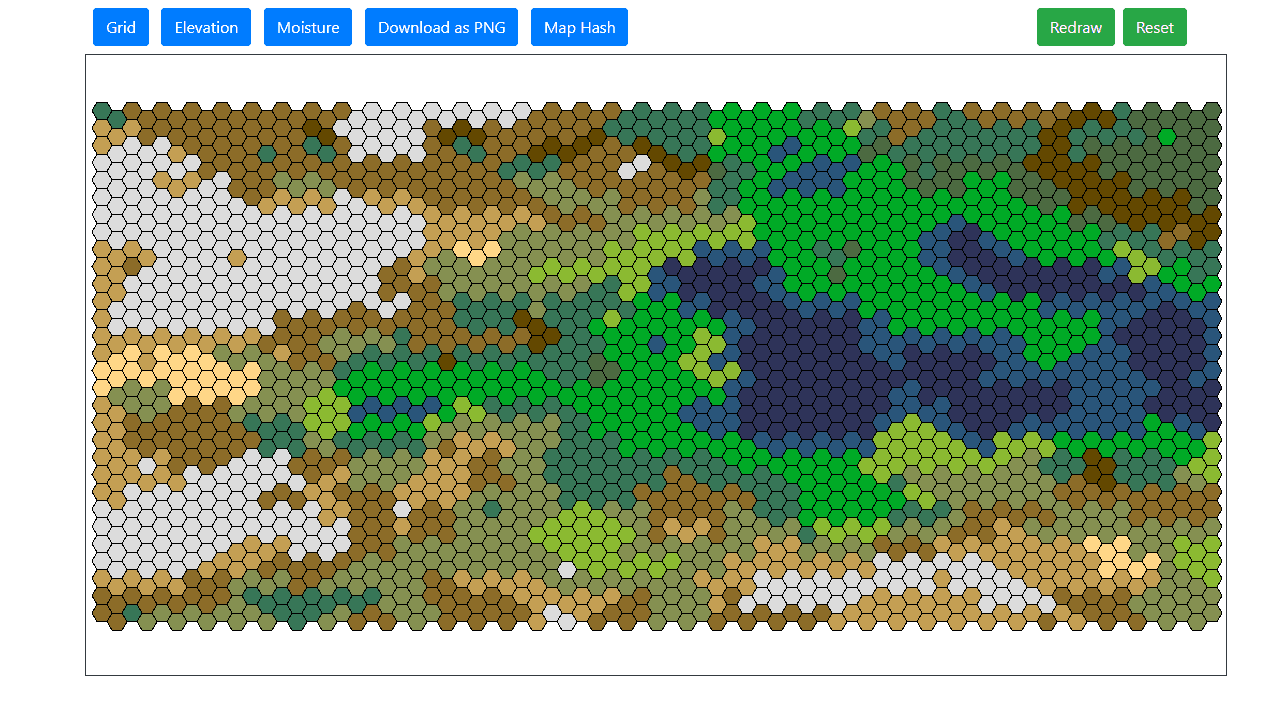
Each click of the generate button drops you into a new world: rolling hills shading into desert flats, forests bleeding into tundra, coastlines carved by moisture and elevation algorithms working together. Hex Terrain Generator uses procedural logic to build hexagonal maps you can actually customize — tweak biome distribution, adjust elevation ranges, and keep regenerating until the landscape feels right for your project.
It's a practical tool for tabletop game designers, fiction writers, or anyone doing creative worldbuilding who needs a map that looks considered rather than arbitrary. If you like what you've built, export it as a PNG and drop it straight into your campaign notes or design doc. For painters and illustrators who want a color foundation to work from, Color Palette Builder pairs well once you've landed on a terrain aesthetic.
Everything runs in the browser with no sign-in required — a mouse is all you need, and maps generate in seconds, so iteration is fast.
Look inside
How to use
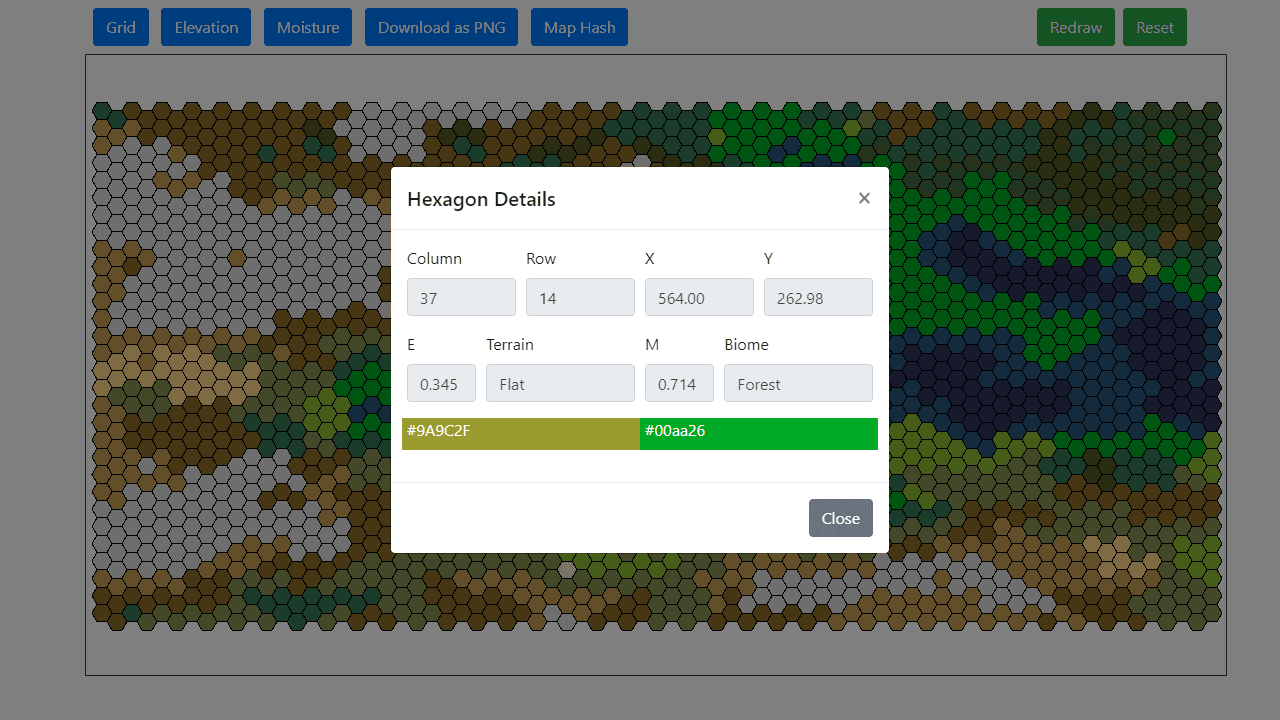
Create procedural hexagon terrain maps using noise generation and biome systems. • Click Grid, Elevation, or Moisture buttons to open settings panels • Adjust parameters like grid size, noise frequency, seeds, and terrain thresholds • Click Redraw to generate new terrain with current settings • Click Reset to restore default parameters Navigation: • Drag to pan around the map • Mouse wheel to zoom in/out • Click any hex to see detailed info (coordinates, elevation, moisture, biome) Key Settings: • Grid: Change hex size, orientation, and terrain elevation thresholds • Elevation: Control land/water distribution with frequency and redistribution sliders • Moisture: Affects biome generation (desert vs forest vs grassland) • Seeds determine randomness - same seed produces identical maps • Use Map Hash to save/restore specific map configurations • Download as PNG exports your current terrain • Toggle coordinate display and grid lines in Grid settings Experiment with different noise parameters to create islands, continents, or mountainous regions.
Reviews
No written reviews yet. Be the first!
More from Creative

A casual chiptune loop maker. Tap cells, pick a vibe, share remixable 16-step loops in under a minute.
by Launch Arcade


