
Pixel Art Editor
Draw pixel art with pencil, fill, and eyedropper tools. Multiple grid sizes, palette presets, cloud saves, community gallery, and social sharing.
About Pixel Art Editor
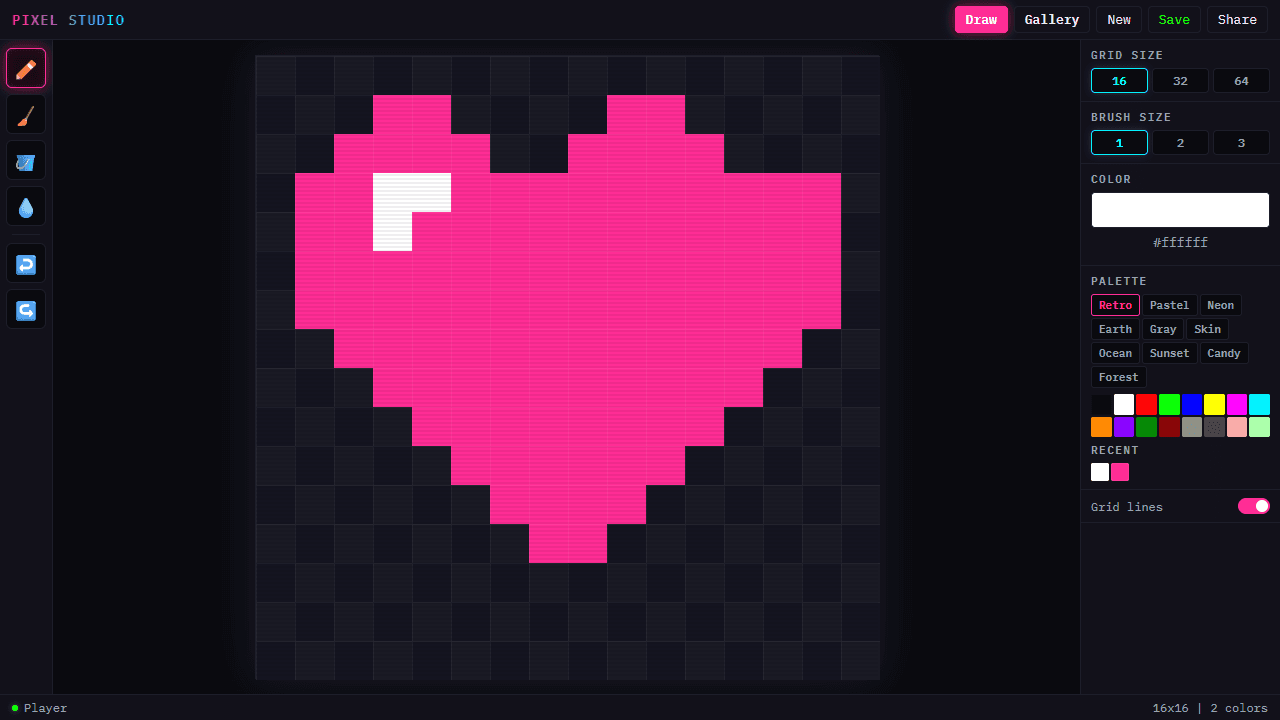
Choose a grid size, pick up the pencil tool, and start placing colored pixels one square at a time. Whether you're recreating an old-school game sprite or building a detailed scene from scratch, the workflow stays simple: pencil for freehand lines, fill bucket for solid areas, and eyedropper to sample any color already on the canvas. Palette presets help you stay within a consistent color range without hunting for hex codes.
This is a full-featured entry point into creative apps, with cloud saves keeping your work safe across sessions and a community gallery where you can browse what others have made or publish your own pieces. If you'd rather skip the blank canvas and work with guided structure, Color Palette Builder is a useful companion for locking down a palette before you draw.
Works best on a device with a mouse or stylus — touch on a small phone screen gets cramped quickly on the tighter grid sizes.
Look inside
How to use
Create pixel art on a grid-based canvas. Save and view artwork in the gallery. **Controls:** - Click/drag on canvas to draw pixels - Use toolbar on left or keyboard shortcuts: P (pencil), E (eraser), F (fill), I (eyedropper) - Ctrl+Z to undo, Ctrl+Shift+Z to redo - Click color swatches in right panel to change colors **Tools:** - Pencil: Draw individual pixels - Eraser: Remove pixels - Fill: Fill connected areas with current color - Eyedropper: Pick colors from existing pixels **Canvas Options:** - Choose grid size: 16x16, 32x32, or 64x64 pixels - Toggle grid lines on/off for easier drawing - Use color picker or preset palettes **Saving & Sharing:** - Click "Save" to store artwork in gallery - View saved creations in "Gallery" tab - Share button creates shareable links - Load others' artwork to remix **Mobile:** Interface adapts with bottom toolbar and collapsible panels.
Reviews
More from Creative

A casual chiptune loop maker. Tap cells, pick a vibe, share remixable 16-step loops in under a minute.
by Launch Arcade


