Pivot
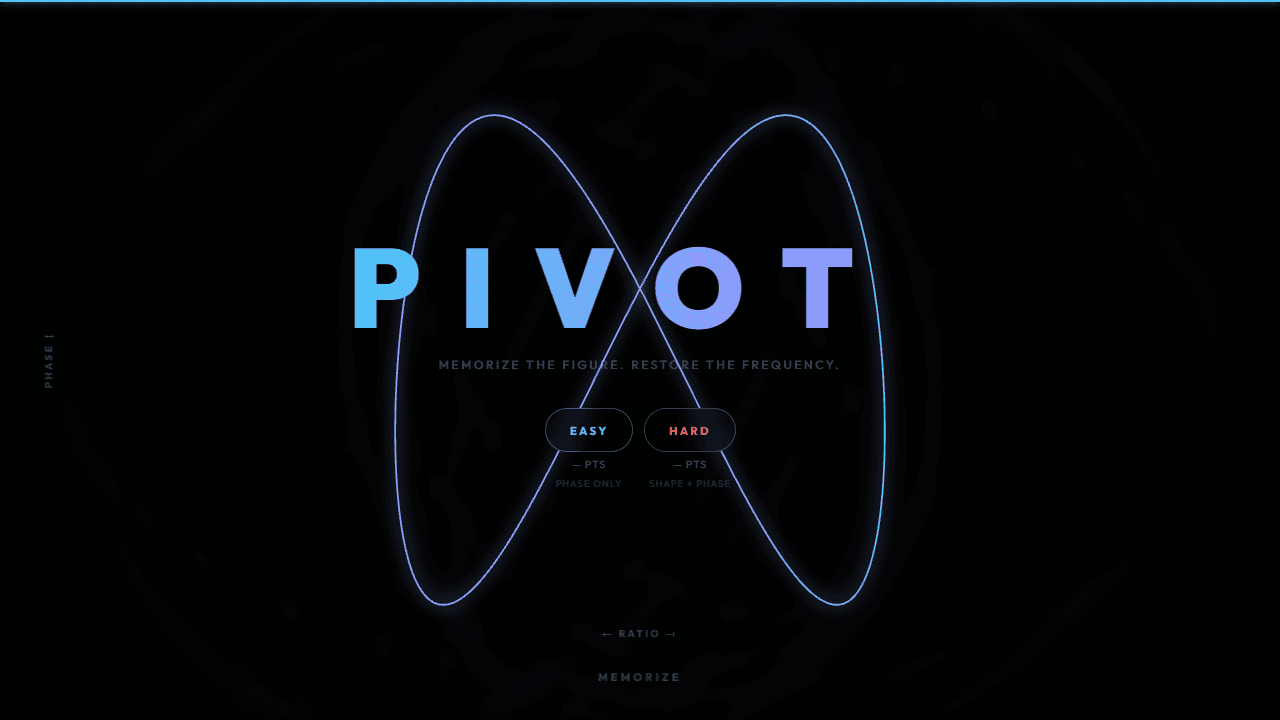
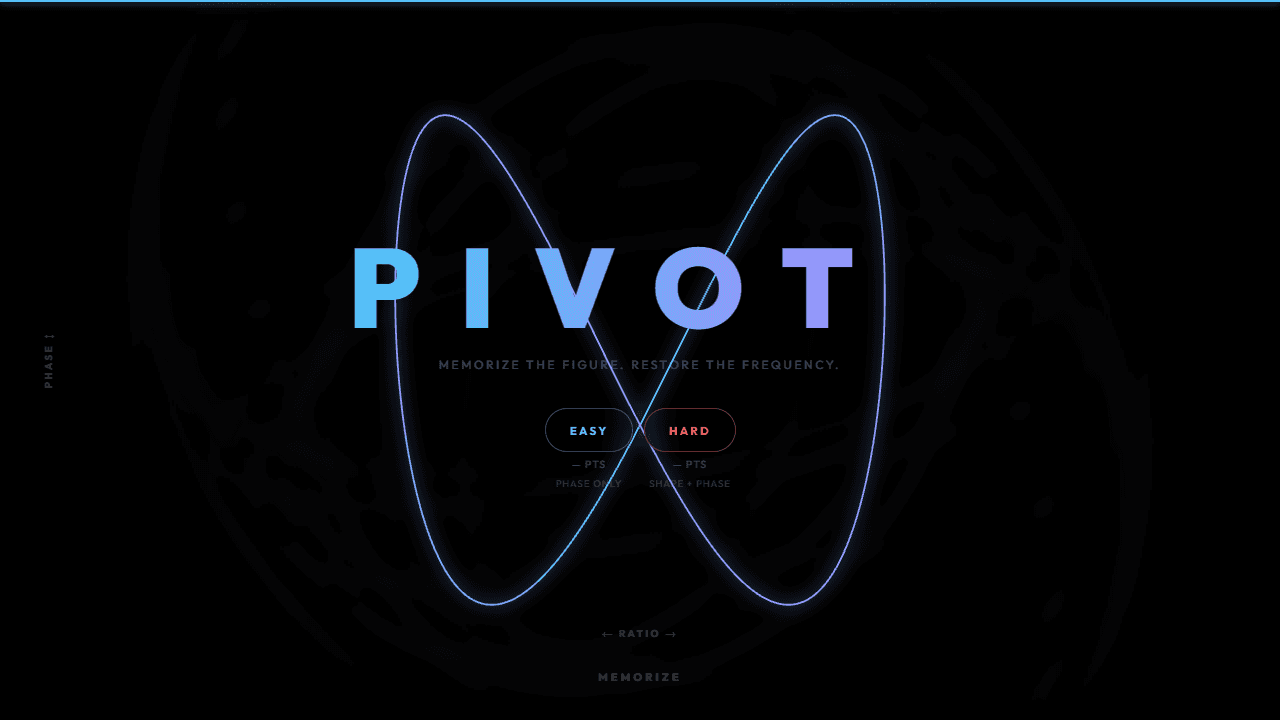
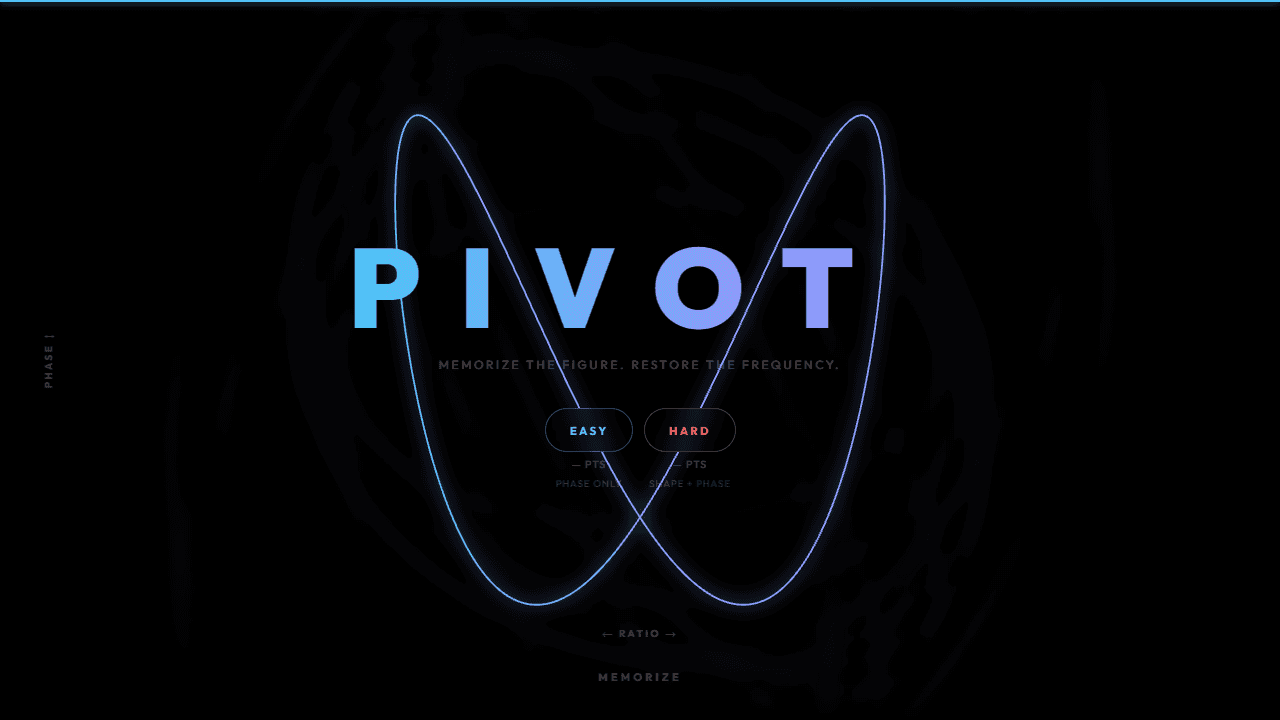
Memorize a Lissajous figure — a parametric curve formed by two sine waves — then tune it back after it is scrambled. Drag horizontally to adjust the frequency ratio, drag vertically to adjust the phase. How precisely can you restore the original pattern?
About Pivot
A glowing geometric curve appears on screen — a Lissajous figure traced by two intersecting sine waves — and you have a few seconds to memorize its shape before it shifts. Then it's your turn: drag left or right to dial in the frequency ratio, drag up or down to adjust the phase, and coax the pattern back to exactly what you saw. Small miscalculations produce subtly wrong loops. Getting it right feels surprisingly satisfying.
Pivot sits in a quiet corner of puzzle games that reward visual memory and fine motor control over speed or reflexes. There's no timer pressure, just the question of how close you can get. Each round trains your eye to notice how a single parameter shift bends or twists the whole figure — which means you genuinely improve the more you play.
The two-axis drag system works best on a touchscreen, where you can feel the curve responding under your finger in real time.
Look inside
How to use
Study the glowing Lissajous figure for 5 seconds, then tune it back after it scrambles. Drag left/right to step through frequency ratios; drag up/down to adjust the phase. Hit Submit when you think you have matched the original.
Reviews
No written reviews yet. Be the first!
More from Games

Higher or lower, for cardboard. Two cards face off — pick the one worth more and your streak climbs. One wrong call ends the run. Play the seeded Daily, a quick Round of 10, or chase an Endless high score, then share your streak.
by CollX