
Photo Editor
A browser-based image editor with filters, adjustments, and effects. Apply brightness, contrast, saturation, and more to any photo.
About Photo Editor
Drop any photo into the editor and start tweaking it immediately — no account, no download, no waiting. Sliders for brightness, contrast, saturation, and several other adjustments let you correct a flat, washed-out shot or push colors somewhere more deliberate. Stack a filter on top and the effect updates live in the canvas so you can judge it before committing.
It's a solid pick inside the creative apps collection for quick touch-ups that don't need the overhead of a full desktop application. If you're already editing a photo and want to build a color scheme around it, Color Palette Builder is a natural next step for pulling together a palette you can actually export and reuse.
Works entirely in the browser, so a modern desktop with a decent-sized screen gives you the most comfortable workspace — the sliders are easiest to fine-tune with a mouse rather than a touchpad.
Look inside
How to use
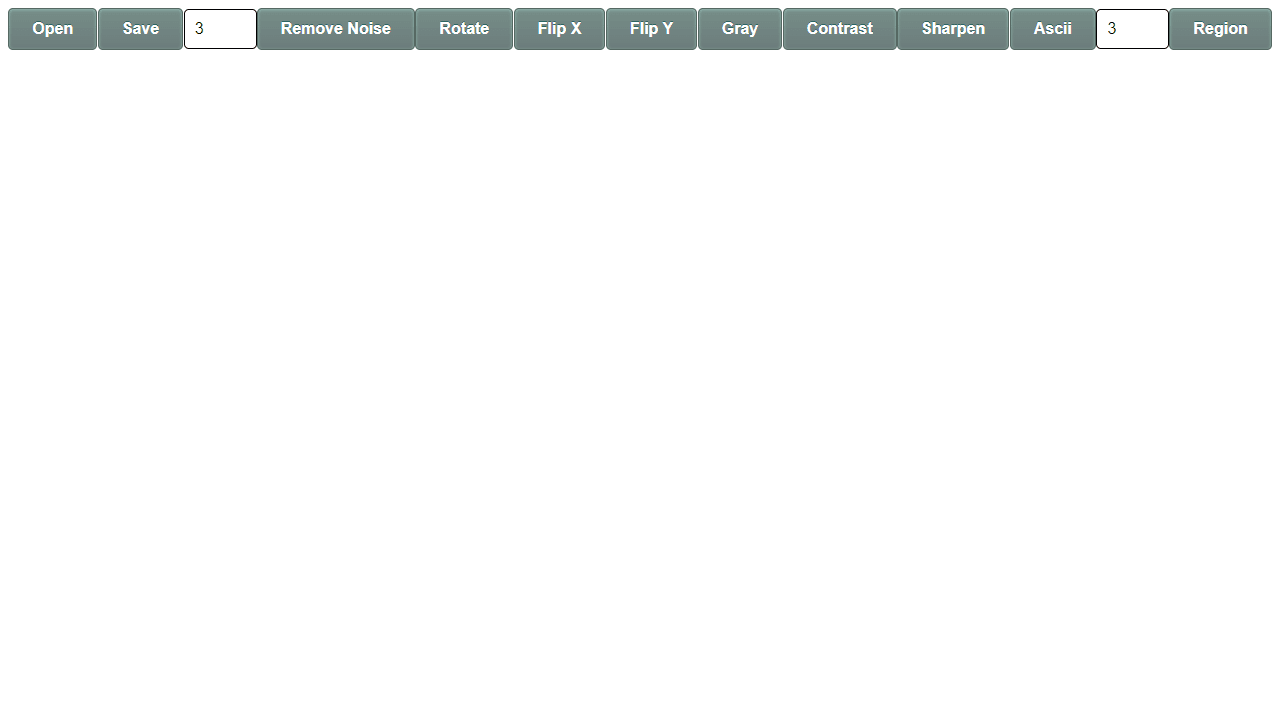
This is a web-based image editing tool that lets you apply various visual effects and filters to photos. • Click "Choose File" or drag and drop an image onto the canvas to load a photo • Use your mouse to interact with the image on the canvas area • Select different filters and effects from the control panel on the right side • Effects include blur, sharpen, brightness, contrast, saturation, and various artistic filters • Click on filter buttons to apply them instantly to your image • Some filters may have sliders to adjust intensity - drag the sliders to fine-tune effects • Use the "Reset" button to return to your original image • Save your edited photo by right-clicking the canvas and selecting "Save image as" • The tool works entirely in your browser using JavaScript canvas technology The goal is to enhance and stylize your photos using the available digital filters and adjustments. Experiment with different combinations of effects to achieve your desired look.
Reviews
No written reviews yet. Be the first!
More from Creative

A casual chiptune loop maker. Tap cells, pick a vibe, share remixable 16-step loops in under a minute.
by Launch Arcade


