
Phomeme
A fun sentence mixing tool — type or paste text, rearrange phonemes, and create hilarious audio mashups right in your browser.
About Phomeme
Type or paste any sentence, and Phomeme breaks it apart into its individual phonemes — the raw sound-chunks that make up speech. From there, drag them around, swap them between words, and hit play to hear the mangled result. A simple phrase like "the cat sat on the mat" can become something completely unhinged in about thirty seconds.
It's a browser toy at heart, but there's genuine craft in finding combinations that land. Rearranging phonemes isn't the same as rearranging letters — the audio output surprises you in ways that reading the scrambled text never would. That gap between what you expect to hear and what actually plays is where most of the fun lives. If you enjoy creative tools that reward a little experimentation, this one earns its keep.
No sign-up, no installs, and no audio files to manage — the synthesis runs entirely in your browser. Works best with short, punchy sentences where every phoneme collision is audible and distinct.
Look inside
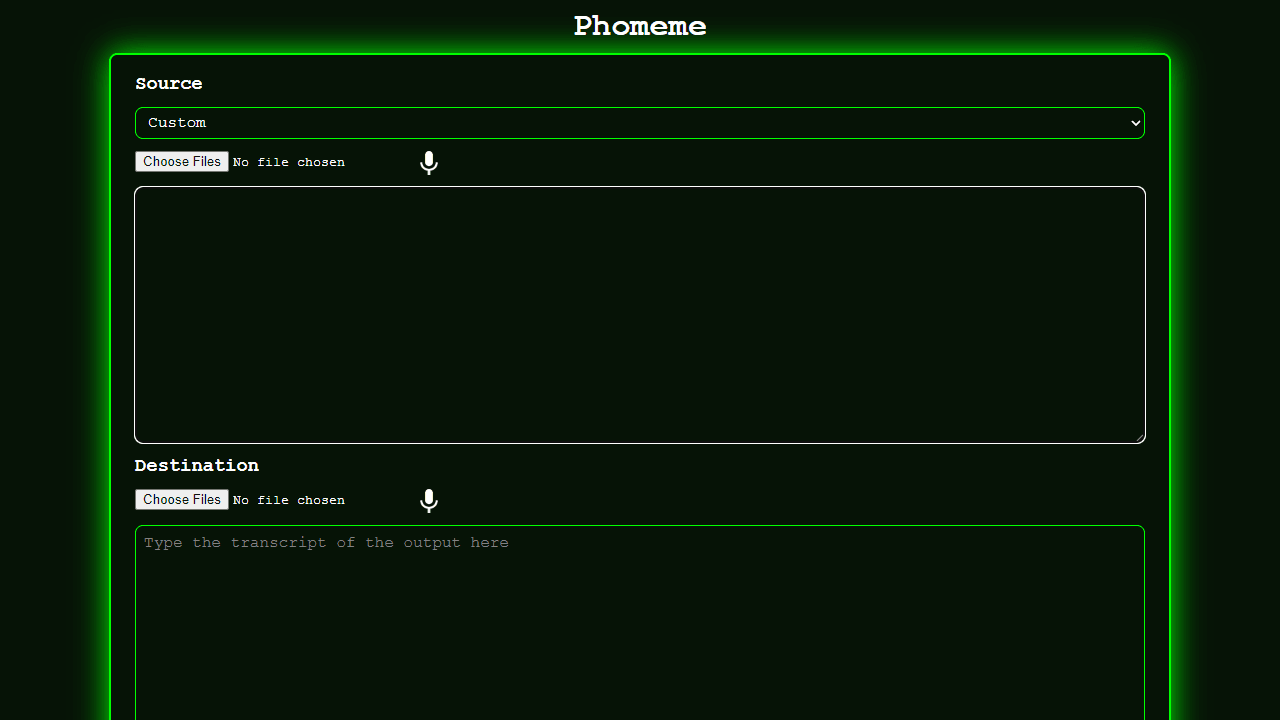
How to use
• Upload audio files and type their transcript in the Source section, or choose a preset like Michael Rosen • Type the text you want to create in the Destination transcript box • Click Submit to generate audio that makes the source voice "speak" your destination text • The tool matches phonemes (speech sounds) from the source audio to reconstruct new words • Wait for processing - first generation can take several minutes • Adjust options to fine-tune results: - Match settings control how strictly phonemes are matched - Influence sliders affect which audio segments are selected - Correction options transfer pitch, volume, and timing • Download results as Adobe Audition sessions or JSON data • Use the microphone button to record audio directly in your browser • Upload existing transcripts as JSON or TextGrid files to skip manual typing
Reviews
No written reviews yet. Be the first!
More from Creative

A casual chiptune loop maker. Tap cells, pick a vibe, share remixable 16-step loops in under a minute.
by Launch Arcade


