
Particular Drift
Transform any image into a mesmerizing flowing particle animation. Upload a photo and watch it dissolve into thousands of drifting particles powered by WebGL.
About Particular Drift
Drop any photo into Particular Drift and watch it shatter into thousands of tiny particles that swirl, drift, and slowly reassemble in flowing currents across the screen. The effect is driven by WebGL, so your image's colors and edges become the raw material for a generative animation that's different every time you load it. Portraits, landscapes, logos — they all behave differently depending on contrast and detail.
It's a genuinely satisfying way to see familiar images from a new angle, and it sits naturally alongside other tools in the creative apps collection. If you enjoy playing with visual transformation, Color Palette Builder pairs well for pulling a palette out of the same photo before you feed it here.
No account needed, nothing to install. Works best on a desktop or laptop where WebGL performance is strongest — mobile browsers will run it, but larger images will feel sluggish on older phones.
Look inside
How to use
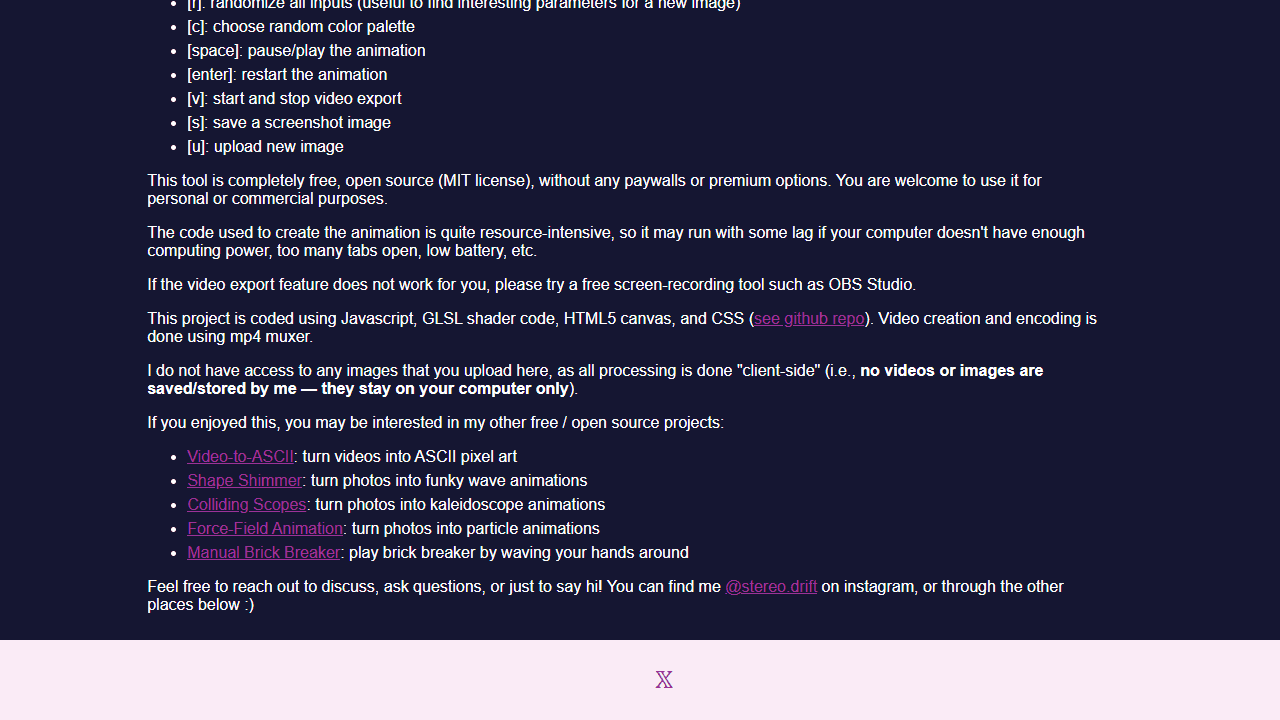
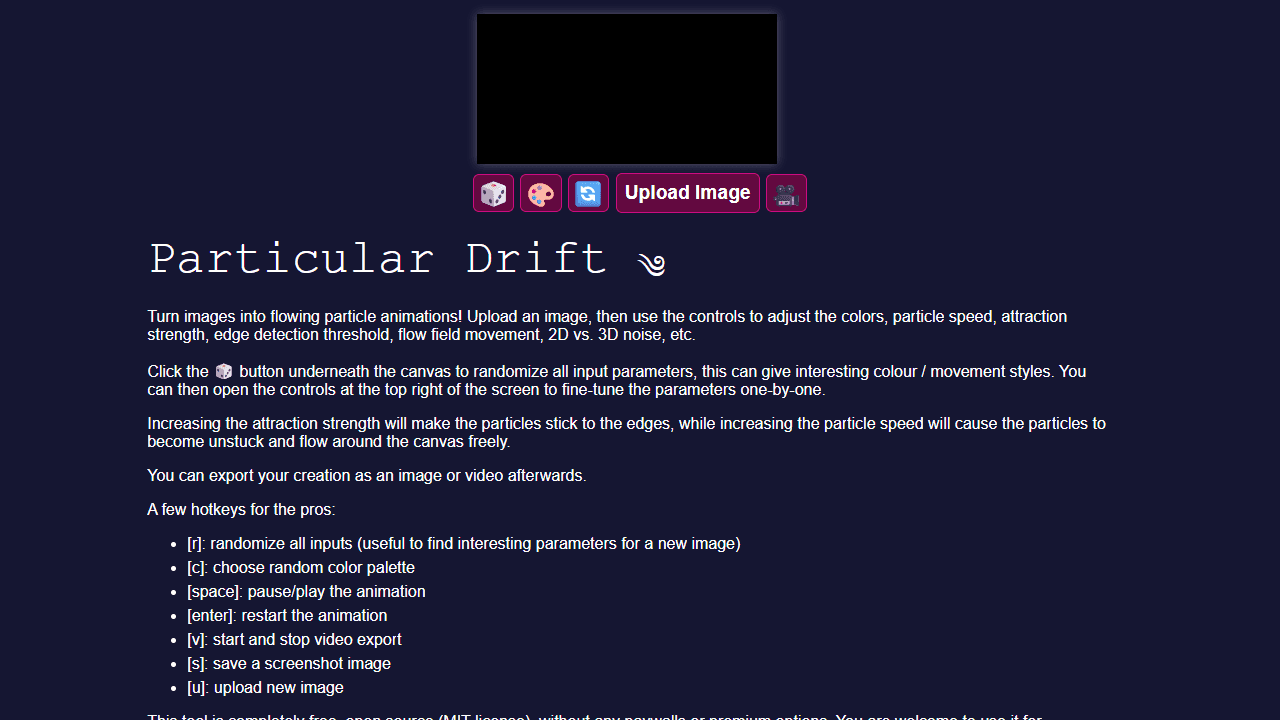
• Upload an image using the "Upload Image" button to turn it into a flowing particle animation • Particles will flow along the edges and features of your image based on attraction strength and speed settings • Click the 🎲 button to randomize all parameters for interesting effects, then fine-tune using the controls panel • Higher attraction strength makes particles stick to image edges; higher speed makes them flow freely around the canvas • Use the 🎨 button to randomize just the color palette • Click 🔄 to restart the animation or 🎥 to export as video Keyboard shortcuts: • R: randomize all settings • C: randomize colors only • Space: pause/play • Enter: restart animation • V: start/stop video recording • S: save screenshot • U: upload new image Adjust parameters like edge detection, flow field movement, 2D/3D noise, and particle behavior using the controls panel in the top right corner.
Reviews
No written reviews yet. Be the first!
More from Creative

A casual chiptune loop maker. Tap cells, pick a vibe, share remixable 16-step loops in under a minute.
by Launch Arcade


