
Paintify
A browser-based paint app inspired by MS Paint. Draw with various tools, pick colors, adjust brush sizes, and export your artwork as JPEG.
About Paintify
Grab a brush and start painting on a blank canvas — Paintify puts a familiar toolbar in front of you with pencil, fill, eraser, and shape tools, plus a full color picker and adjustable brush sizes. It's a clean, no-fuss drawing app modeled on the classic MS Paint experience, running entirely in your browser with nothing to install. If you've ever scribbled something in Paint just to get an idea out of your head quickly, this will feel immediately comfortable.
It sits squarely in the creative apps category alongside more feature-heavy tools, but Paintify earns its place by staying simple. There's no layer system or pressure sensitivity — just you, a mouse, and a canvas. If you want something closer to the original Windows experience with undo history and transparency support, JS Paint is worth a look too.
When you're done, export your work as a JPEG straight from the browser — handy for quick sketches you actually want to keep. Works best with a mouse rather than a trackpad.
Look inside
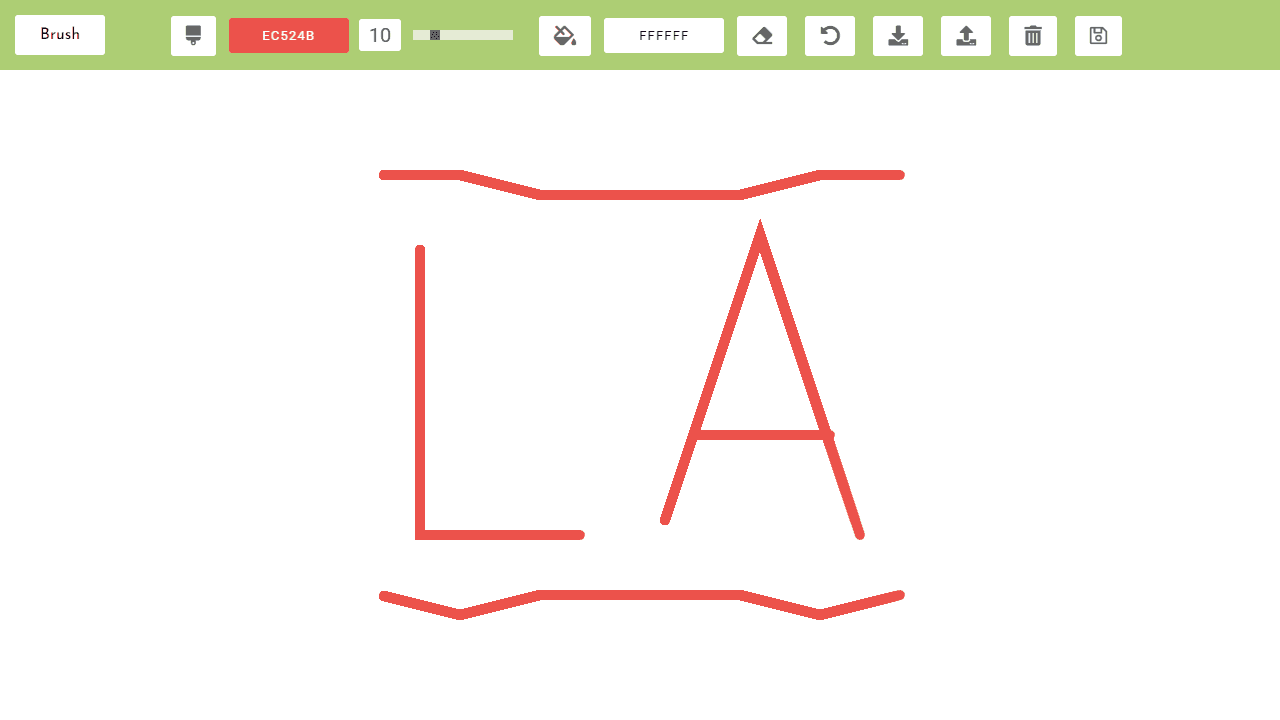
How to use
• Click and drag your mouse on the canvas to draw • Select drawing tools from the toolbar: brush, eraser, or bucket fill • Choose brush color by clicking the color picker next to the brush tool • Adjust brush size using the slider (1-50 pixels) • Change background color using the bucket tool's color picker • Use keyboard or click the eraser tool to switch to erasing mode • Clear entire canvas with the undo/clear button • Save your artwork to browser storage for later editing • Load previously saved artwork from browser storage • Export finished drawings as JPEG image files using the download button • Clear saved storage to remove all stored artwork Goal: Create digital artwork using various drawing tools, similar to classic paint programs. Save and export your creations when finished. Note: Desktop only - not optimized for mobile devices.
Reviews
No written reviews yet. Be the first!
More from Creative

A casual chiptune loop maker. Tap cells, pick a vibe, share remixable 16-step loops in under a minute.
by Launch Arcade


