
miniPaint
Full-featured image editor in your browser. Layers, filters, drawing tools, color corrections, resize, crop, and more. Like Photoshop, but runs entirely in your browser.
About miniPaint
Open an image, grab a brush, and start editing — right in your browser tab, no installation needed. miniPaint packs genuine layer support, blend modes, filters, color correction curves, crop, resize, and a full set of drawing tools into a single lightweight page. It's the kind of tool you'd normally download and configure; here it just loads.
If you've spent time in creative apps like Photoshop or GIMP, the workflow will feel familiar fast. Layers sit in a panel on the right, tools line the left, and most keyboard shortcuts behave the way you'd expect. For something simpler and nostalgia-flavored, JS Paint is worth a look — but miniPaint is the pick when you need actual layer-based editing.
Works best on a desktop or laptop with a mouse; touchscreen support is limited, so leave it off your phone workflow.
Look inside
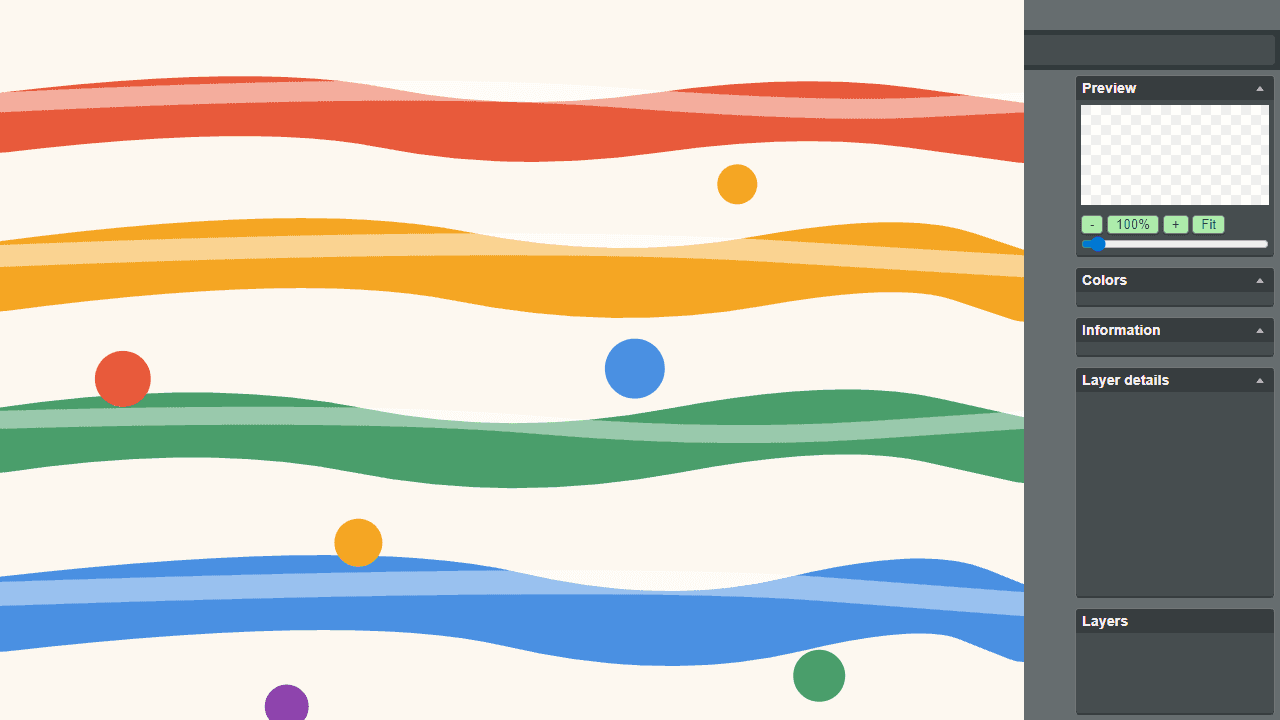
How to use
This is a browser-based image editor for creating and editing digital artwork. No installation required. **Getting Started:** • Click File menu to create new image or open existing file • Use File > Save to download your work when finished **Basic Tools:** • Select drawing tools from left sidebar (brush, pencil, eraser, etc.) • Left-click and drag on canvas to draw • Right sidebar shows color picker - click to choose colors • Adjust brush size and opacity in tool attributes bar **Essential Controls:** • Mouse wheel or zoom controls to zoom in/out • Click Undo button or Ctrl+Z to undo actions • Use selection tools to move or modify parts of your image **Key Features:** • Layers panel on right - create multiple drawing layers • Apply filters and effects from Effects menu • Use clone tool to copy parts of image • Magic eraser removes similar colored areas **Tips:** • Check preview panel to see your full image • Layer details show current layer properties • Save frequently to avoid losing work
Reviews
No written reviews yet. Be the first!
More from Creative

A casual chiptune loop maker. Tap cells, pick a vibe, share remixable 16-step loops in under a minute.
by Launch Arcade


