
SVG Editor
A clean vector graphics editor for creating and editing SVG illustrations directly in the browser.
About SVG Editor
Draw a shape, adjust its path, tweak the fill — SVG Editor puts a capable vector workspace directly in your browser tab, no installation required. Built on the open-source Method Draw project, it gives you the core tools you'd expect: shapes, freehand pen, text, layers, and precise XML editing if you want to get your hands dirty with the markup itself. It's genuinely useful for knocking out icons, simple illustrations, or UI mockups without opening a heavyweight desktop app.
If you enjoy hands-on creative tools, this fits neatly alongside things like Color Palette Builder for rounding out a design workflow. The editor exports clean .svg files you can drop straight into a web project or print pipeline — and because everything runs in the browser, your work stays local unless you choose to save it elsewhere.
Works best on a desktop or laptop with a mouse; trackpad use is fine for most tasks, but precise path editing is noticeably easier with a proper pointer.
Look inside
How to use
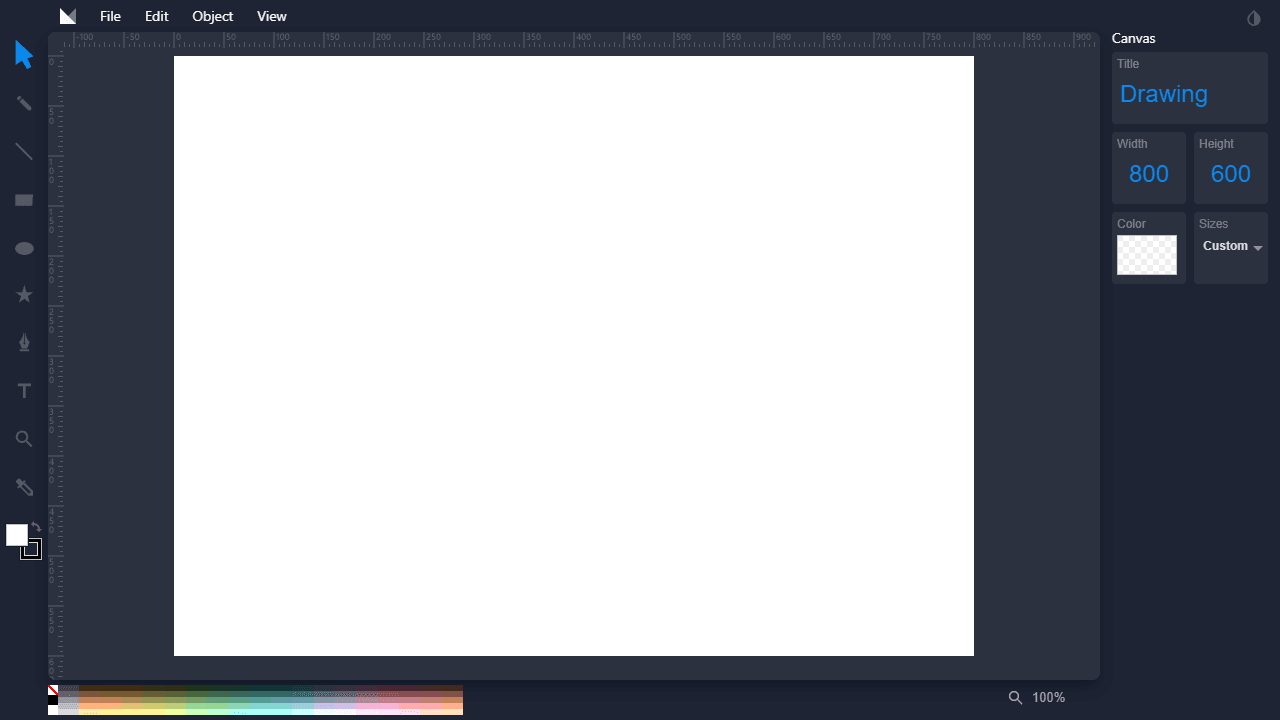
This is a web-based vector drawing tool for creating and editing SVG graphics. **Tools:** • Select tools from the left toolbar: rectangle, circle, line, text, pencil, path, and selection • Click and drag on canvas to create shapes • Use selection tool to move, resize, or modify existing objects **Controls:** • Left-click to select tools and objects • Click and drag to draw shapes or move selected items • Right-click for context menu options • Keyboard shortcuts: Ctrl+Z (undo), Ctrl+S (save), Delete (remove selected) **Key Features:** • Change colors using the color picker in the right panel • Adjust canvas size and background color in Canvas panel • Layer objects using Object menu (bring forward, send backward) • Group/ungroup multiple selected objects • Add and edit text with the text tool **File Operations:** • File menu: create new document, open SVG files, save, or export as PNG • Place images from your computer onto the canvas The interface shows rulers, a main drawing area, and property panels that update based on your selected tool or object.
Reviews
No written reviews yet. Be the first!
More from Creative

A casual chiptune loop maker. Tap cells, pick a vibe, share remixable 16-step loops in under a minute.
by Launch Arcade


