
Liquid Shapes
Create psychedelic liquid distortion art with WebGL shaders. Randomize patterns, tweak parameters, and export screenshots or video.
About Liquid Shapes
Load the page and a living, breathing blob of distorted color fills your screen — then you start bending it. Liquid Shapes uses WebGL shaders to warp shapes into flowing, psychedelic forms in real time. Drag the sliders to shift frequency, amplitude, and color, or hit randomize and see where chance takes you. Nothing you create will look quite the same twice.
When something clicks, export it. The screenshot and video capture tools are built right in, so you're never hunting for a workaround. It's genuinely satisfying to watch a looping clip of something you tuned by hand. If you enjoy this kind of generative work, the broader creative apps section has plenty more to explore. Color Palette Builder goes in a different direction — it's about curating and naming colors rather than animating them — but the two sit in the same headspace.
Works best on desktop, where moving multiple sliders at once is easy with a mouse and the shader renders at full resolution without throttling.
Look inside
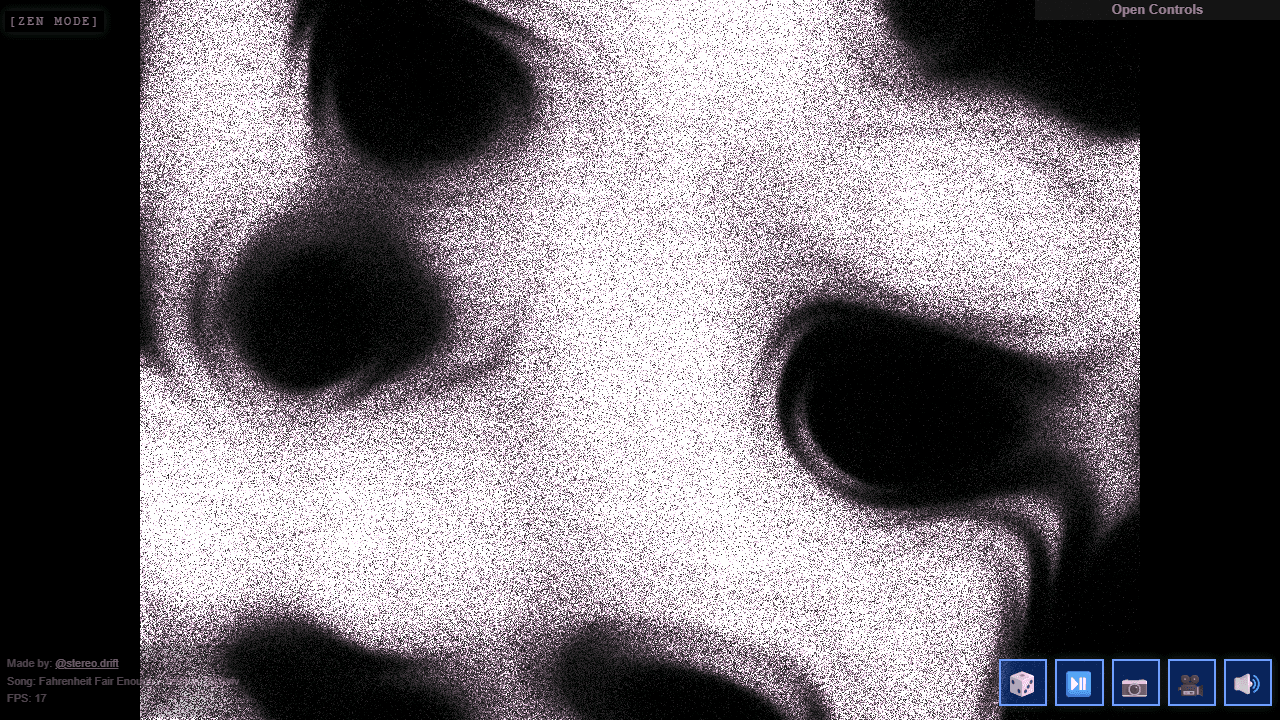
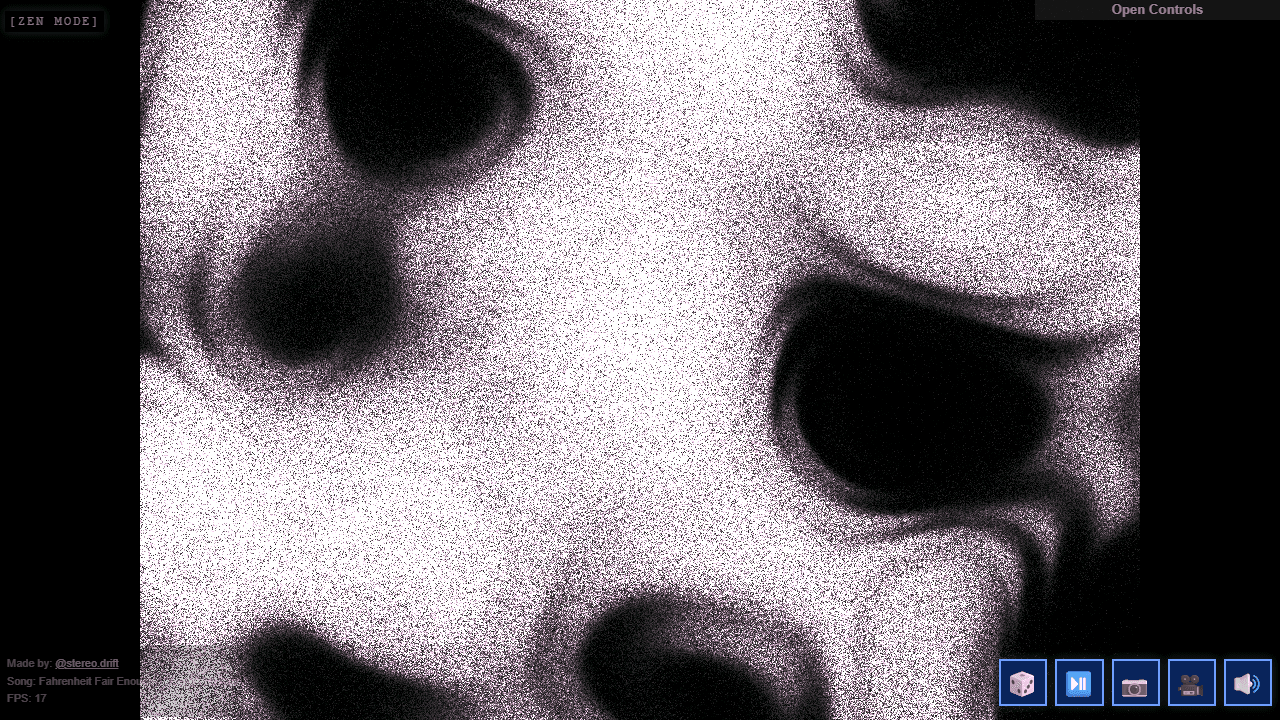
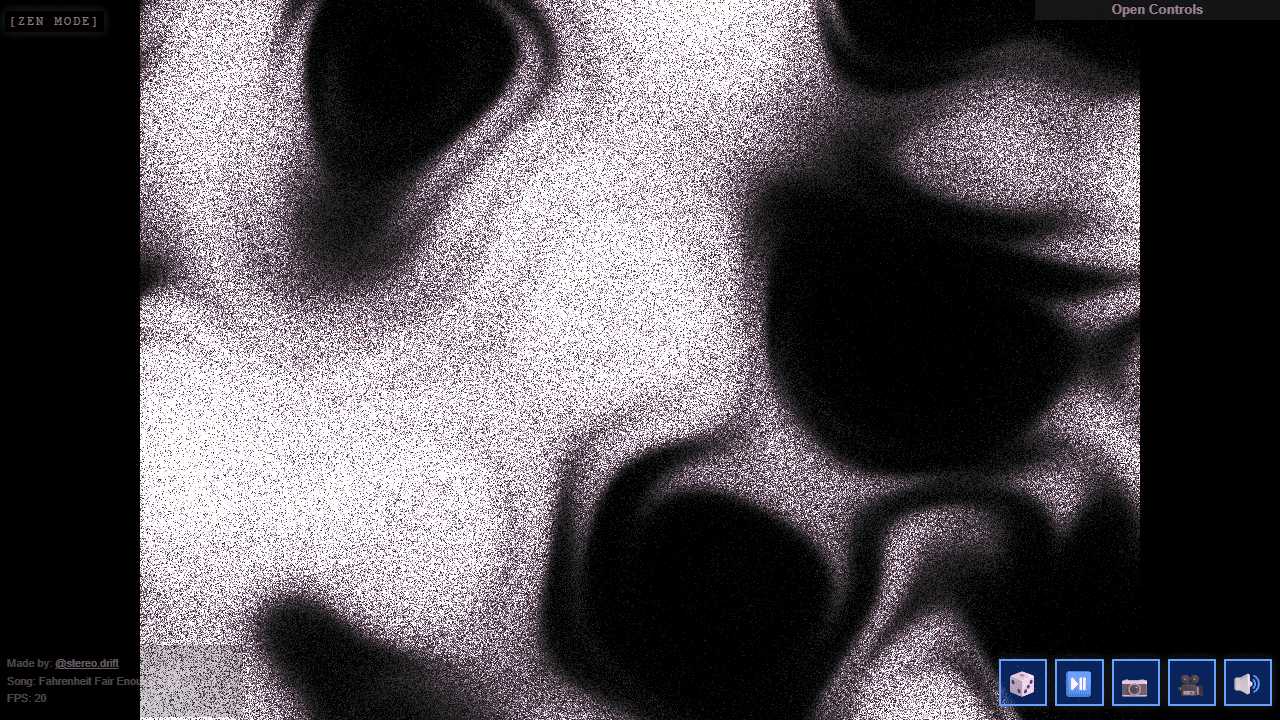
How to use
Create psychedelic liquid animations using distortion effects, shadows, and flowing patterns. Controls: - R key or 🎲 button: randomize all settings - Spacebar or ⏯️ button: pause/play animation - S key or 📷 button: save screenshot - V key or 🎥 button: start/stop video recording - M key or 🔊 button: toggle music - Control panel (top-right): fine-tune all parameters Objective: - Experiment with different visual combinations to create unique psychedelic art - Use for music videos, concert posters, or creative animations - Each randomization creates a completely unique piece based on mathematical noise patterns Tips: - Start by hitting the randomize button repeatedly until you find something appealing - Adjust canvas size, animation speed, colors, and distortion through the control panel - The tool uses WebGL shaders for real-time generation - Performance depends on your device's graphics capabilities
Reviews
No written reviews yet. Be the first!
More from Creative

A casual chiptune loop maker. Tap cells, pick a vibe, share remixable 16-step loops in under a minute.
by Launch Arcade


