
Liquid Logo
Upload any image or logo and apply animated liquid metal distortion effects in real-time with WebGL. Export as video.
About Liquid Logo
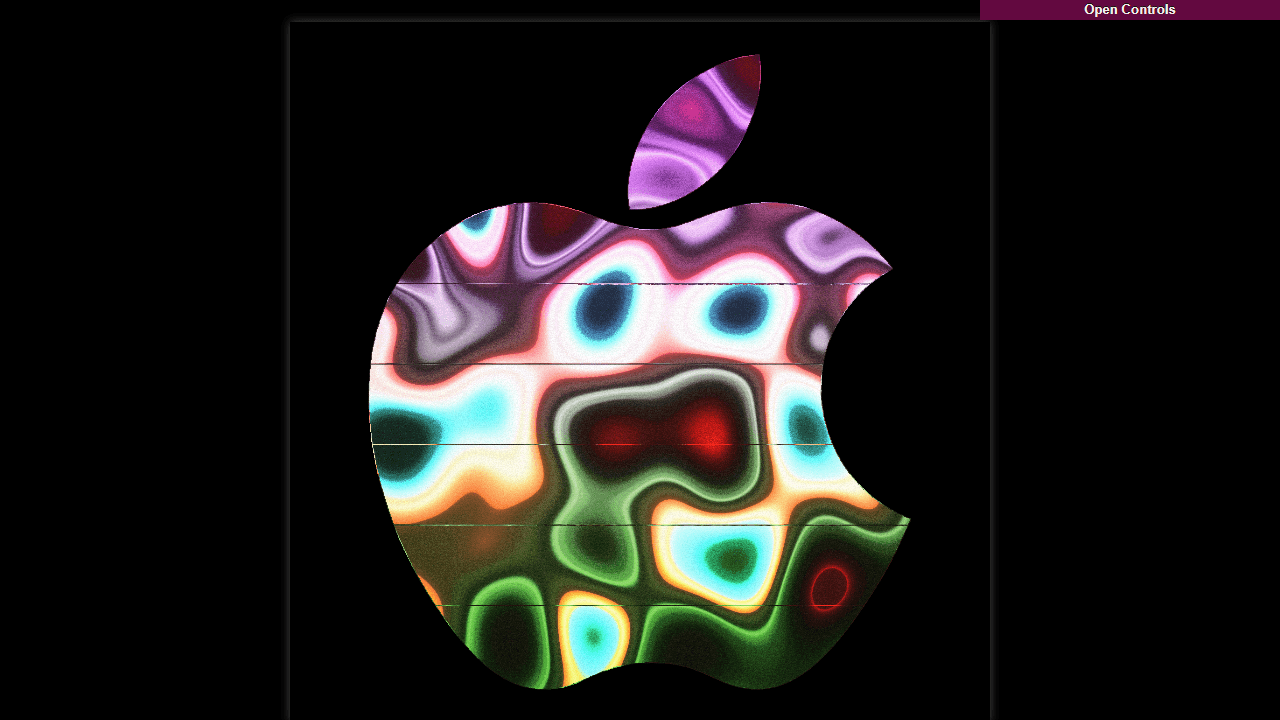
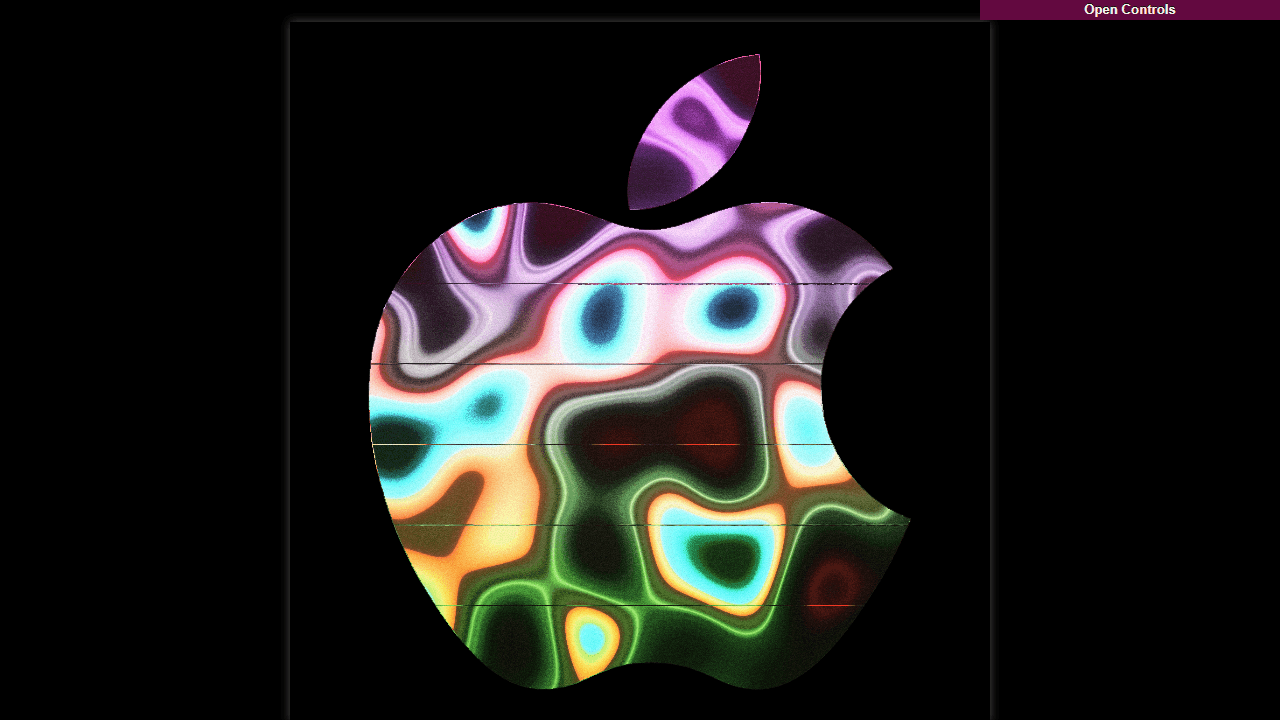
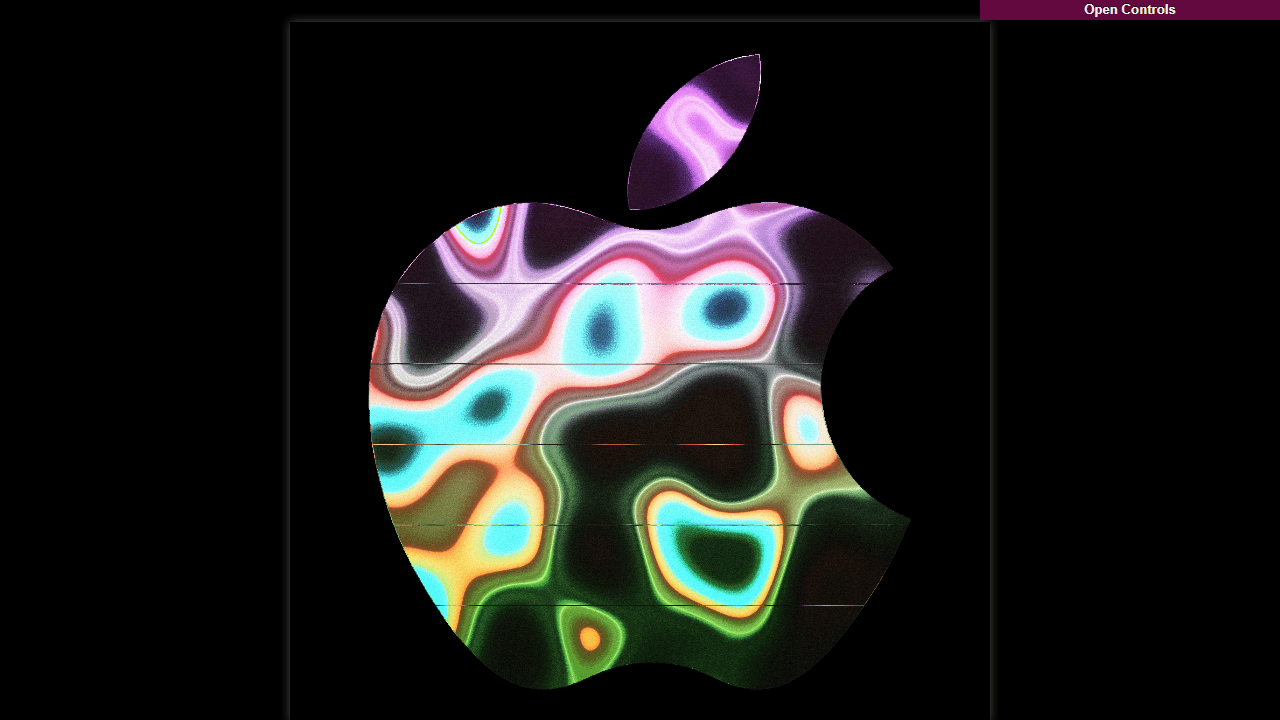
Drop any logo or image onto the canvas and watch it melt. Liquid Logo uses WebGL to apply real-time liquid metal distortion — chrome ripples, mercury-like warping, fluid shimmer — all running directly in your browser at a smooth framerate. Tweak the effect parameters until the result looks exactly how you want it, then export the animation as a video file ready to use.
It's a practical tool for designers who want an eye-catching animated version of a brand mark, but it's equally fun for anyone curious about generative visuals. Browse more tools like this in creative apps on Launch Arcade. If you enjoy experimenting with visual output, Color Palette Builder pairs well for locking down a color story before you start distorting.
Works best on desktop with a dedicated GPU — complex images with fine detail show the most dramatic distortion, and the exported video comes out as a standard format you can drop straight into a video editor or social post.
Look inside
How to use
Create animated liquid metal effects for your logo or any image: • Upload your own image using "Upload Image" button or try one of the demo logos below the canvas • Use PNG images with transparent backgrounds for best results • Click the dice button (🎲) to randomize all animation parameters and discover interesting effects • Open the controls menu (top right) to fine-tune individual settings like colors, speed, and movement patterns • The animation follows the edges of your image, creating a flowing liquid metal appearance Controls: • Mouse: Interact with the GUI controls panel • R key: Randomize all parameters • Spacebar: Pause/resume animation • S key: Save screenshot image • V key: Start/stop video recording Export Options: • Camera button (📷): Save current frame as image • Video button (🎥): Record and download MP4 video The tool uses WebGL shaders for real-time animation and works entirely in your browser - no images are uploaded to servers.
Reviews
No written reviews yet. Be the first!
More from Creative

A casual chiptune loop maker. Tap cells, pick a vibe, share remixable 16-step loops in under a minute.
by Launch Arcade


