
Image to ASCII
Convert any image into colored ASCII art. Upload a photo and watch it transform into characters.
About Image to ASCII
Upload any photo and watch it reassemble itself as a grid of colored ASCII characters — letters, numbers, and symbols arranged so tightly they reconstruct the original image in a way that's genuinely surprising the first time you see it. Portraits, landscapes, logos: most images hold up well, and the color mapping keeps the result readable rather than reducing everything to a muddy wall of text.
It's a one-step tool. Choose a file, get your ASCII output. No accounts, no settings to wrestle with. If you enjoy turning visuals into something unexpected, it fits naturally alongside other creative apps worth exploring. For a different kind of image-as-art experiment, Pixel Art Wall lets you build and publish grid-based artwork to a live community canvas.
Works best on high-contrast images with clear subjects — a face or a bold graphic will produce sharper character detail than a busy, low-light photo.
Look inside
How to use
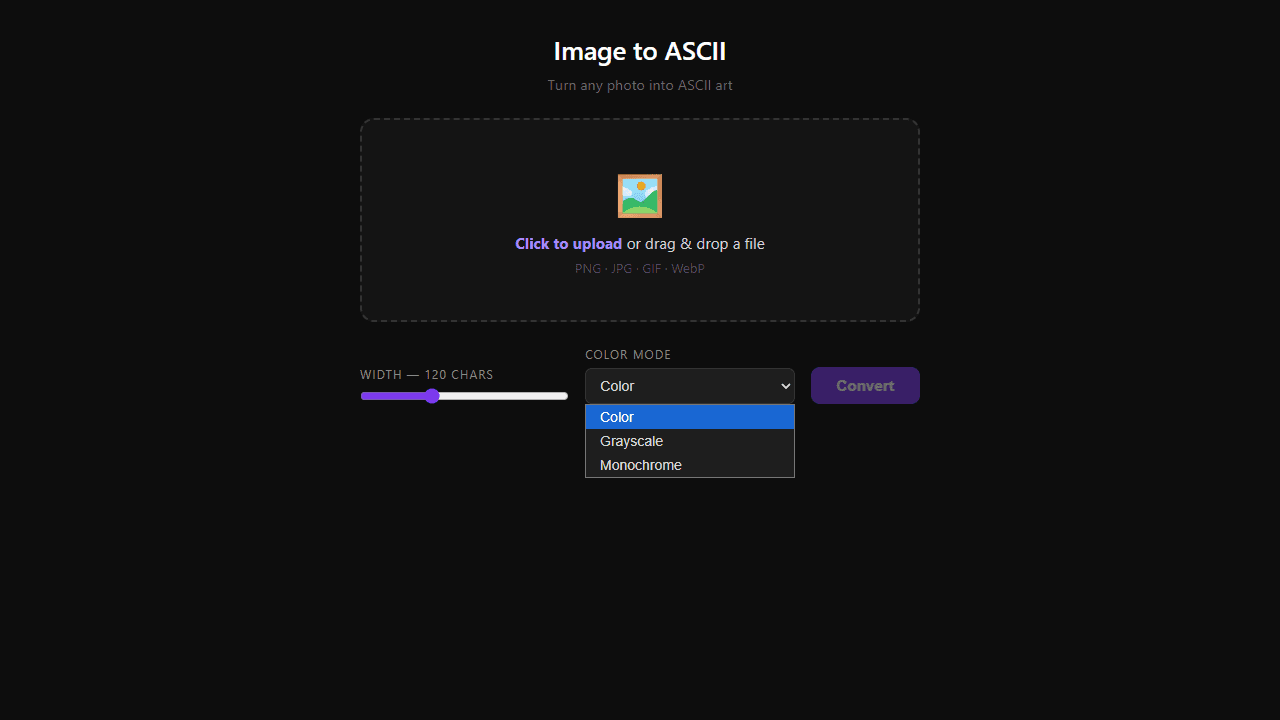
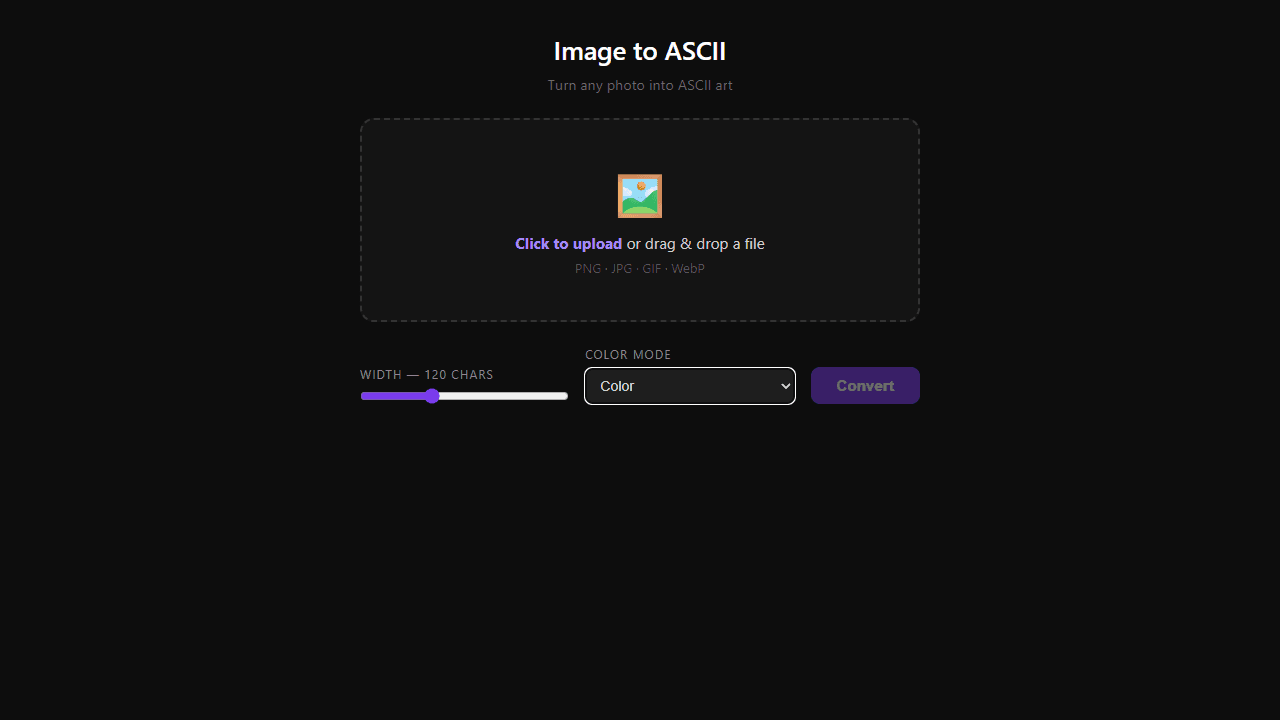
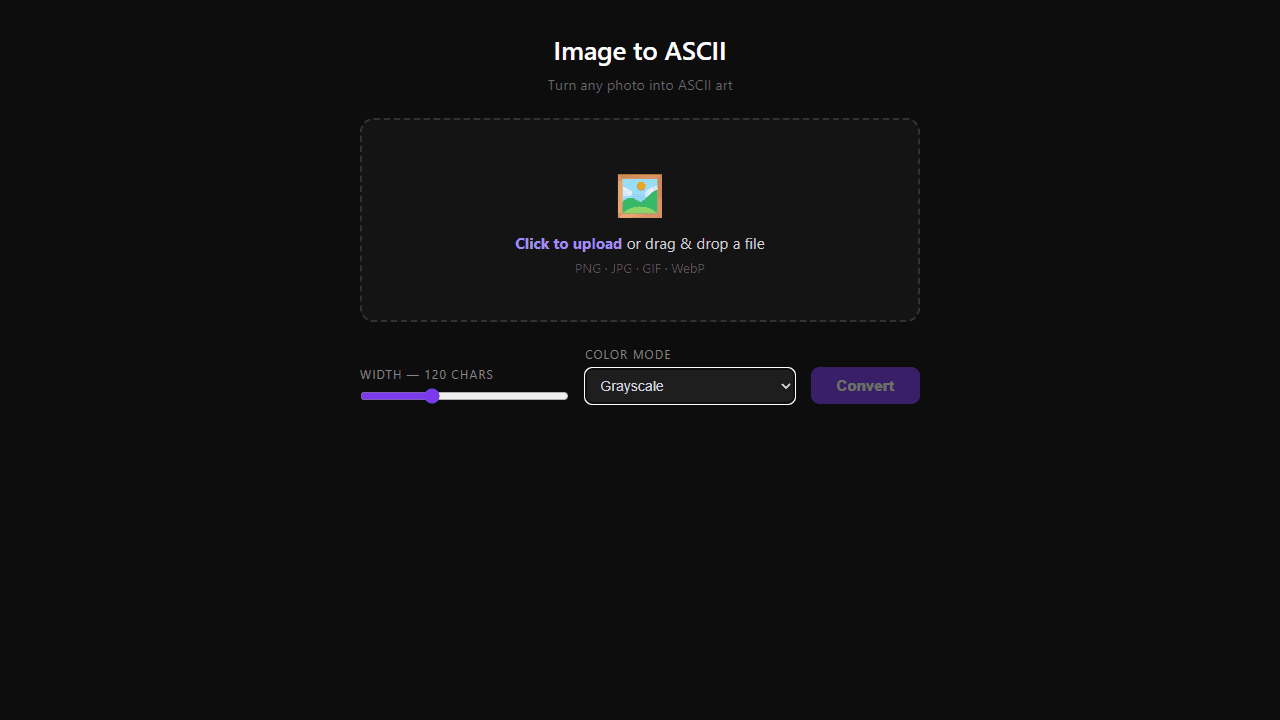
• Upload an image by clicking the upload zone or dragging and dropping a file (supports PNG, JPG, GIF, WebP) • Adjust the width slider to control how many characters wide your ASCII art will be (40-280 characters) • Choose a color mode: - Color: Full color ASCII art - Grayscale: Black and white version - Monochrome: Text-only using different characters for shading • Click "Convert" to generate your ASCII art • Once converted, you can: - Copy the text to clipboard - Save as a .txt file - View the character dimensions in the bottom right • Try different width settings and color modes to get the look you want - smaller widths create more compact art, larger widths show more detail
Reviews
No written reviews yet. Be the first!
More from Creative

A casual chiptune loop maker. Tap cells, pick a vibe, share remixable 16-step loops in under a minute.
by Launch Arcade


