Gamepad Tester
Test your gamepad or controller in the browser. See real-time button presses, joystick movements, and axis values for any connected controller.
How to use
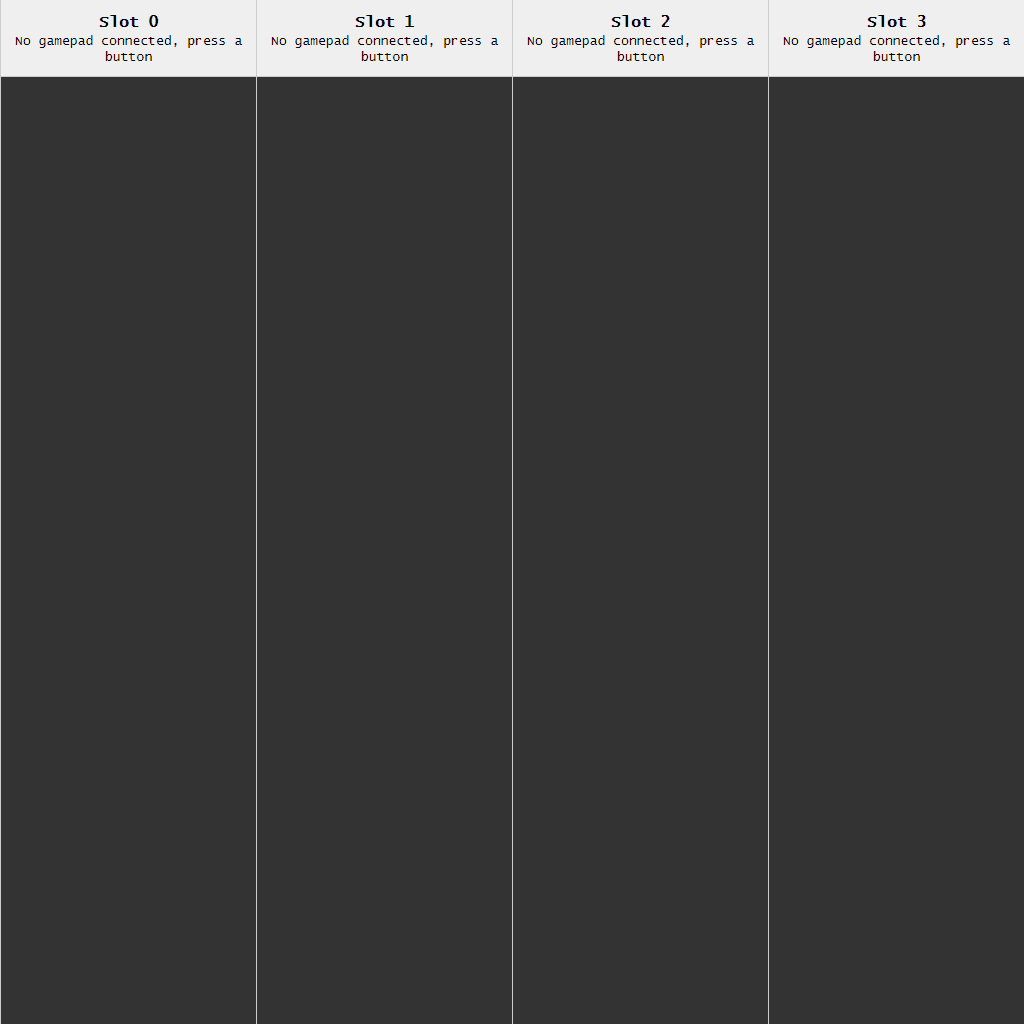
This tool tests gamepad/controller functionality by displaying real-time input data from connected controllers. **Setup:** 1. Connect your gamepad to your computer via USB or Bluetooth 2. Press any button on the controller to activate it **What it does:** • Displays live feedback for all button presses and analog stick movements • Shows up to 4 controllers simultaneously in separate columns • Provides technical data including button numbers, axis values, and controller identification • Displays controller name and button labels when recognized **Reading the output:** • Button presses show as "Button [number] (label): value" • Analog sticks and triggers show as "Axis [number] (label): value" • Values range from -1 to 1 for sticks, 0 to 1 for triggers and buttons • Recent inputs appear at the top of each column **Controls:** • Use your gamepad - press buttons, move sticks, pull triggers • All inputs are automatically detected and logged • No keyboard or mouse interaction needed Perfect for diagnosing controller issues, checking button mappings, or verifying all inputs work correctly.
Reviews
No written reviews yet. Be the first!
More from Gaming Tools
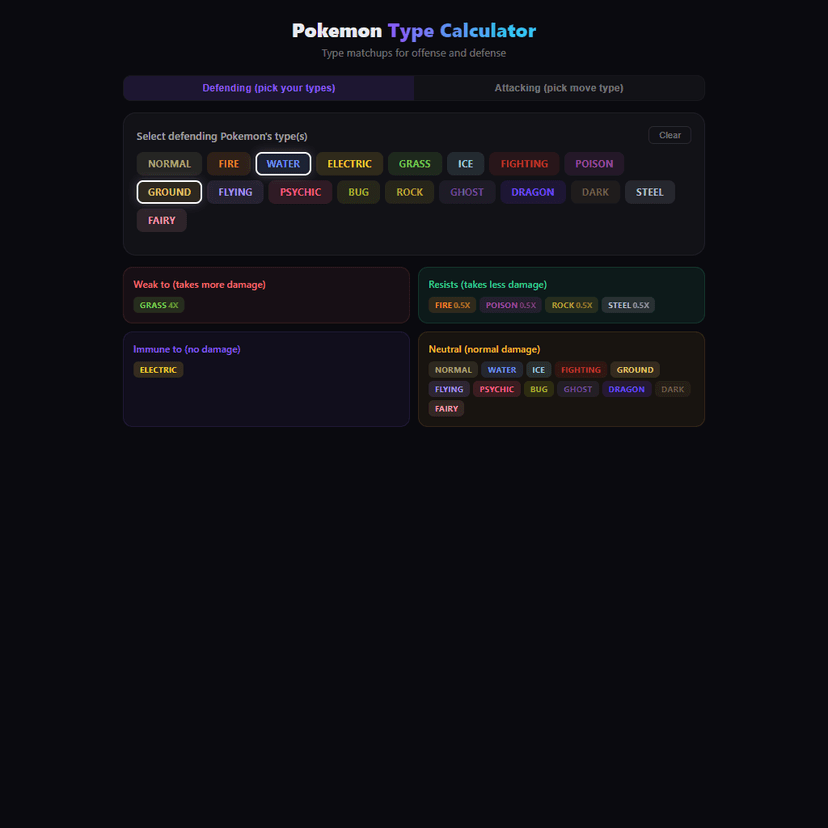
Full type matchup calculator for Pokemon. Check weaknesses, resistances, and immunities for any type combo. Supports dual types and both offense/defense modes.
by Launch Arcade