
Image Editor
A full-featured image editor with shapes, text, free drawing, gradients, undo/redo, and color picker. Built with Fabric.js.
About Image Editor
Drop in an image — or start from a blank canvas — and immediately start layering shapes, text, and freehand strokes on top of it. Rectangles, circles, lines, and custom colors are all one click away, and a built-in gradient tool lets you add depth without leaving the browser. Every action is undoable, so experimenting costs nothing.
It sits squarely in the creative tools category and is built on Fabric.js, which means object selection and manipulation feel genuinely responsive rather than sluggish. Click any element to move, resize, or rotate it independently. If you also like working at the pixel level, JS Paint is a natural companion for that kind of detail work.
Works best on a desktop or laptop where a mouse gives you precise control over freehand drawing and object placement.
Look inside
How to use
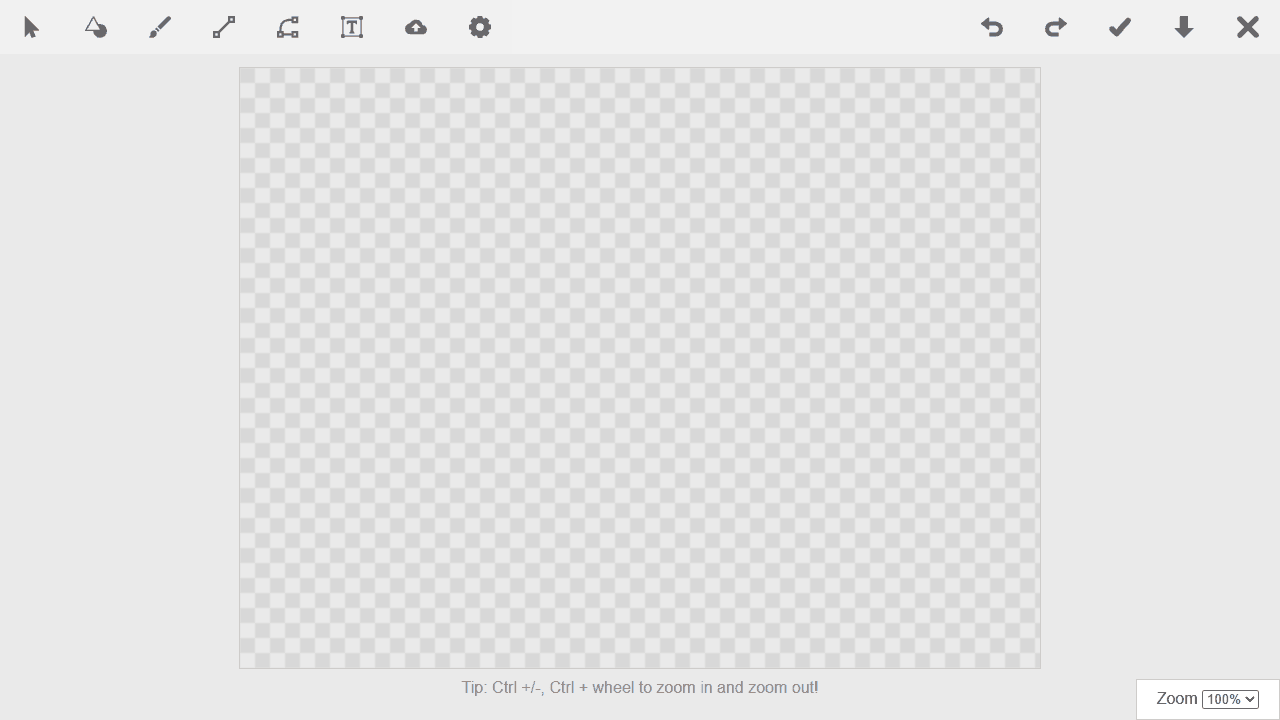
This is a browser-based image editor for creating and editing artwork with various drawing tools and shapes. **Basic Controls:** • Click toolbar buttons to select different tools (select, shapes, draw, text, etc.) • Left-click and drag on the canvas to create or move objects • Right-click selected objects for additional options • Use mouse wheel to zoom in/out of the canvas **Drawing and Creating:** • Select "Shapes" to add pre-made shapes like rectangles, circles, and custom designs • Use "Draw" tool for freehand drawing with your mouse • "Line" tool creates straight lines between two points • "Text" adds editable text boxes to your canvas • "Upload" lets you import existing images (PNG, JPG, SVG) **Editing Objects:** • Click "Select" tool, then click any object to modify it • Drag corner handles to resize selected objects • Use color picker to change colors and styling • Copy/paste objects with Ctrl+C and Ctrl+V **Managing Your Work:** • "Undo/Redo" buttons reverse or restore recent changes • "Save" stores your work in the browser • "Download" exports your finished image • "Clear" removes everything from the canvas
Reviews
No written reviews yet. Be the first!
More from Creative

A casual chiptune loop maker. Tap cells, pick a vibe, share remixable 16-step loops in under a minute.
by Launch Arcade


