
DPaint-js
A lovingly crafted image editor modeled after the legendary Amiga Deluxe Paint. Full pixel art toolkit with layers, palettes, and Amiga file format support.
About DPaint-js
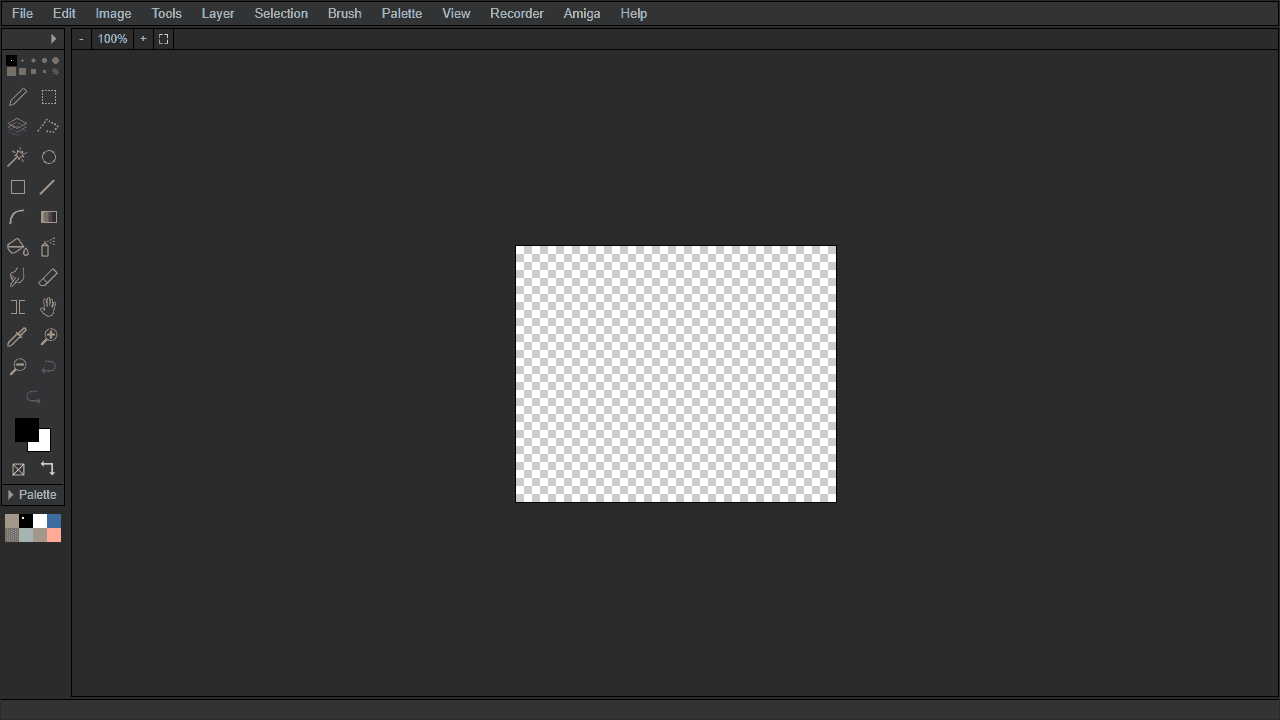
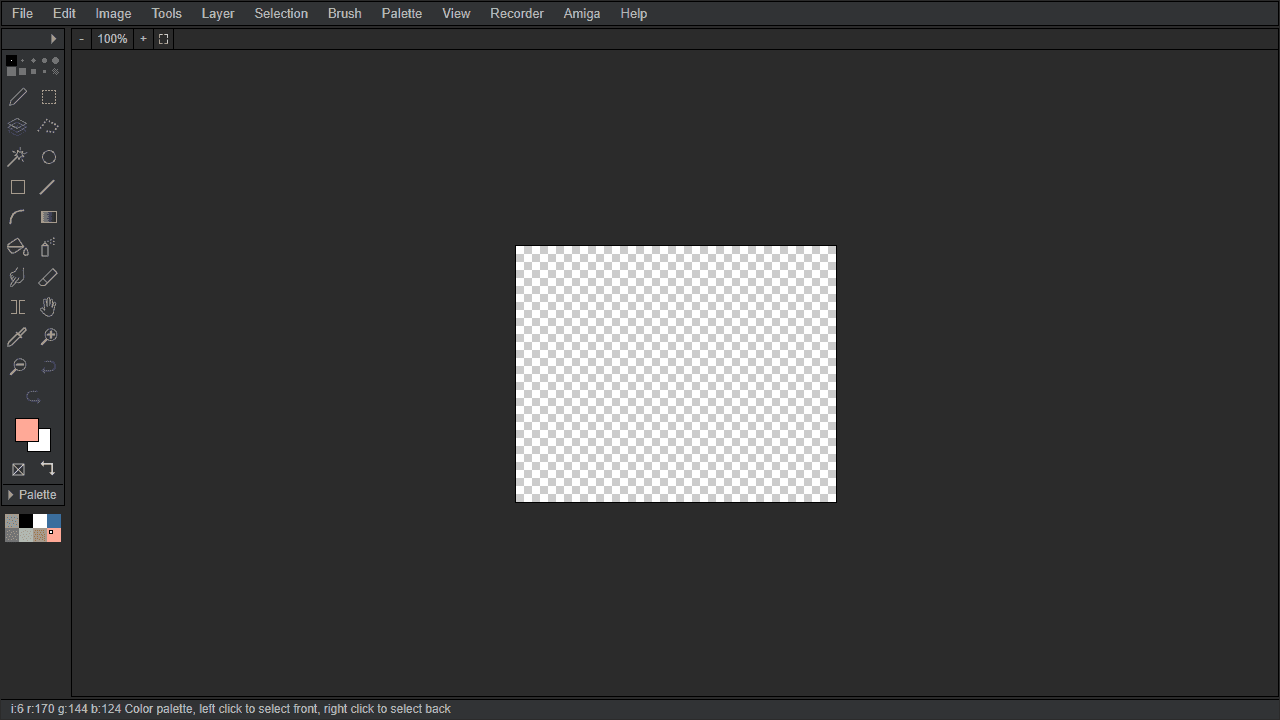
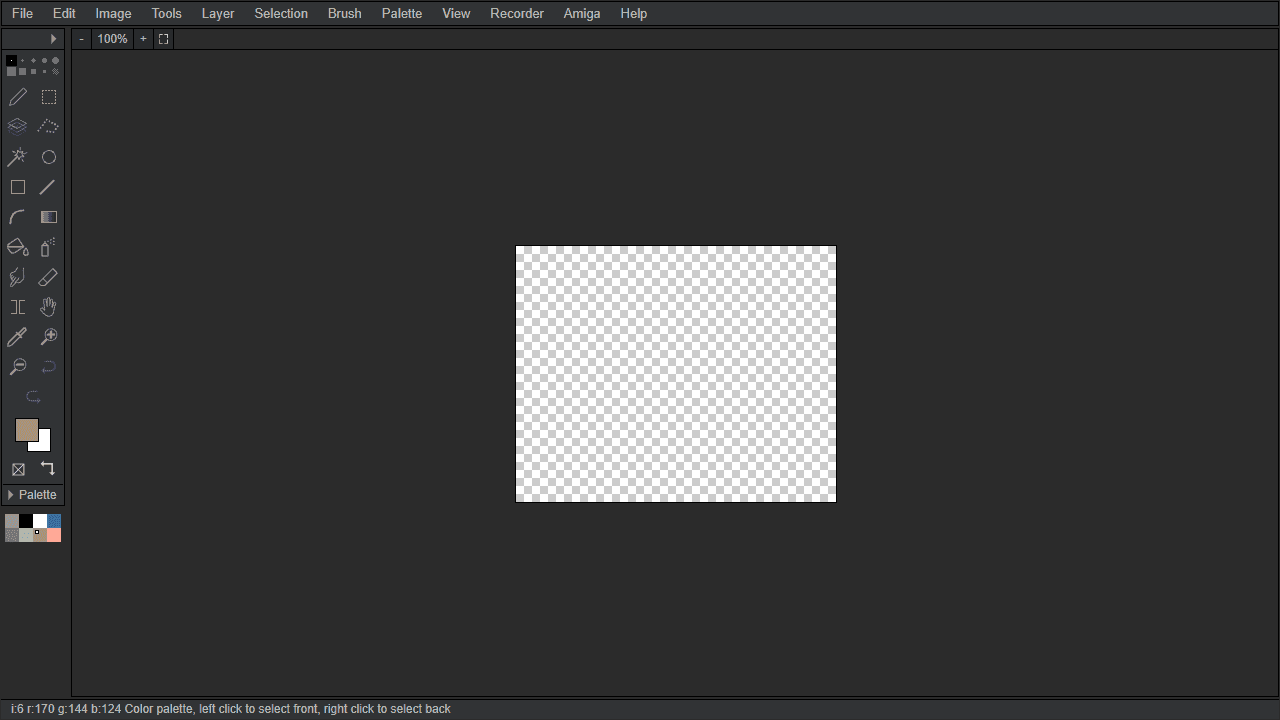
Pick up a virtual brush and start placing pixels the way Amiga artists did in the late 1980s. DPaint-js is a faithful browser recreation of Deluxe Paint, complete with a classic toolbar, layered canvas, indexed color palettes, and native .IFF / .LBM file support for anyone who still has files from that era. The interface won't feel foreign if you ever touched the original — and if you didn't, there's a satisfying logic to how everything is arranged.
It goes deeper than a basic pixel editor. Symmetry modes, flood fill, custom brush shapes, and palette cycling give you the tools for serious creative work rather than quick doodles. The full canvas and floating toolbars take up a fair amount of screen real estate, so a laptop or desktop is where it performs best — the mouse precision also matters when you're working at the pixel level. If you'd rather skip the retro context and just want a clean, familiar drawing tool, JS Paint covers similar ground with an MS Paint aesthetic instead.
No account needed — open it and start drawing immediately, and use File → Save to export your work as PNG or the original Amiga format.
Look inside
How to use
Create and edit pixel art with this retro-inspired image editor. Perfect for making Amiga-style graphics with color cycling animations. **Basic Controls:** • Left-click to draw with selected tool • Right-click to access context menus • Use toolbar on left to select drawing tools (brush, line, rectangle, etc.) • Pick colors from palette at bottom of screen • Access File menu to open/save images **Key Features:** • Work with layers for complex compositions • Create selections and apply masks • Use dithering tools for authentic retro look • Animate images using color cycling (rotating palette colors) • Import/export modern formats plus retro Amiga files (IFF, icons) **Getting Started:** 1. Start drawing immediately with the brush tool 2. Try different tools from the left toolbar 3. Experiment with color reduction and dithering 4. Save your work using File menu 5. Enable color cycling in animations for dynamic effects Works on desktop and tablets. All processing happens locally in your browser.
Reviews
No written reviews yet. Be the first!
More from Creative

A casual chiptune loop maker. Tap cells, pick a vibe, share remixable 16-step loops in under a minute.
by Launch Arcade


