
ASCII Artist
Convert any image into ASCII art right in your browser.
About ASCII Artist
Drop any image into the converter and watch it rebuilt from keyboard characters — letters, symbols, and punctuation arranged into light and shadow until a recognizable picture emerges from pure text. ASCII Artist runs entirely in your browser: no account, no upload limits, no waiting. Portraits, logos, screenshots, memes — anything with decent contrast tends to produce surprisingly sharp results.
If you enjoy hands-on creative tools, this sits comfortably alongside classics like JS Paint for quick, browser-based visual experimentation. Both reward a little tinkering. Here you can adjust output width to trade detail for shareability — narrower columns fit a tweet or a Discord message, wider ones fill a terminal screen.
The output is plain text, so copying it into a monospace font elsewhere is the one step that makes the result actually look right.
Look inside
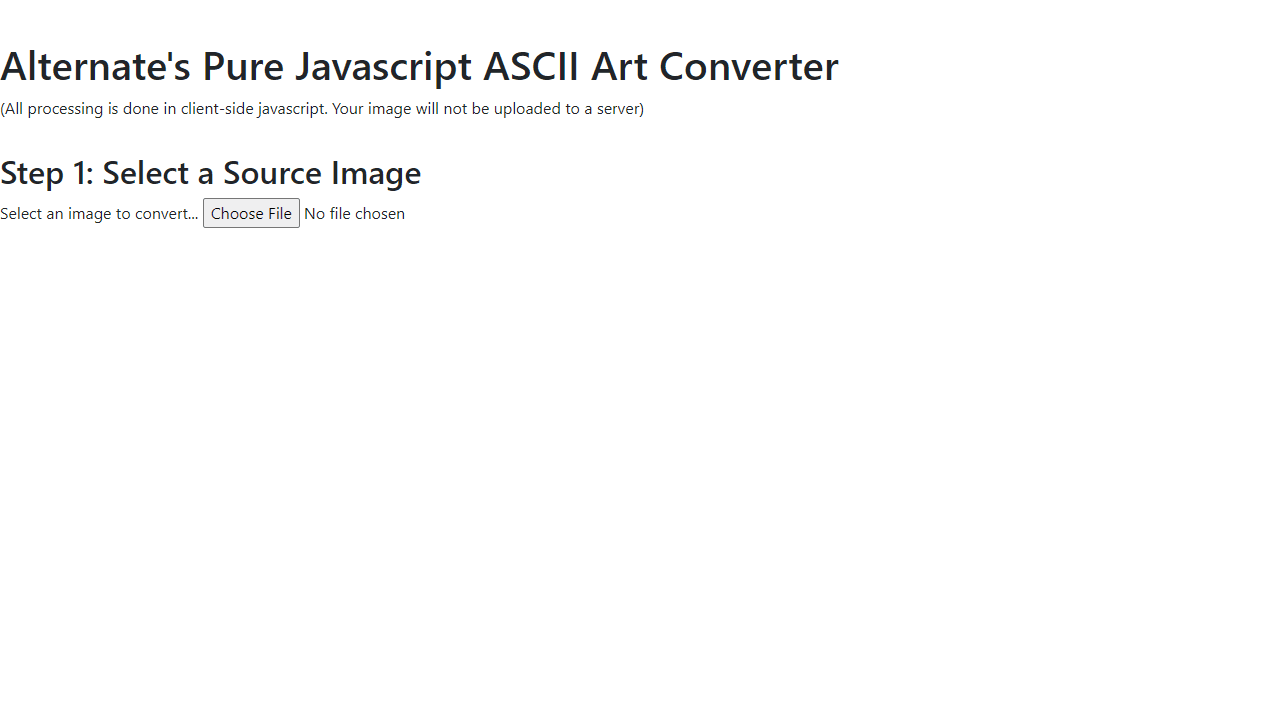
How to use
• Click "Select an image to convert" to upload any image file from your computer • Your image appears with conversion options below it • Adjust width/height values to change output size (smaller = faster conversion) • Check "Keep Aspect Ratio" to prevent image distortion • Choose conversion type: - HTML Convert: Creates colored ASCII art using custom text (type your own or use the provided poem) - Plain Text Convert: Creates black-and-white ASCII art using character palette (darker characters = "@#!" lighter = ":. ") • Click the convert button for your chosen type • View your ASCII art result at the bottom of the page • All processing happens in your browser - no images are uploaded to servers • Experiment with different palette characters and text to customize your art style
Reviews
No written reviews yet. Be the first!
More from Creative

A casual chiptune loop maker. Tap cells, pick a vibe, share remixable 16-step loops in under a minute.
by Launch Arcade


