
Video to ASCII
Transform videos into real-time ASCII pixel art. Upload a video or use your webcam and watch it render as animated text characters on a canvas.
About Video to ASCII
Point your webcam at your face, hit play, and watch yourself dissolve into a crawling grid of letters and symbols — that's the core experience here. Video to ASCII converts any video source into real-time ASCII art by mapping pixel brightness to text characters on a canvas. Upload a clip or stream straight from your camera; the renderer keeps pace with the motion, so fast movement becomes a satisfying blur of dense characters while bright areas thin out into sparse punctuation.
It's a genuine creative tool, not just a novelty filter. Adjusting character density or font size changes the entire feel of the output — coarse and glitchy, or fine-grained and almost photographic. The source is open on GitHub under the MIT license if you want to dig into how the canvas rendering works. If static ASCII-style visuals appeal to you, Pixel Art Wall goes in a different direction but shares the same love of reduced, grid-based imagery. Browse more tools like this in the creative apps collection.
Works best on desktop — the full character canvas renders noticeably sharper when your screen has the resolution to display small type without smearing.
Look inside
How to use
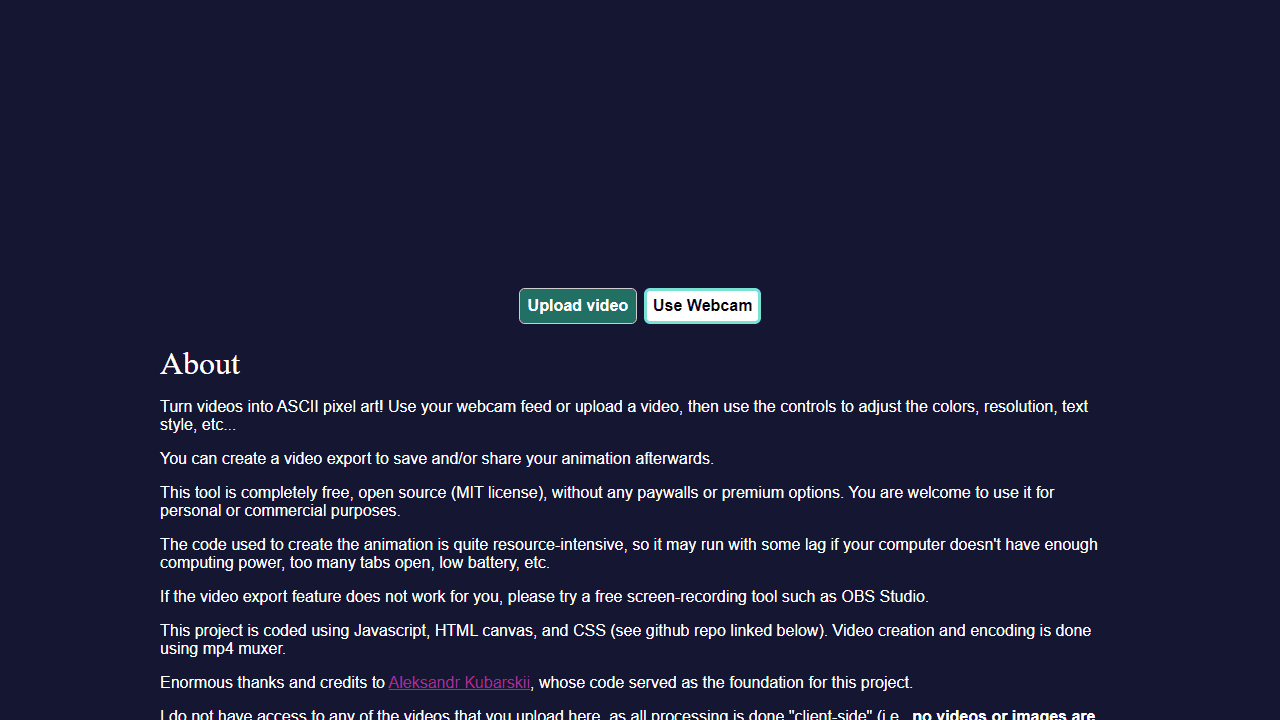
Convert any video into animated ASCII art using text characters instead of pixels. • Click "Upload video" to select a video file from your computer, or click "Use Webcam" for live camera feed • Use the "Effect Width" slider to adjust the resolution and detail level of the ASCII conversion • Access additional controls through the GUI menu to modify colors, text style, and other visual effects • Press "v" on your keyboard to start/stop video recording of your ASCII animation • The tool processes everything locally in your browser - no files are uploaded to servers • Performance depends on your device's processing power; close other tabs if experiencing lag • For best results, use videos with good contrast and clear subjects • Your exported video will automatically download to your default downloads folder when recording stops The app converts video frames into text characters in real-time, creating a retro computer-style visual effect perfect for artistic projects or social media content.
Reviews
No written reviews yet. Be the first!
More from Creative

A casual chiptune loop maker. Tap cells, pick a vibe, share remixable 16-step loops in under a minute.
by Launch Arcade


